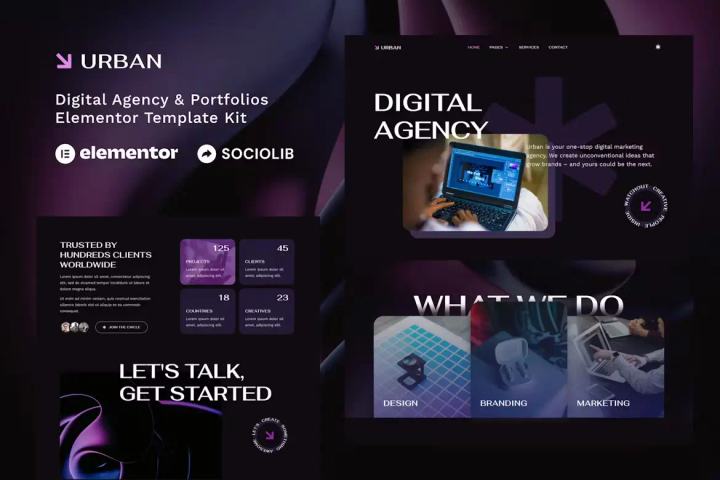
Urban — Template Kit Elementor for Agency and dark digital portfolios
Included with the product:
- Instant download
- Dashboard access
Product description
Urban is an Elementor Template Kit to create agency sites and digital portfolios quickly and easily using the Elementor Page Builder plugin for WordPress. Suitable for digital marketing, design agency, social media agency, portfolio sites, design blog, graphic design service, SEO agency, marketing services, etc. Stylize your WordPress site with this creative and modern web design template kit to give a modern touch to your blog
.
This is not a WordPress Models. Template Kits contain page content for the Elementor page maker. This kit has been optimized for use with the free Hello Elementor theme, but can be used with most of the Elementor-compatible themes
.
The characteristics:
- More than 12 models
- True code-free customization with the visual constructor to draw and release
- Personalize sources and colors in one place or adjust individual elements
- Clean and minimalist design
- The fast charging
- It works with the majority of the Elementor themes.
- Responsive Design
The models:
- The house
- Services
- Portfolios
- Portfolios 2
- About
- Contacted
- The unique portfolio
- Blogs
- Published
- Out of the screen
- Head of
- by Rodapé
- The Global Style
Plugins (installed with the kit)
- by ElementsKit
How to use Template Kits: Template Kits use the Template Kit Import plugin to install on WordPress (without subscription).
- Install and activate the “Template Kit Import” plugin in Plugins > Add new in WordPress
- Not discompatible
- Go to Tools > Template Kit and click on the Template Kit button.
- Before importing a template, make sure to click on the Installation Requirements button to activate the necessary plugins.
- To get better results, don’t matter more than one model at a time.
- Go to Pages, create a new page and click Edit with Elementor
- Click on the grinding icon in the constructor's lower left corner to see the page settings and select Elementor Full Width and hide the page title
- Click on the icon of the grey folder to access the My models guide and then import the page you would like to customize
The detailed guide: https://help.market.envato.com/hc/en-us/articles/900000842846-How-to-use-the-Envato-Elements-WordPress-Plugin-v2-0
To get more support, go to Elementor > Get help in the WordPress menu.
Configure global head and head in the plug-in ElementsKit Lite Header Footer Builder
- Import the head and rotor model
- Go to ElementsKit Lite > Header Footer and click on the Add New button
- Give a title and select Head, Show throughout the site and click Publish
- Click to Edit with the Elementor
- Click on the icon of the grey folder to access the My models guide and select the head template to be imported and updated.
- Repeat to the foot.
This Template Kit uses Unsplash demo images
Important about the download
Check the format and requirements in the description. Back up your site before installing and use these files on sites you manage.
Related products
Other products you might find useful.
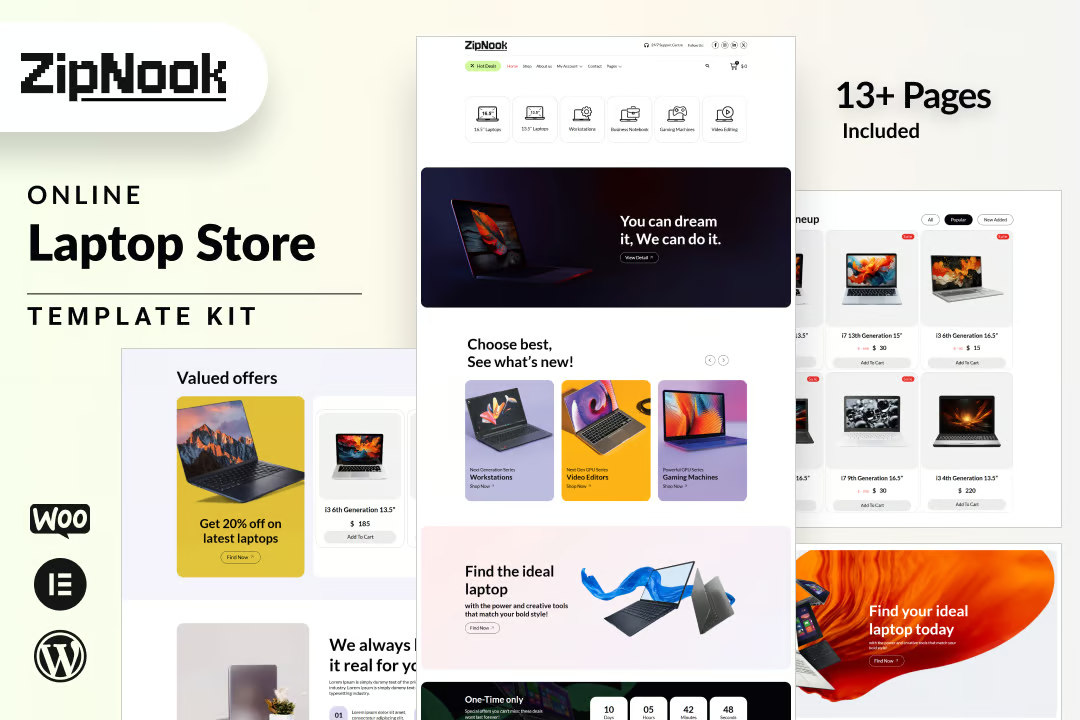
ZipNook — Elementor Templates Kit for Laptop Store

Creavision — Elementor Pro Templates Kit for Digital Marketing Agency

Intelion — Elementary Template Kits of Artificial Intelligence Services

Quarionix — Elementor Models Kit for IT Services

DriveSkill — AutoSchool and Driving School Website Template
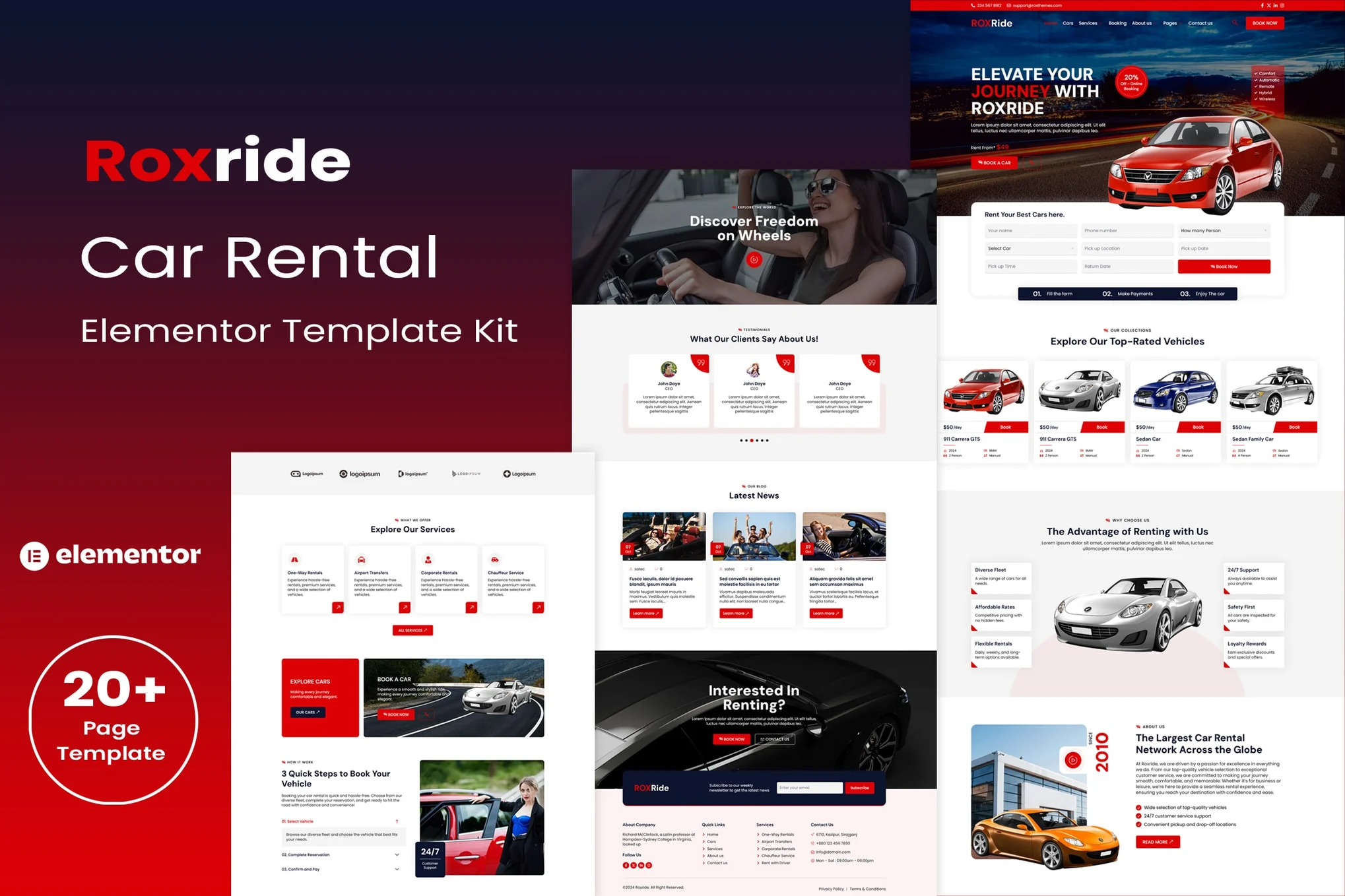
Roxride — Elementor Template Kit for Car Rental and Car Reservations

Temotive — Template Kit Elementor of Psychology and Counseling