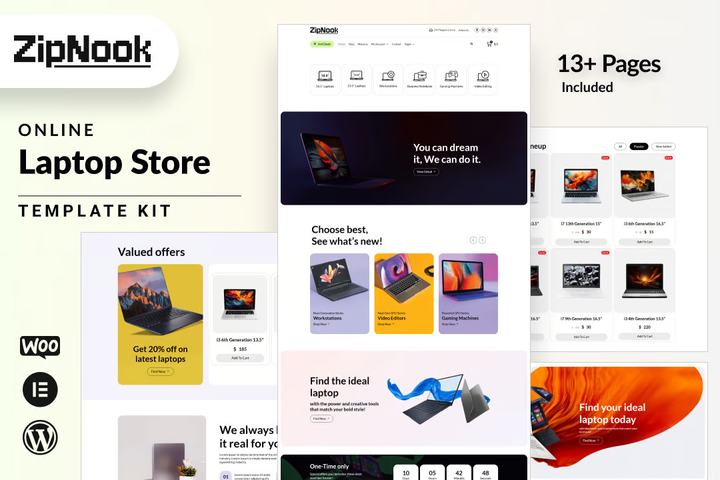
ZipNook — Elementor Templates Kit for Laptop Store
Included with the product:
- Instant download
- Dashboard access
Product description
ZipNook — Elementor Templates Kit for Laptop Store
O by Zipnook It is a Elementor Templates Kit, specially designed for online laptops and accessories stores. With a modern design, intuitive navigation and complete integration with WooCommerce, it is the perfect choice to create a professional and responsive virtual store. The kit offers sophisticated product pages, well organized categories, detailed descriptions and a complex purchase process, ideal for increasing your sales and improving the customer experience.
The main resources:
- Quick customization: Adjust sources, colors and individual elements in a centralized way.
- Visual Constructor to draw and release: edit the site without having to program.
- elegant and contemporary design.
- Optimize for fast charging.
- Compatibility with the majority of themes that use Elementor.
Templates are included:
- The initial page
- The shop
- About us
- Contacted
- Offers
- Deposits
- Blogs
- Post of Blog
- The individual product
- The team
- Frequently Asked Questions (FAQ)
- Page “in short”
- Page of error 404
Sections and extra blocks:
- Form of Message
- Form of newsletter
- Form of contact
Plugins required (pre-installed with the kit):
- Elementary
- The Elementary Pro
- The Elementary Kit
- WooCommerce
How to use the Template Kit:
- In WordPress, access Plugins > Add new Install the plugin The Elements.
- Do not remove the ziped file from the kit after the download.
- in The installed kitsClick on The Template Kit or connect your Envato account to import directly.
- Check and install all the recommended plugins through the orange warning displayed after the upload.
- First, it is important to The Global Styles of the kit.
- Individual model in each Models of Save.
- Create a new page in WordPress and click on Editing with Elementor.
- In the constructor, open the settings (grid icon) and set the layout as The full width e Hidden the title of the page.
- Import the desired model using the guide My models (The icon of the grey paste)
The observation:
If you have the The Elementary ProYou can also customize heads and knees through the Theme Builder.
For detailed instructions, access:
Installation Guide of Envato Elements
Do you need support? on the WordPress panel, go to Elementary > Get help.
and images:
To use them on your site, you will need to acquire an Envato license, or you can replace it with your own photos.
The collection of images used:
Envato Elements – ZipNook Collection
Important about the download
Check the format and requirements in the description. Back up your site before installing and use these files on sites you manage.
Related products
Other products you might find useful.

Creavision — Elementor Pro Templates Kit for Digital Marketing Agency

Intelion — Elementary Template Kits of Artificial Intelligence Services

Quarionix — Elementor Models Kit for IT Services

DriveSkill — AutoSchool and Driving School Website Template
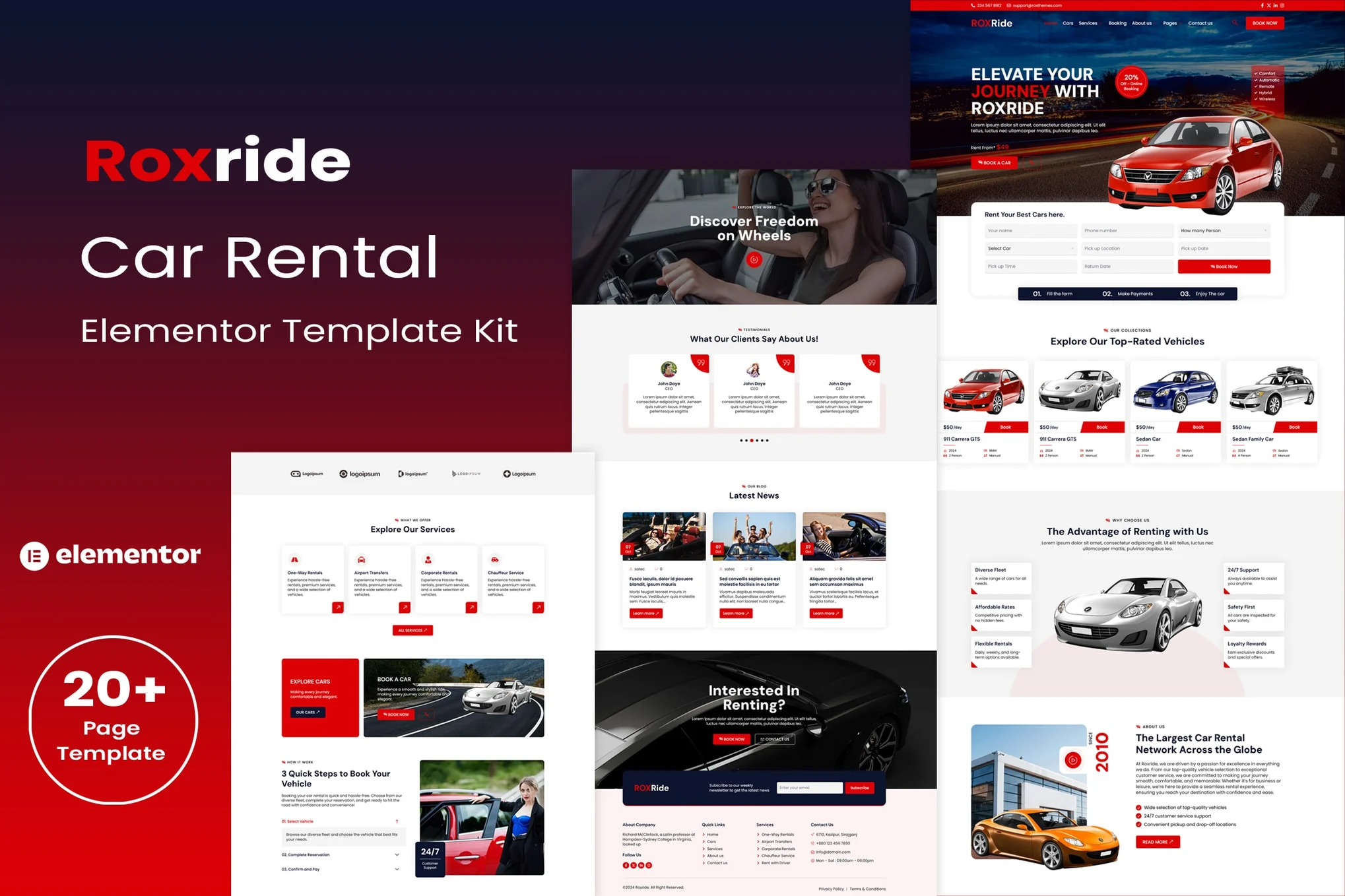
Roxride — Elementor Template Kit for Car Rental and Car Reservations

Temotive — Template Kit Elementor of Psychology and Counseling
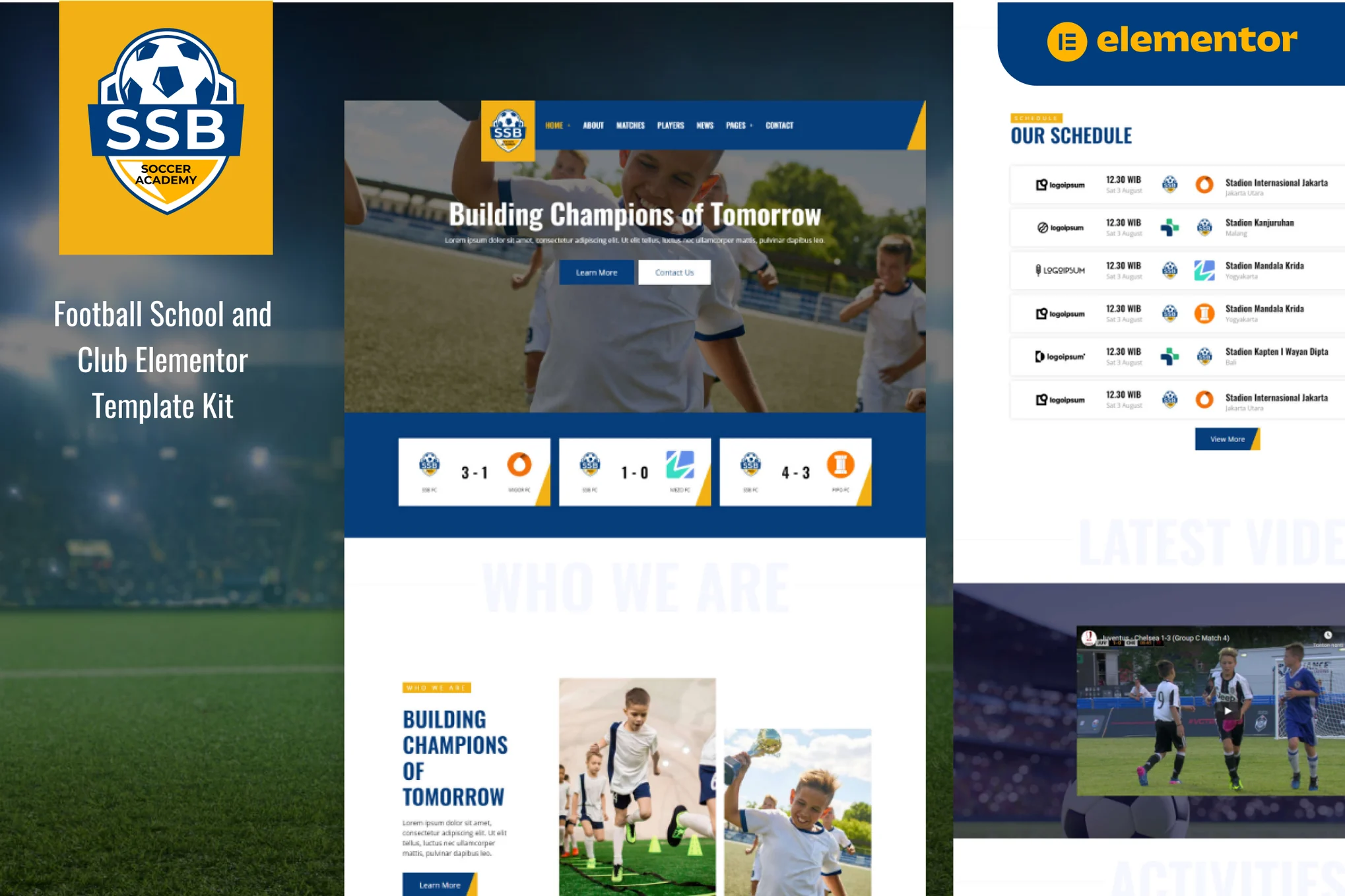
SSB — Elementor Template Kit for Schools and Football Clubs