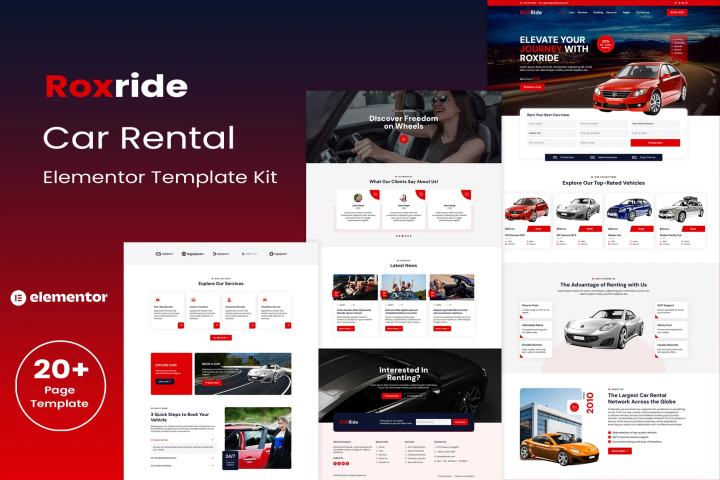
Roxride — Elementor Template Kit for Car Rental and Car Reservations
Included with the product:
- Instant download
- Dashboard access
Product description
by Roxride It is a Elementor Template Kit designed specifically for car rental companies, car dealers and car reservation companies. With a modern, professional and 100% responsive design, it provides a high-quality visual experience, compatible with retina screens and adaptable to all devices.
with the by RoxrideYou don’t need to write any code line: the power of customization is fully at your disposal using only the ElementaryThis kit has been optimized to work perfectly with the free theme The Elementaryguaranteed speed and performance.
Ideal for:
- Car Rental companies
- Car rental companies
- Executive Transportation Services
- Contractors offering online reservations
The main resources:
- Modern and Conversion-Focused Design
- 100% responsive and mobile compatible
- Compatibility between navigators
- More than 21 ready-to-use page models
- Global design system for customization of sources and colors
- It does not require Elementor Pro (use only free plugins)
Templates are included:
- The initial page
- List of cars
- Details of the car
- Page of reservation
- Services
- Details of the service
- About us
- Our team
- enter in contact
- The drivers
- Biography of the driver
- Blogs
- Details of the Blog
- Frequently Asked Questions (FAQ)
- Page 404
- Headline V1
- The V1
Forms of MetForm:
- enter in contact
- The Reserve 01
- The Reserve 02
- Newsletters
Plugins included with the kit:
- Elementary
- by ElementsKit
- by Skyboot
- by MetForm
How to use the Roxride Template Kit:
Attention to: This kit is made up of layouts for Elementor. This is not a WordPress theme..
- Install and activate the plugin The Elements in your WordPress.
- Download Template Kit Roxride through the plugin.
- Import the global styles and then rate each page individually.
- Set the layout of the pages as Total length of the element To correctly apply the head and wrist.
Complete guidelines:
For additional support: WordPress > Elementor > Get Help.
How to set up Head and Roof (ElementsKit):
- Import the head and roof models.
- Accessed Features of Header Footer and click on Adding a new.
- Set to “All the site” and activate it.
- Click on Editing ContentOpen the Elementor browser and enter the head/to-back template.
- Select the desired menu in the navigation element and click on Updated.
If you have a ProIt is also possible to configure themes by the Constructor.
How to Import Forms (MetForms):
- Import the form templates (MetForm).
- Open the page where the form will appear and activate the The navigator of Elementary.
- Find the widget by MetForm and click on Editing Forms.
- Selected New > Editing Forms.
- Click on Adding a Model (Gray folder icon) and select the desired form.
- Personalization, click on Updated and closedand then Updated The page.
and images:
The images used are from The Elements and require license for commercial use. You can also replace them with your own images.
Image collection of the kit:
Envato Elements – Roxride Collection
Important about the download
Check the format and requirements in the description. Back up your site before installing and use these files on sites you manage.
Related products
Other products you might find useful.
ZipNook — Elementor Templates Kit for Laptop Store

Creavision — Elementor Pro Templates Kit for Digital Marketing Agency
Intelion — Elementary Template Kits of Artificial Intelligence Services
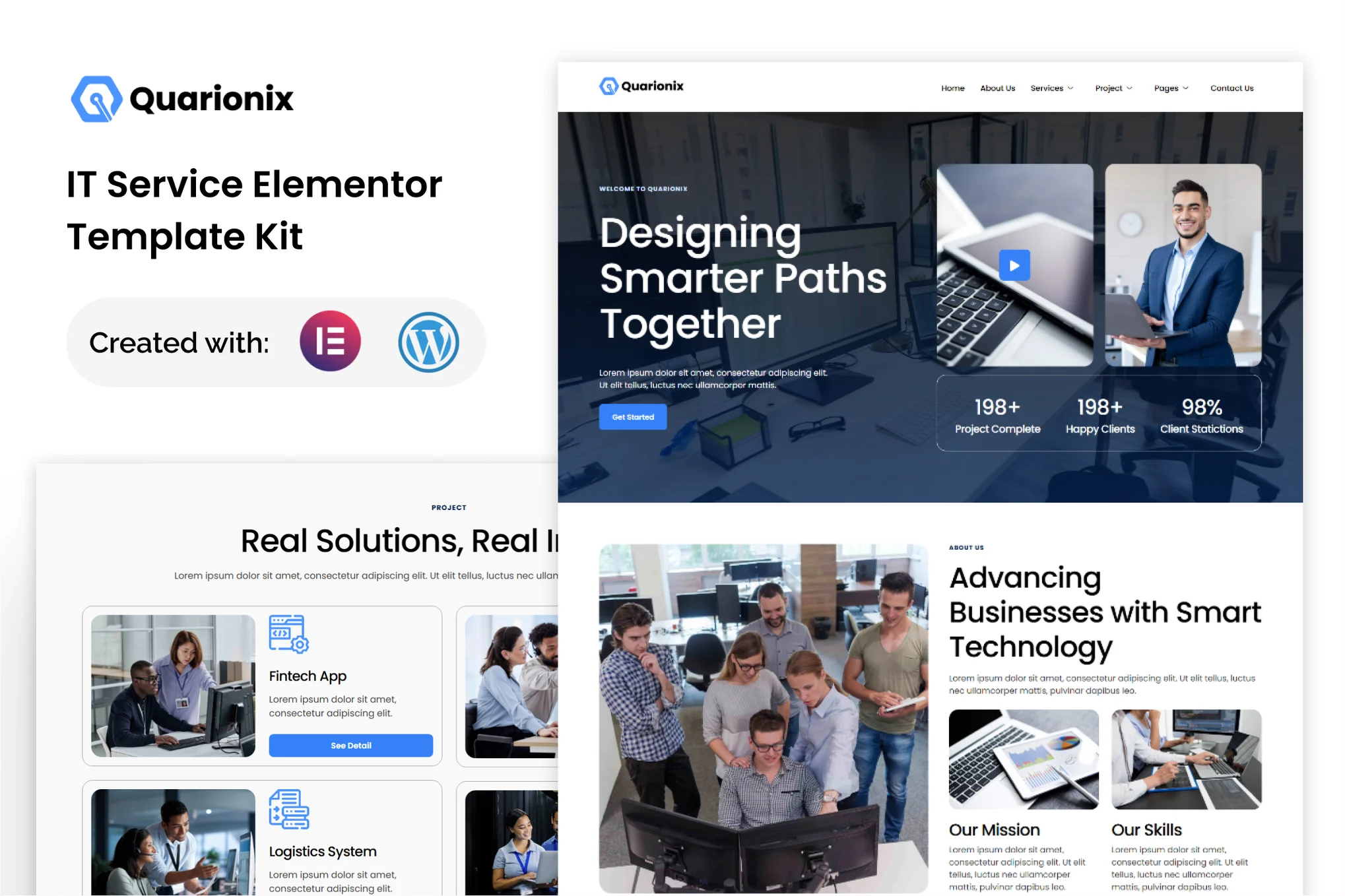
Quarionix — Elementor Models Kit for IT Services
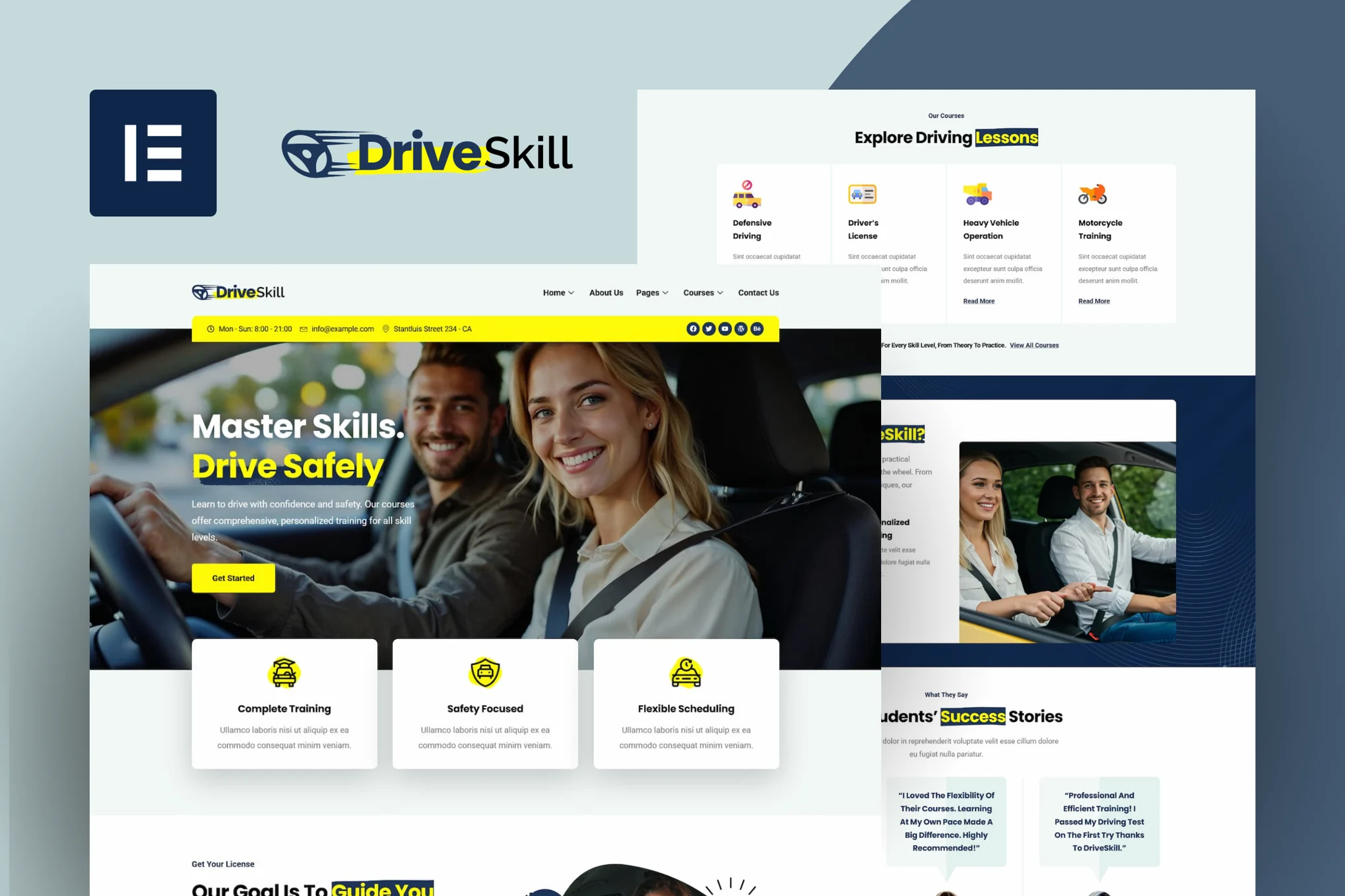
DriveSkill — AutoSchool and Driving School Website Template
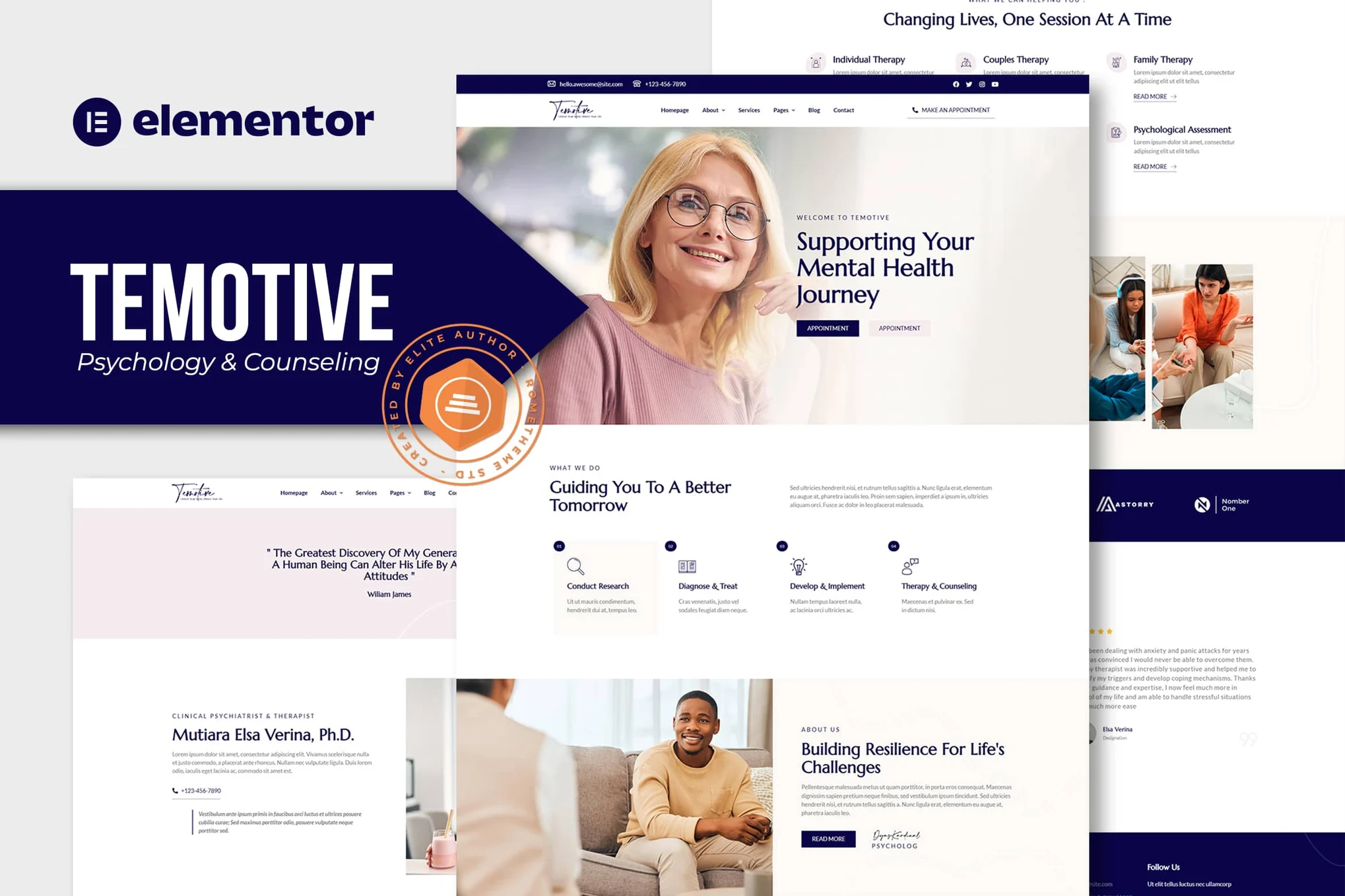
Temotive — Template Kit Elementor of Psychology and Counseling
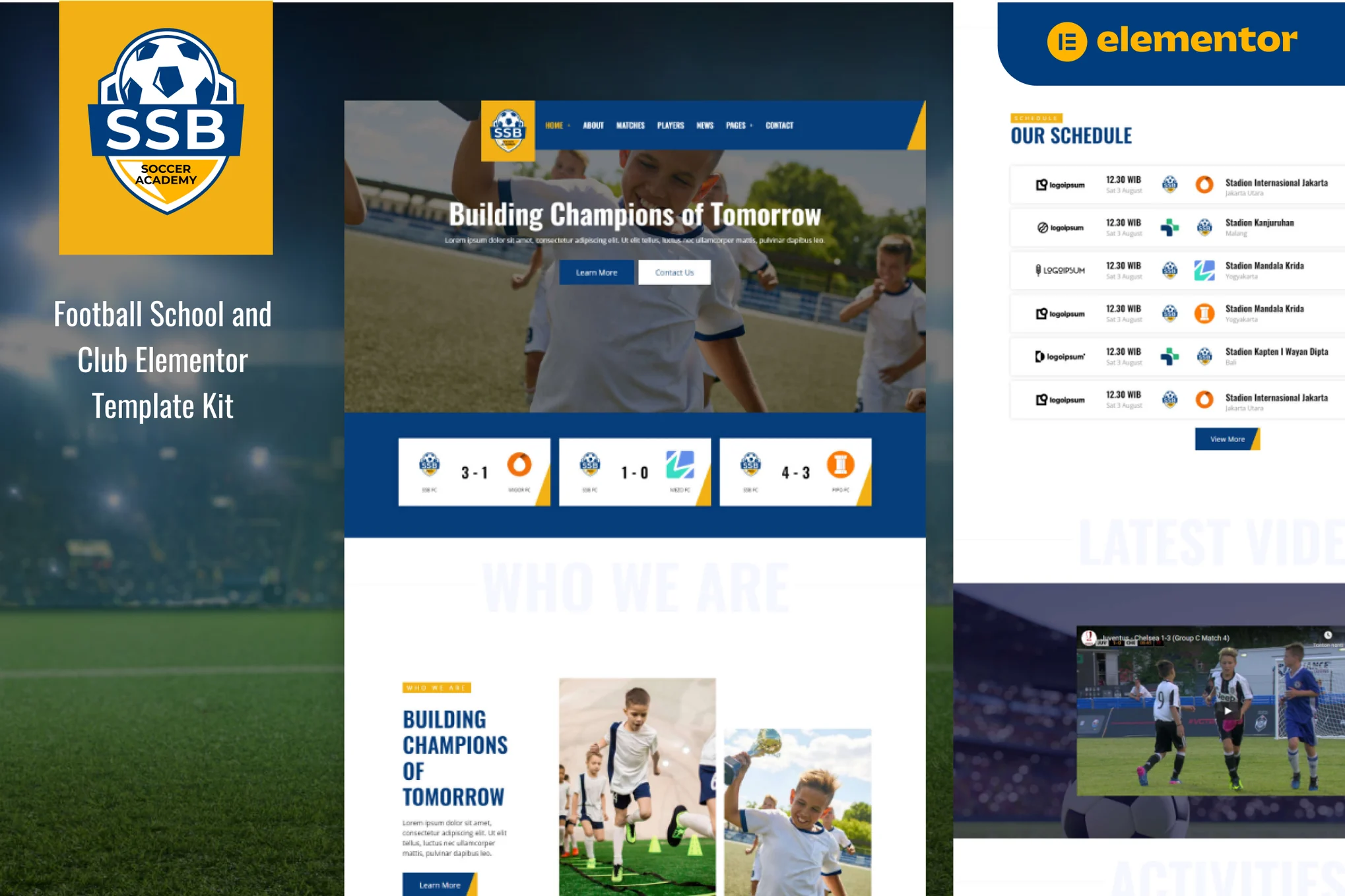
SSB — Elementor Template Kit for Schools and Football Clubs