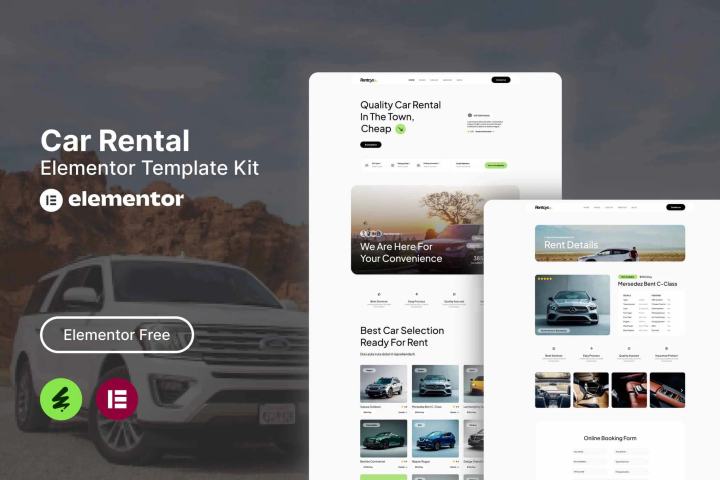
Rentcys — Elementor Model Kit for Car Rental
Included with the product:
- Instant download
- Dashboard access
Product description
Rentcys – Elementor model kit for car rental. This template kit is fully responsive, clean and customizable. This model is suitable for use in companies such as: car rental services, driver service, transport service, taxi service and others.
This is not a WordPress theme. The Elementor Kit contains page content for the Elementor page maker. This kit has been optimized for use with the free Hello Elementor theme, but can be used with most of the themes that support Elementor.
The characteristics of the kit:
- Using Free Plugins (Elementor Pro is not mandatory)
- Modern and clean design
- Responsive Layout
- Personalized
- No code required
The ready models:
- Head of
- by Rodapé
- Form of newsletter
- Form of contact
- Form of reservation
- Form of availability application
- Started
- About
- Services
- The team
- Frequently Asked Questions
- List of cars
- Details of rental
- Blogs
- The unique blog
- enter into contact
Plugins are needed:
- Elementary
- The Plus to Elementor
- Final Supplements for Elementor – Lite
- by MetForm
- The icon element
How to use the kit:
- Install and activate the plugin “Plugins” in Plugins > Add new in WordPress.
- Not disconnected.
- Go to Elements > Installed Kits and click on the Template Kit button.
- Before importing a model, make sure to click on the Installation Requirements button to activate the necessary plug-ins.
- To get better results, don’t matter more than one model at a time.
How to use Metform:
- The model of the metform.
- Import the template in which the form appears and edit it in the Elementor.
- Click on the Metform widget in the column where the form should be and click Edit Form.
- Select New, leave in white selected and click on the Edit Form button.
- Click on the gray folder button “Add model”.
- Click on the “My Models” guide.
- Select your imported metform model and click on “Insert”.
- Once the template is loaded, click on “Update”.
To get more support, go to Elementor > Get Help in the WordPress menu.
Important about the download
Check the format and requirements in the description. Back up your site before installing and use these files on sites you manage.
Related products
Other products you might find useful.
ZipNook — Elementor Templates Kit for Laptop Store
Creavision — Elementor Pro Templates Kit for Digital Marketing Agency
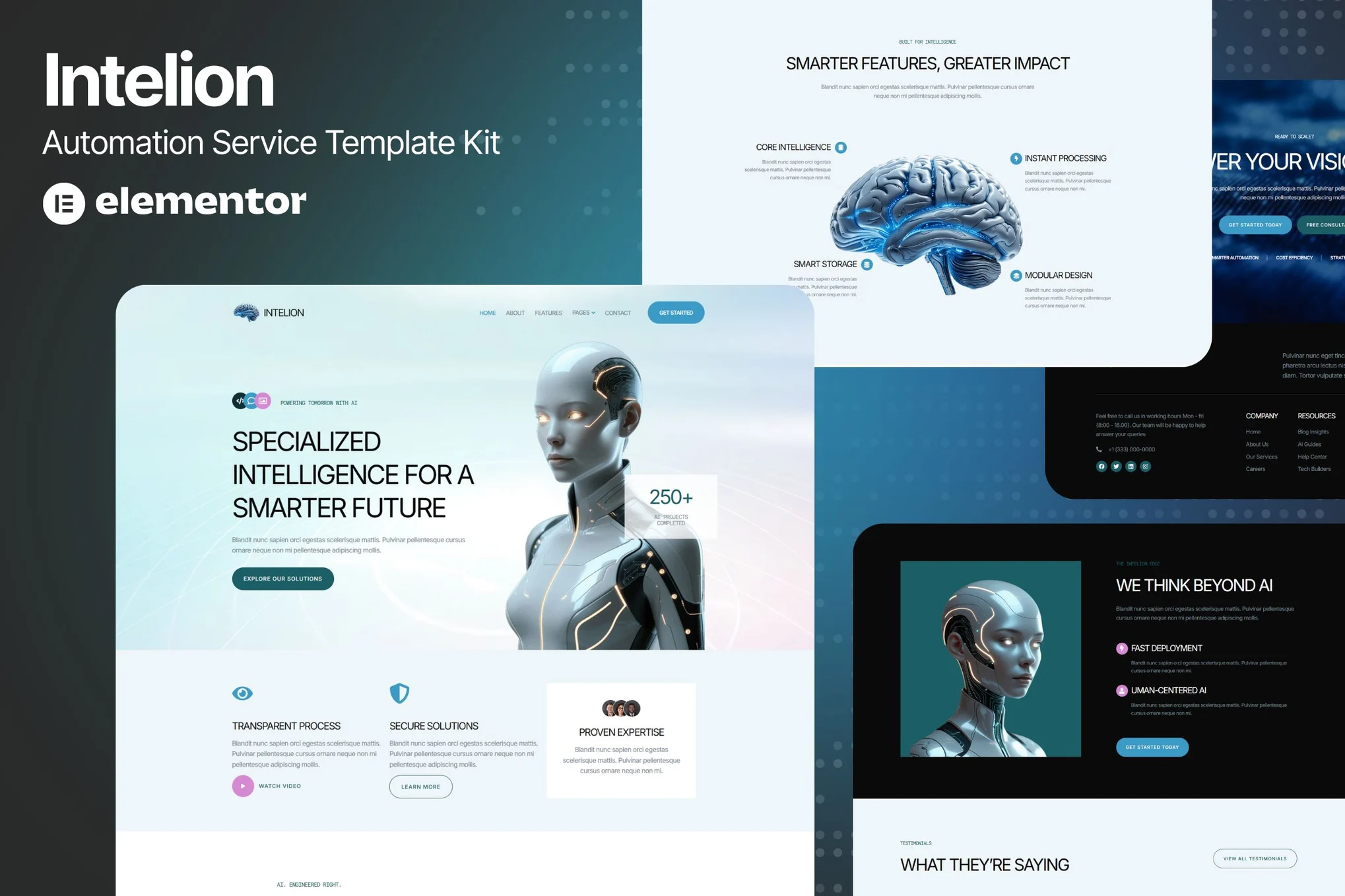
Intelion — Elementary Template Kits of Artificial Intelligence Services
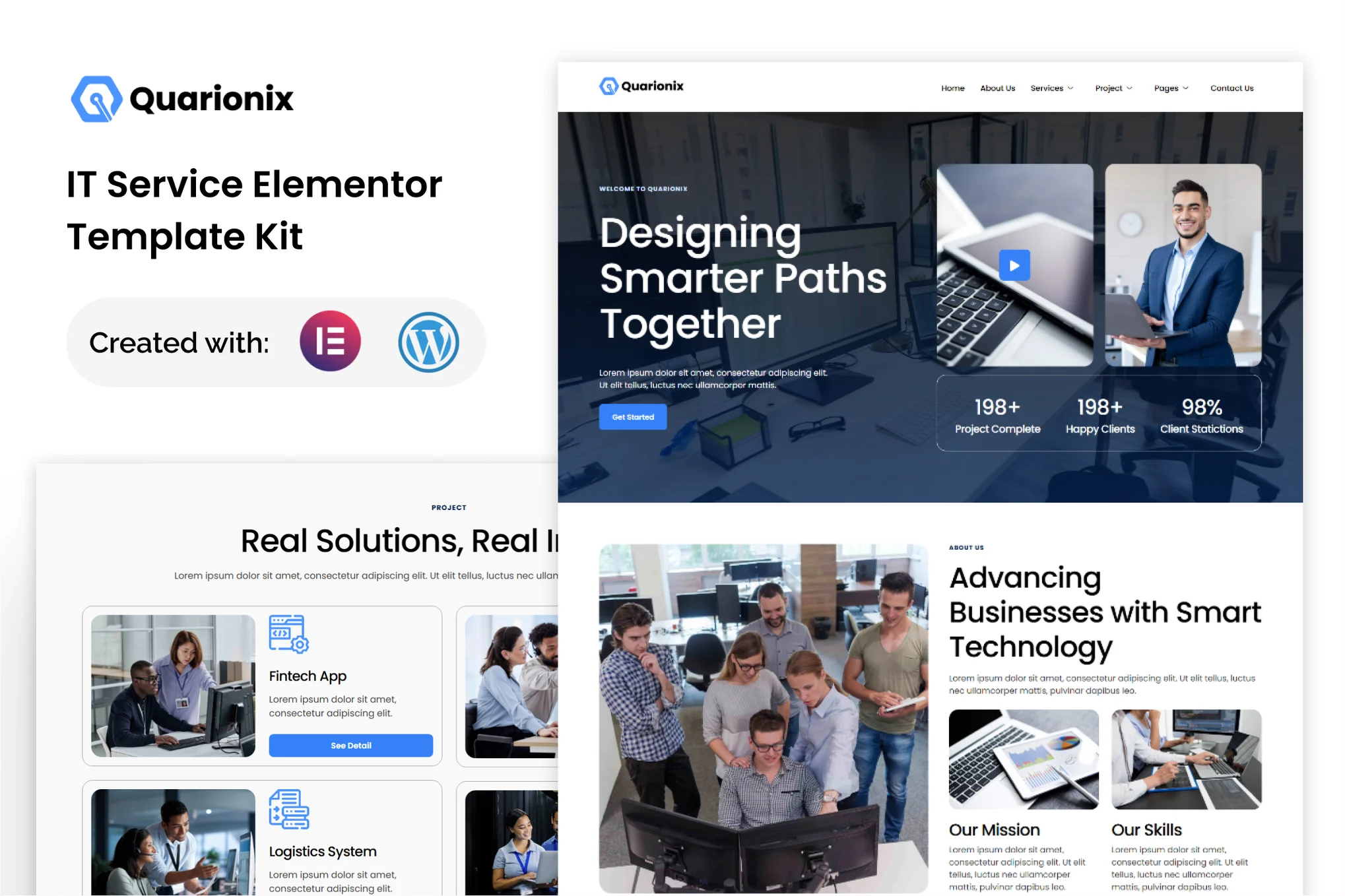
Quarionix — Elementor Models Kit for IT Services
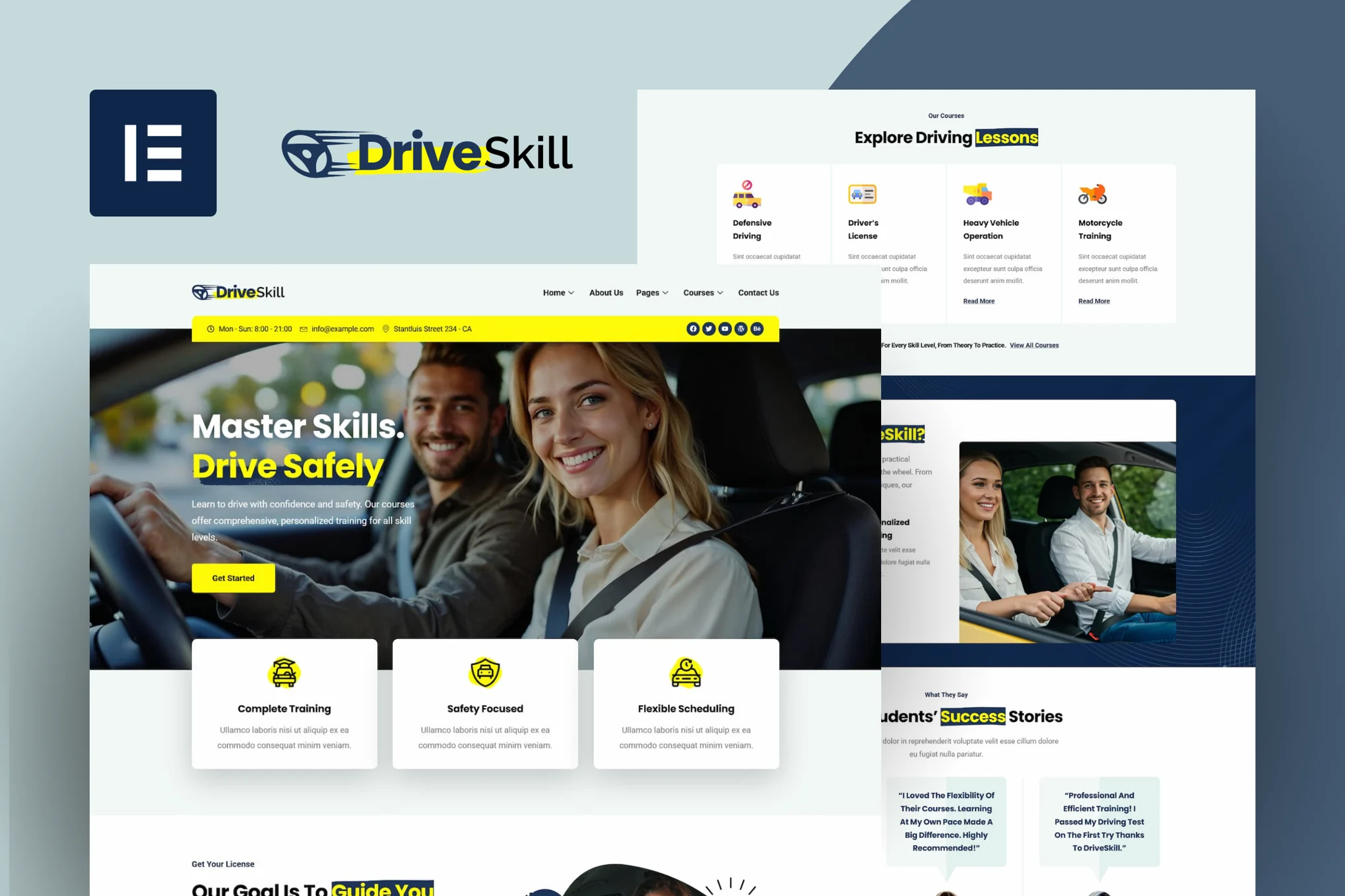
DriveSkill — AutoSchool and Driving School Website Template
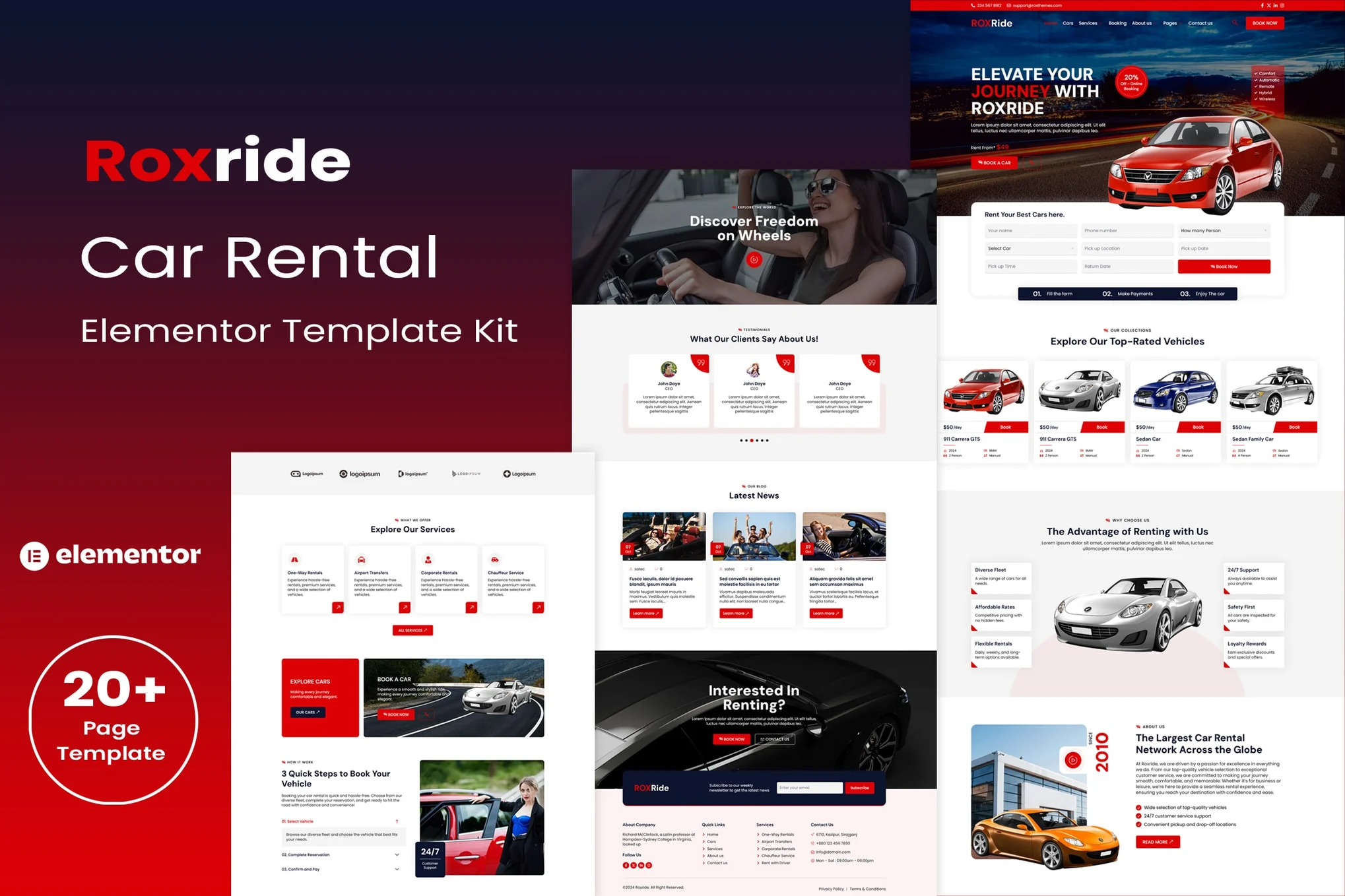
Roxride — Elementor Template Kit for Car Rental and Car Reservations
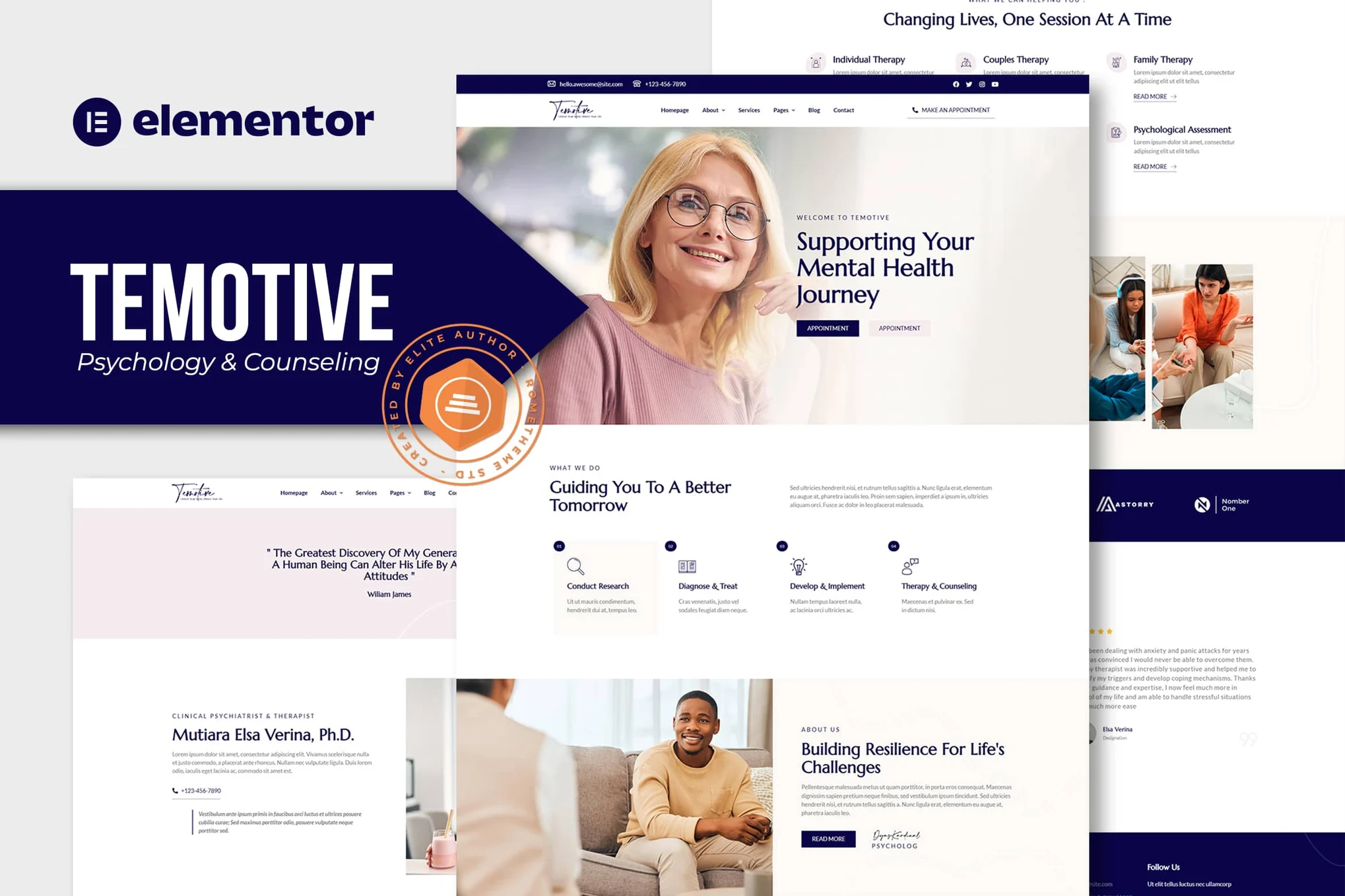
Temotive — Template Kit Elementor of Psychology and Counseling