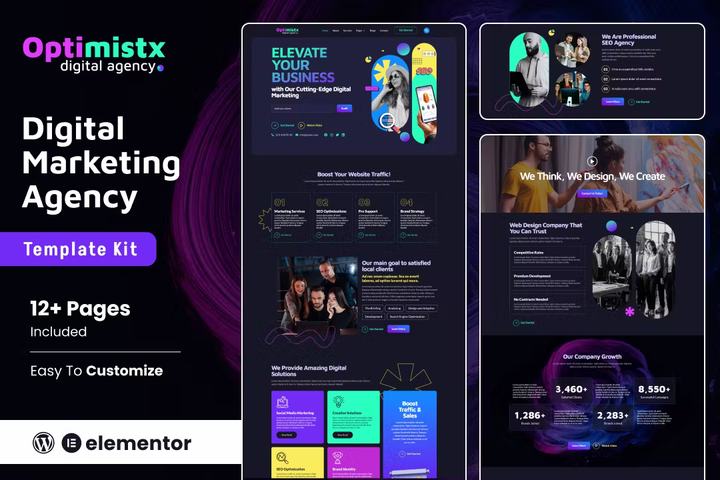
Optimistx — Elementor Templates Kit for SEO and Digital Agency
Included with the product:
- Instant download
- Dashboard access
Product description
Optimistix is an elegant and versatile Elementor Templates Kit designed for modern marketing professionals. Perfect for agencies, freelancers and ⁇ , Optimistix offers a variety of customizable pages and impressive design elements that facilitate the display of its services, portfolio and customer success stories. With a friendly interface and perfect integration with popular plugins, this kit guarantees a complex configuration and a professional online presence. Increases the visibility of your brand and engages your audience effectively with Optimistix
. #### Characteristics
- Individual elements can be adjusted or sources and colors can be changed in one place.
- Visual Constructor to draw and release for a real customization without code.
- Contemporary and professional design.
- and fast charging.
- Most Elementor themes are compatible with this model kit.
#### The models include:
- The initial page
- About
- Services
- Blogs
- Contacted
- The project
- Details of service
- Frequently Asked Questions
- The team
- Witnesses
- in short
- 404
#### Sections and blocks:
- Head of
- by Rodapé
- Form of contact
- Form of Question
- Form of Audit
- Form of newsletter
#### Plugins required pre-installed with the kit
- Elementary
- The Elementary Kit
- Features of Happy Elementor
- Metformed
#### Models Kits: How to Use the Theme
- Install and activate the plugin “Envato Elements” in WordPress by accessing Plugins > Add new.
- Do not disconnect the kit file after downloading it.
- You can also automatically import by linking your association to the Elements to the Connect Account and importing in the Elements > Template Kits.4. Check if there is an orange banner at the top of the page and click Install Requirements to load the necessary plugins for the kit.
- First, consider the global styles of the kit.
- One template at a time, click Import. They can be found in the Models > Elementor Saved Models .7. Create a new page in Pages and click Edit with Elementor.
- To view the page options, click on the engrenage icon in the lower left corner of the constructor and select Elementor Full Width and Hide Page Title.
- To access the My Models guide, click on the gray folder icon and then import the page you want to change.
The Theme Builder allows you to change the heads and necks if you have the Elementor Pro.
Visit to get more detailed guidelines: https://help.market.envato.com/hc/en-us/articles/900000842846-How-to-use-the-Envato-Elements-WordPress-Plugin-v2-0
To get more help, go to the WordPress menu and select Elementor > Get help.
#### Importing metforms: what you need to know
- Metform blocks must be imported.
- Import the page template with the form and activate the browser by clicking the right mouse button.
- Click Edit Form after you locate and select the Metform widget. Then select New and Edit Form in the suspended menu. The Object () {[native code]} function will be displayed.
- Select the gray folder icon that says “Add model”.
- Select the “My models” option in the suspended menu.
- Then click ‘Into’ after selecting your imported metform template (click No to see page settings).
- After you’ve finished customizing the template, click “Update and close.” In the template, the form will be displayed.
- Update the information by clicking on the button.
#### In Elementskit, set the global head and head
- Import the model to the head and to the wrist.
- Navigate to ElementsKit > Header Footer and select Add new (if requested by an assistant, you can click Advance without any action).
- Change Activation to Activated, give a title to the headline and leave the entire site selected.
- To open the creator, click the gray button Edit content.
- Select the head template to be imported by clicking on the gray icon of the folder, then select your menu in the browsing item and click Updates.
- Repeat the procedure to the foot.
Important about the download
Check the format and requirements in the description. Back up your site before installing and use these files on sites you manage.
Related products
Other products you might find useful.
ZipNook — Elementor Templates Kit for Laptop Store

Creavision — Elementor Pro Templates Kit for Digital Marketing Agency
Intelion — Elementary Template Kits of Artificial Intelligence Services
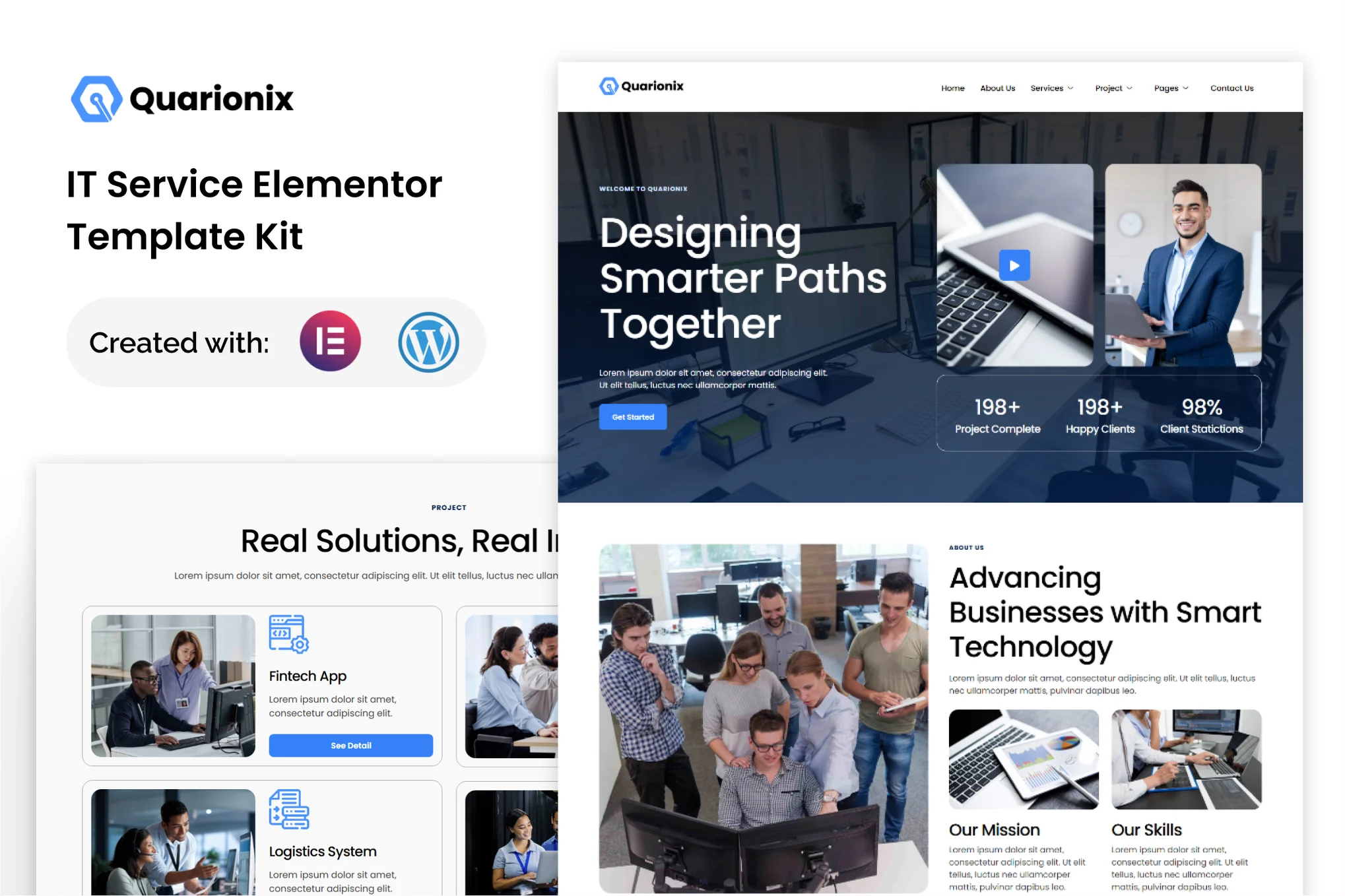
Quarionix — Elementor Models Kit for IT Services

DriveSkill — AutoSchool and Driving School Website Template
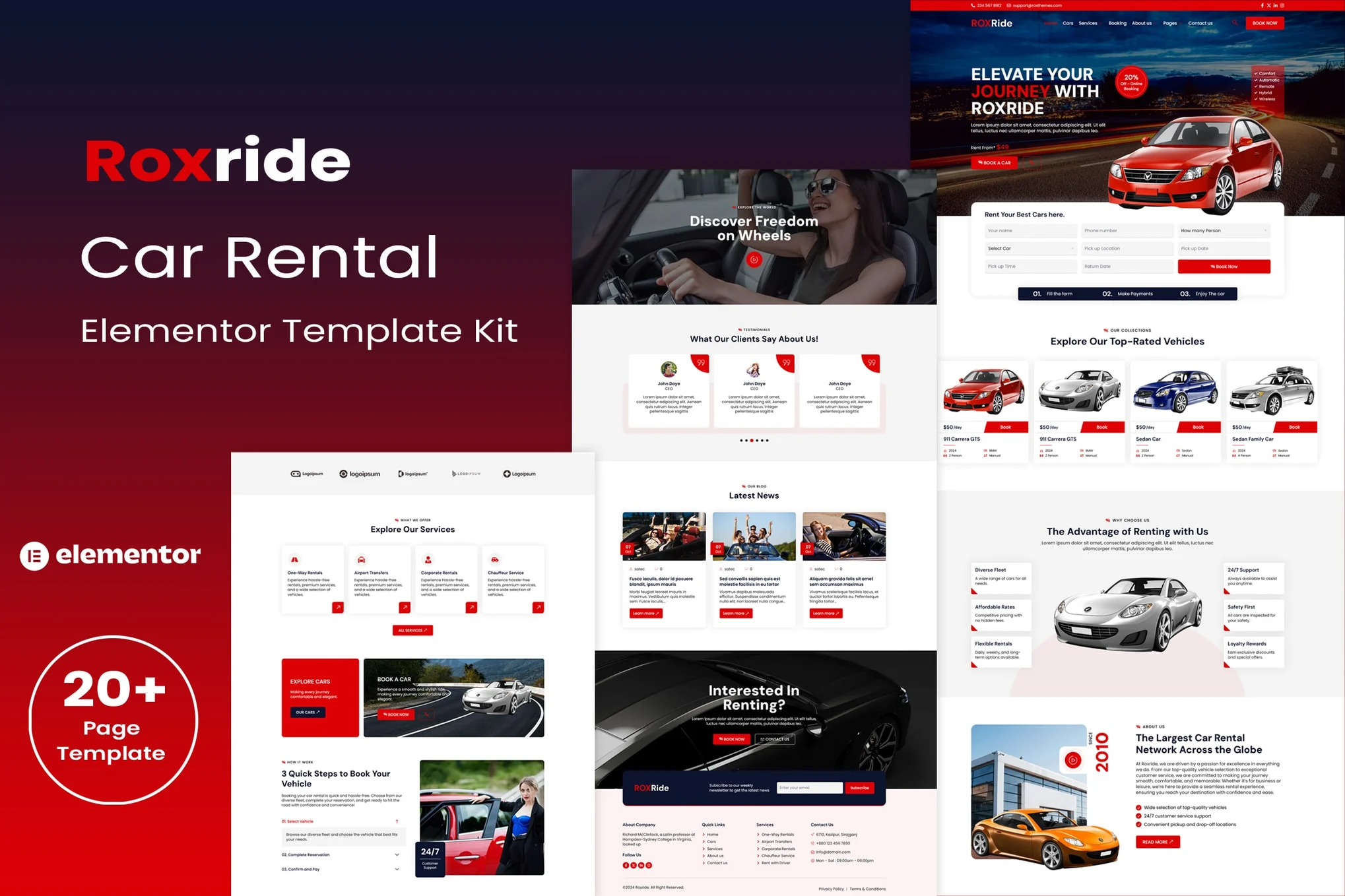
Roxride — Elementor Template Kit for Car Rental and Car Reservations
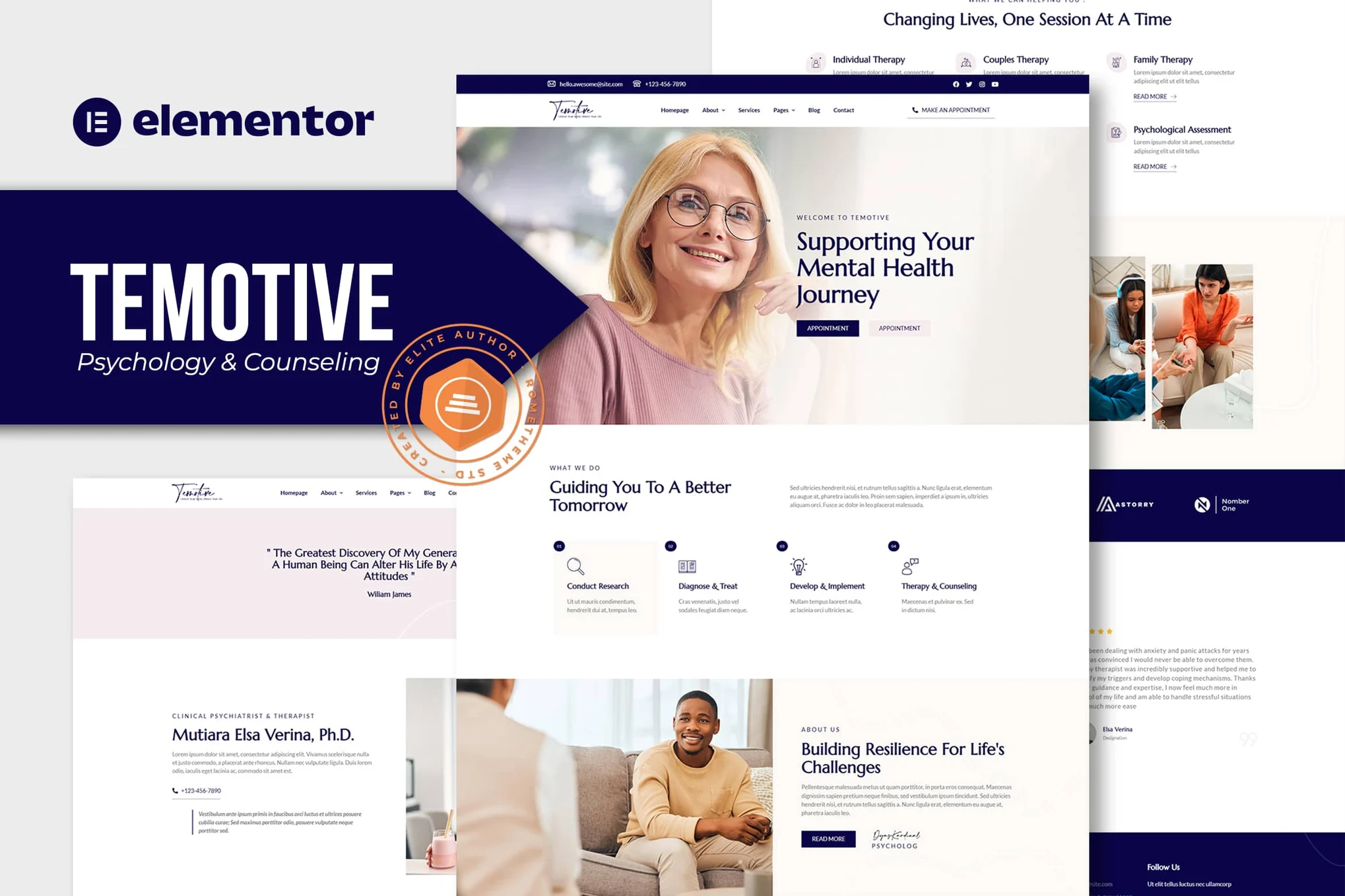
Temotive — Template Kit Elementor of Psychology and Counseling