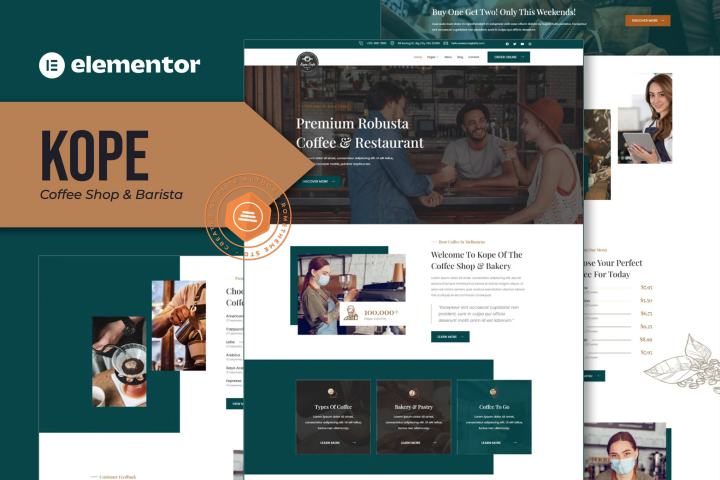
Kope — Template Kit of coffee, cafe, bar and bakery
Included with the product:
- Instant download
- Dashboard access
Product description
Kope – Template Kit Elementor for coffee shop. Kope has more than 12 pre-constructed models with fully responsive and clean design and customizable theme. Kope can be used to create a site for coffee shop, bar, bar, cafe, restaurant or any other related business.
The Elementor Kit contains page content for the Elementor page maker. This kit has been optimized for use with the free Hello Elementor theme, but can be used with most of the themes that support the Elementor.
The characteristics:
- Compatibility between browsers: Firefox, Safari, Chrome, IE9, IE10, IE11
- Using Free Plugins (The Elementor Pro is not required)
- Full responsive layout, ready for Retina, high-resolution graphics
- True code-free customization with the visual constructor to draw and release
- Personalize sources and colors in one place or adjust individual elements
- More than 12 pre-constructed models ready for use
- A clean and modern design that can be adapted and used for any design and site layout
Models in Zip:
- The house
- About
- The Barista
- Witnesses
- The Menu
- The product
- Gallery
- enter into contact
- Blogs
- 404
- Head of
- by Rodapé
Plugins are needed:
- Elementary
- Kit of Elements
- Metformed
How to use Template Kits:
- Install and activate the plugin “Electronic Plugins” in Plugins > Add new in WordPress
- Download the file from the kit and don't discompact it.
- Go to Elements > Installed Kits and click on the Upload Template Kit button. You can also automatically import by clicking Connect Account to link your Elements subscription and import in Elements > Template Kits.
- Check the orange banner at the top and click Install Requirements to load the plugins used by the kit.
- Click first to import in the Global Kit Styles
- They are stored in the Elementor in Models > Saved Models.
- Go to Pages, create a new page and click Edit with Elementor
- Click on the grinding icon in the constructor's lower left corner to view the page settings and select Elementor Full Width and hide the page title
- Click on the icon of the grey folder to access the My models guide and then select the page you want to customize.
If you have the Elementor Pro, heads and headfingers can be customized in the Theme Builder.
The detailed guide: https://help.market.envato.com/hc/en-us/articles/900000842846-How-to-use-the-Envato-Elements-WordPress-Plugin-v2-0
Important about the download
Check the format and requirements in the description. Back up your site before installing and use these files on sites you manage.
Related products
Other products you might find useful.
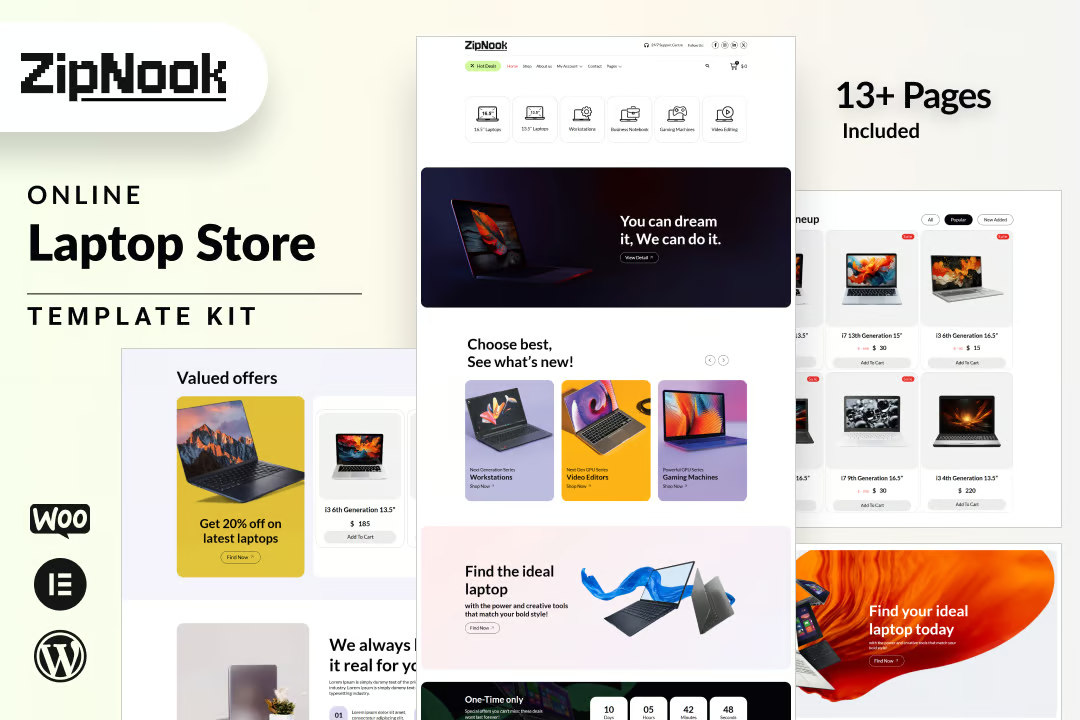
ZipNook — Elementor Templates Kit for Laptop Store

Creavision — Elementor Pro Templates Kit for Digital Marketing Agency

Intelion — Elementary Template Kits of Artificial Intelligence Services
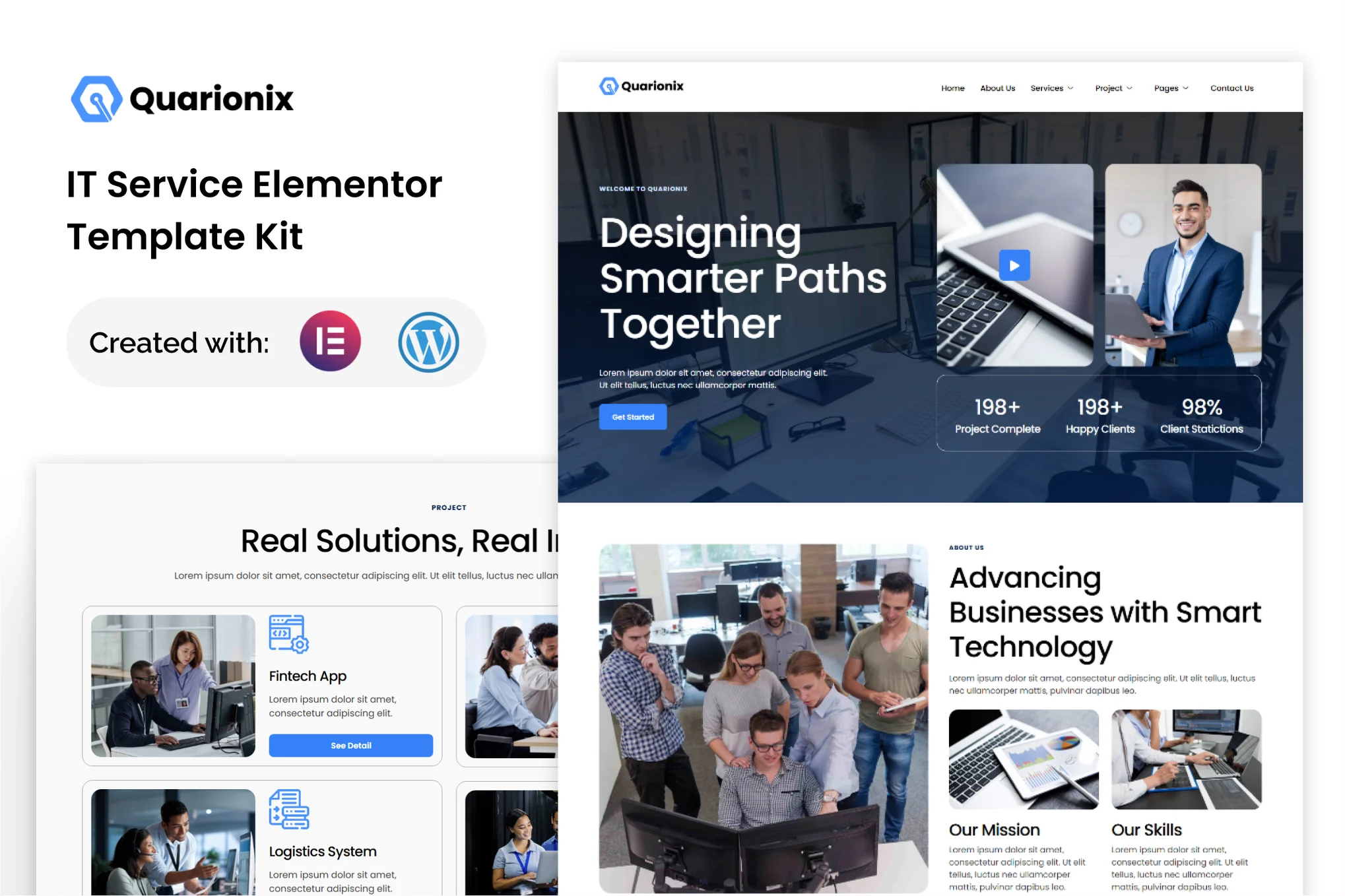
Quarionix — Elementor Models Kit for IT Services

DriveSkill — AutoSchool and Driving School Website Template
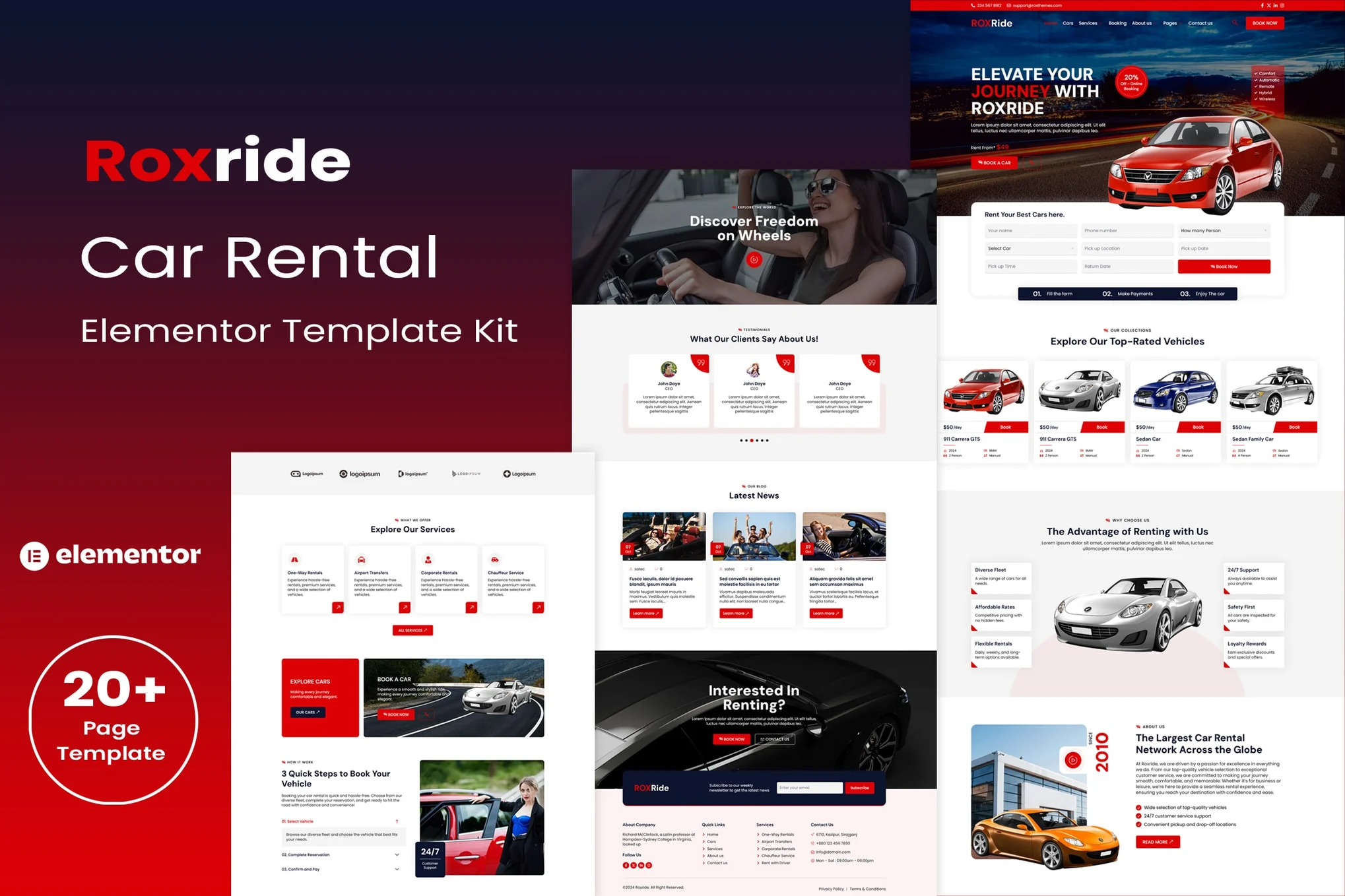
Roxride — Elementor Template Kit for Car Rental and Car Reservations
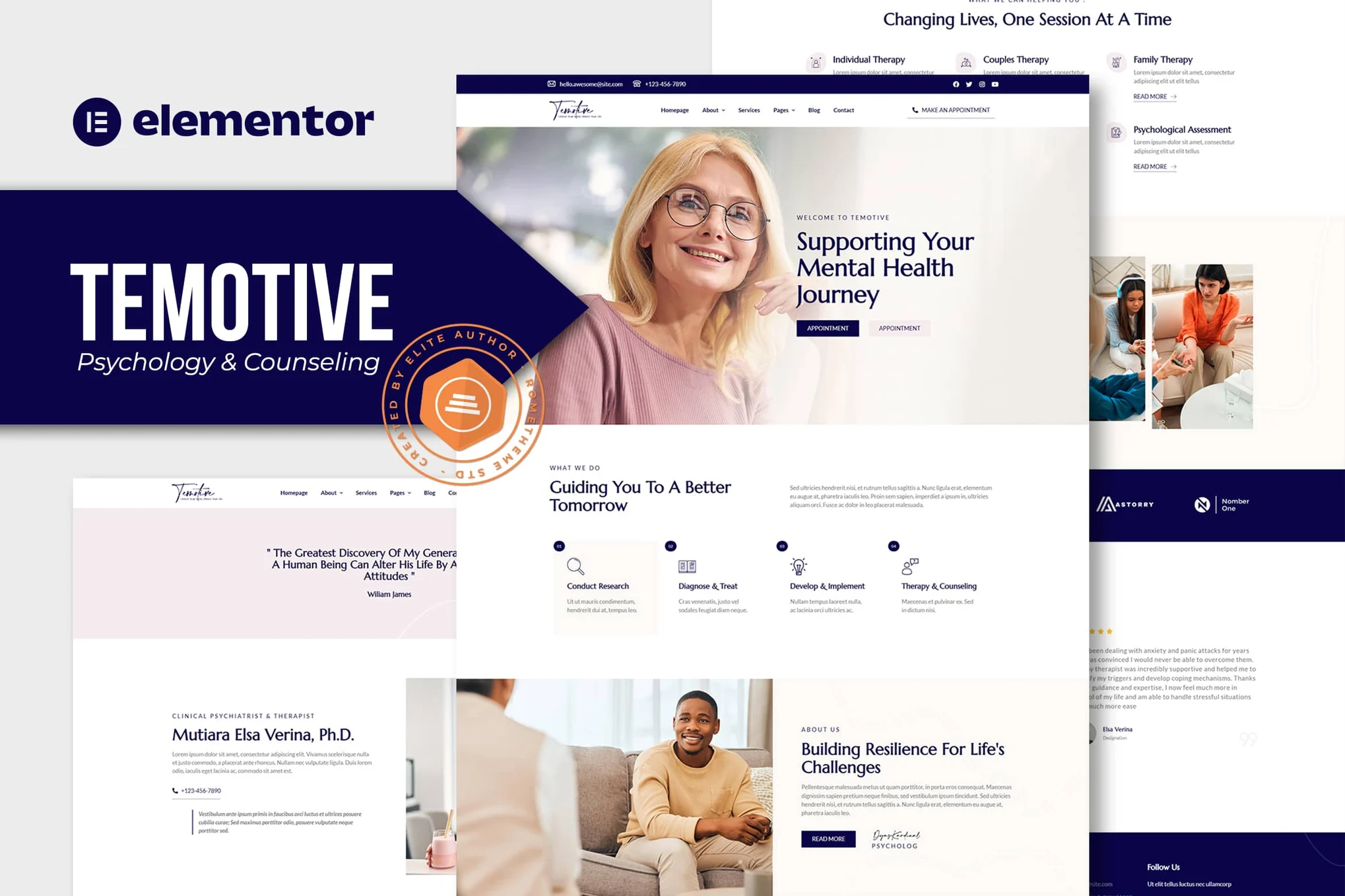
Temotive — Template Kit Elementor of Psychology and Counseling