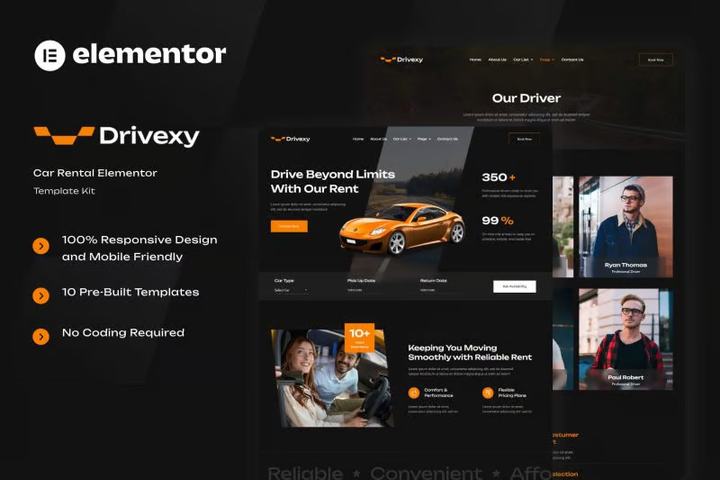
Drivexy — Elementor Template Kit for Car Rental and Transport Services
Included with the product:
- Instant download
- Dashboard access
Product description
O by Drivexy It is a fully responsive Elementor Template Kit, designed for car rental companies, transportation services and private drivers. With a clean, modern and professional design, it facilitates the creation of an impactful and functional site without the need for encoding.
Perfectly optimized for the free theme The ElementaryDrivexy offers fast charging, intuitive navigation and pages designed to improve the user experience and boost your business results. You will be able to display your fleet, highlight your services and simplify the booking process efficiently.
Indicated for:
- Car rental companies
- Executive Transportation Services
- Private driver companies
The main resources:
- Modern and responsive design
- Fluid integration with the Elementor and the Hello Elementor theme
- Experience of fast charging
- Optimized Layouts for Conversion
- Easy customization without programming
Templates are included:
- The initial page
- About us
- List of cars
- Details of the car
- Our driver
- Frequently Asked Questions (FAQ)
- Deposits
- Blogs
- Page 404
- Contacted
The sources used:
- Unlimited
- Honestly
How to use the Template Kit:
Important is: This kit is not a complete WordPress theme, but a set of Elementor layouts.
- Install and activate the plugin The Elements in WordPress (in Plugins > Add new).
- Do not disconnect the kit file after the download.
- Accessed The installed kits and click on The Template Kit.
- Import the global styles and then the pages individually via My models of Elementary.
- When creating your pages, set the layout as The full width To make the head and neck appear properly.
Complete installation guide:
How to Install Themeforest Elementor Template Kits
For additional support, go to WordPress: Elementary > Get help.
Plugins included with the kit:
- Elementary
- by ElementsKit
- The Elementary Kit
- by MetForm
- Qi Addons for Elementor
- The Ultimate Addons for Elementor
Setup of head with Jeg Elementor Kit:
- Accessed Jeg Elementor Kit > Model of Head In the WordPress panel.
- Click on Adding a new headline.
- Defining the condition for The whole site and click on to create.
- Click on the icon of the candle to Editing.
- Use the icon of the grey folder to access My models Enter the desired headline.
- Personalize and save the changes.
If you are using the Elementor ProIt is possible to set heads and knees directly by The Theme Builder.
Configuration of Custom Forms with MetForm:
- Edit the desired page in the Elementor.
- Add the widget by MetForm.
- Click on Edit Form > New And then in Editing Forms.
- Click on the grey folder button. Adding a model.
- Import the desired model from the abbe My models.
- After you upload the form, click on Updated.
and images:
Drivexy uses demonstrated images of The ElementsTo use them commercially, you need to acquire the license. You can also replace it with your own images.
The collection of images used:
Envato Elements – Drivexy Collection
Important about the download
Check the format and requirements in the description. Back up your site before installing and use these files on sites you manage.
Related products
Other products you might find useful.
ZipNook — Elementor Templates Kit for Laptop Store
Creavision — Elementor Pro Templates Kit for Digital Marketing Agency
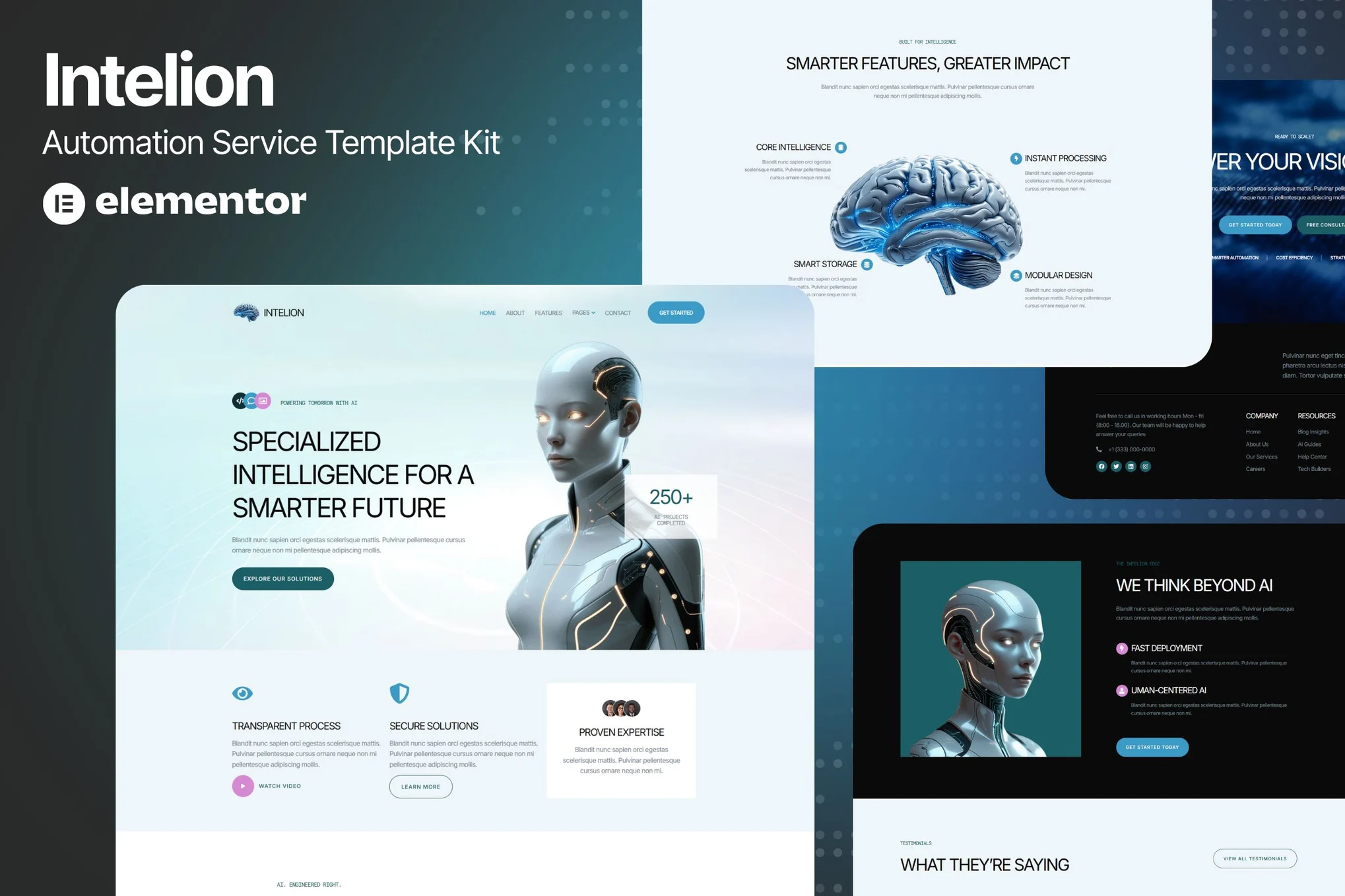
Intelion — Elementary Template Kits of Artificial Intelligence Services
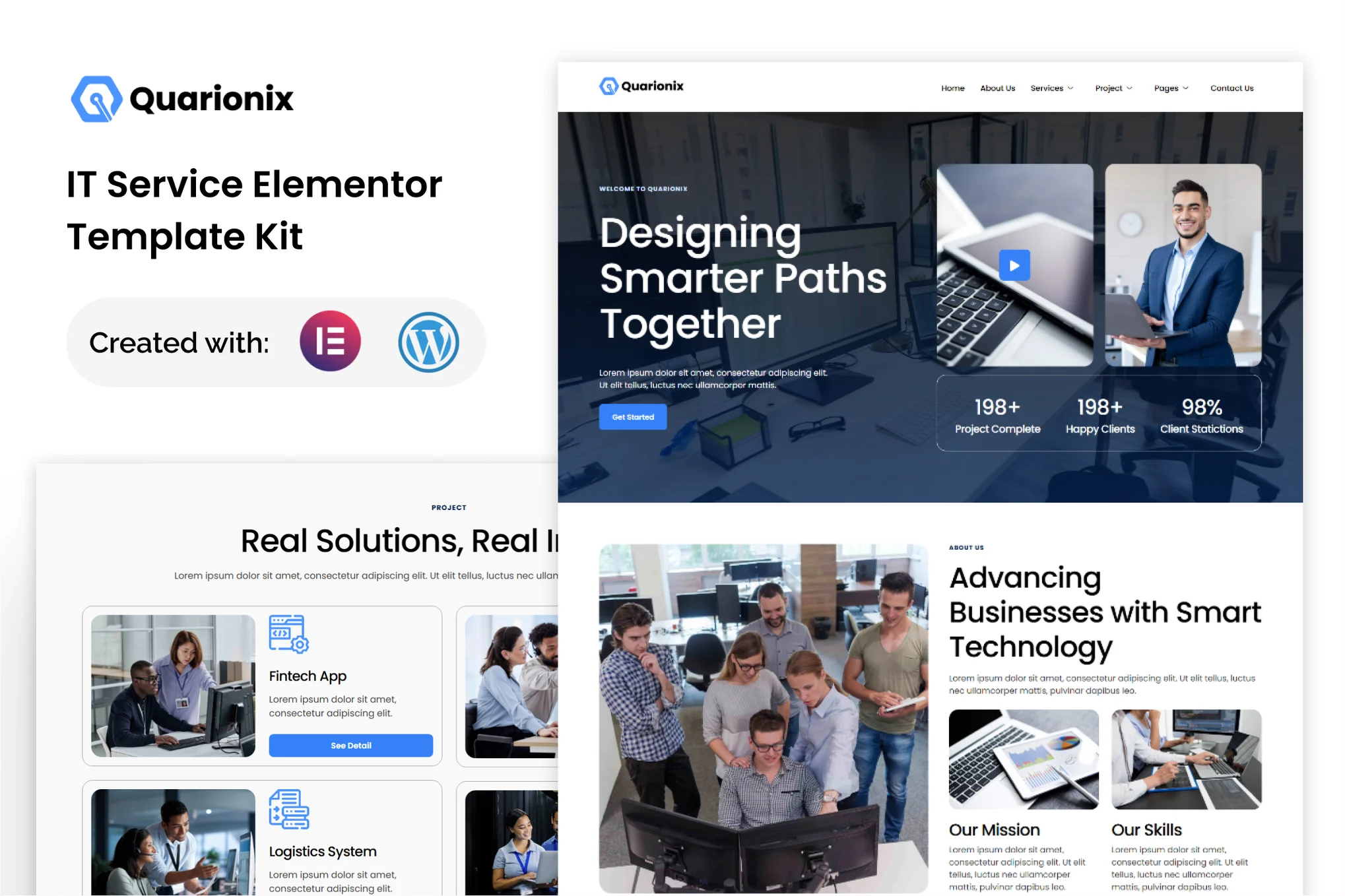
Quarionix — Elementor Models Kit for IT Services
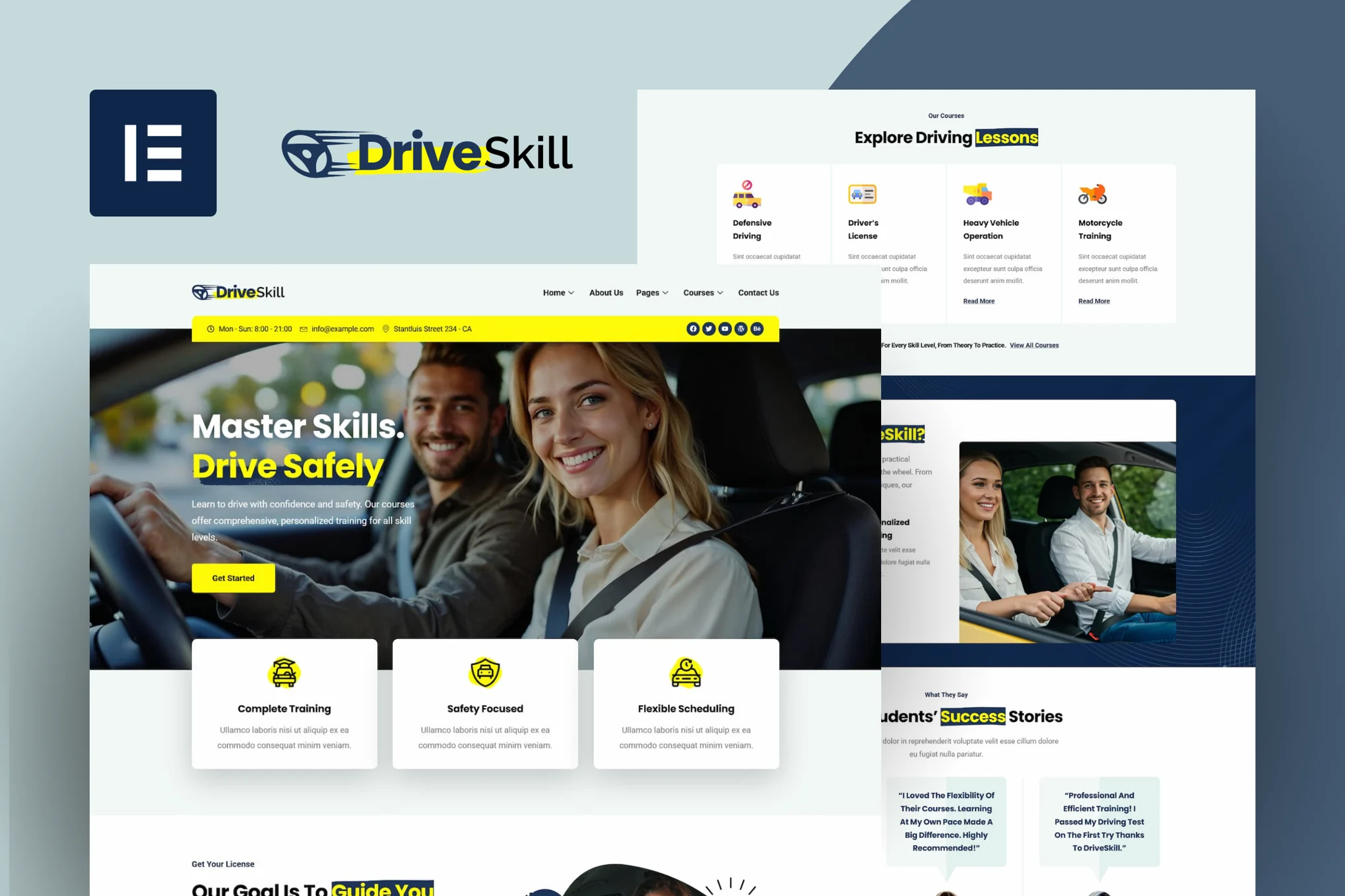
DriveSkill — AutoSchool and Driving School Website Template
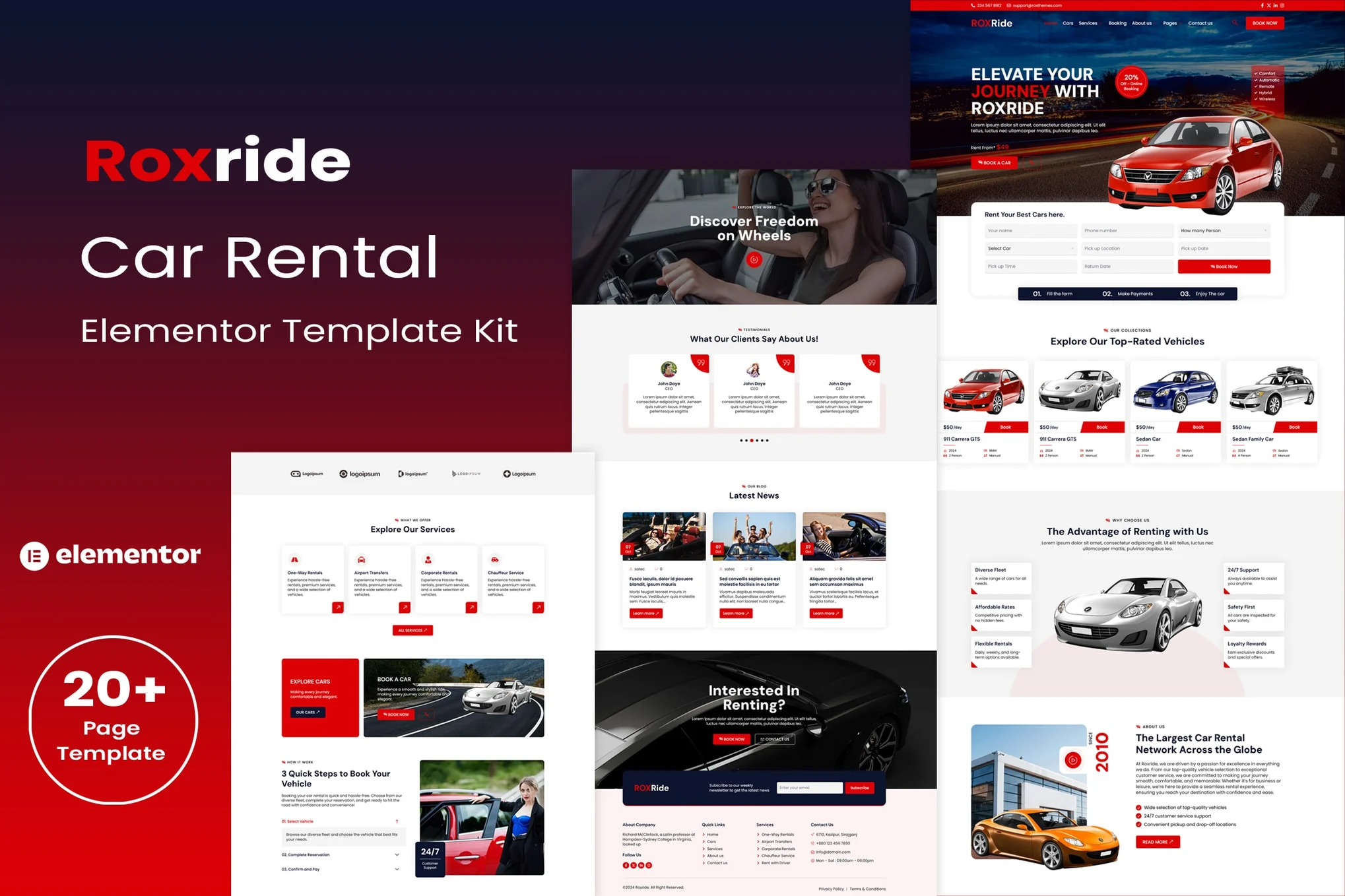
Roxride — Elementor Template Kit for Car Rental and Car Reservations
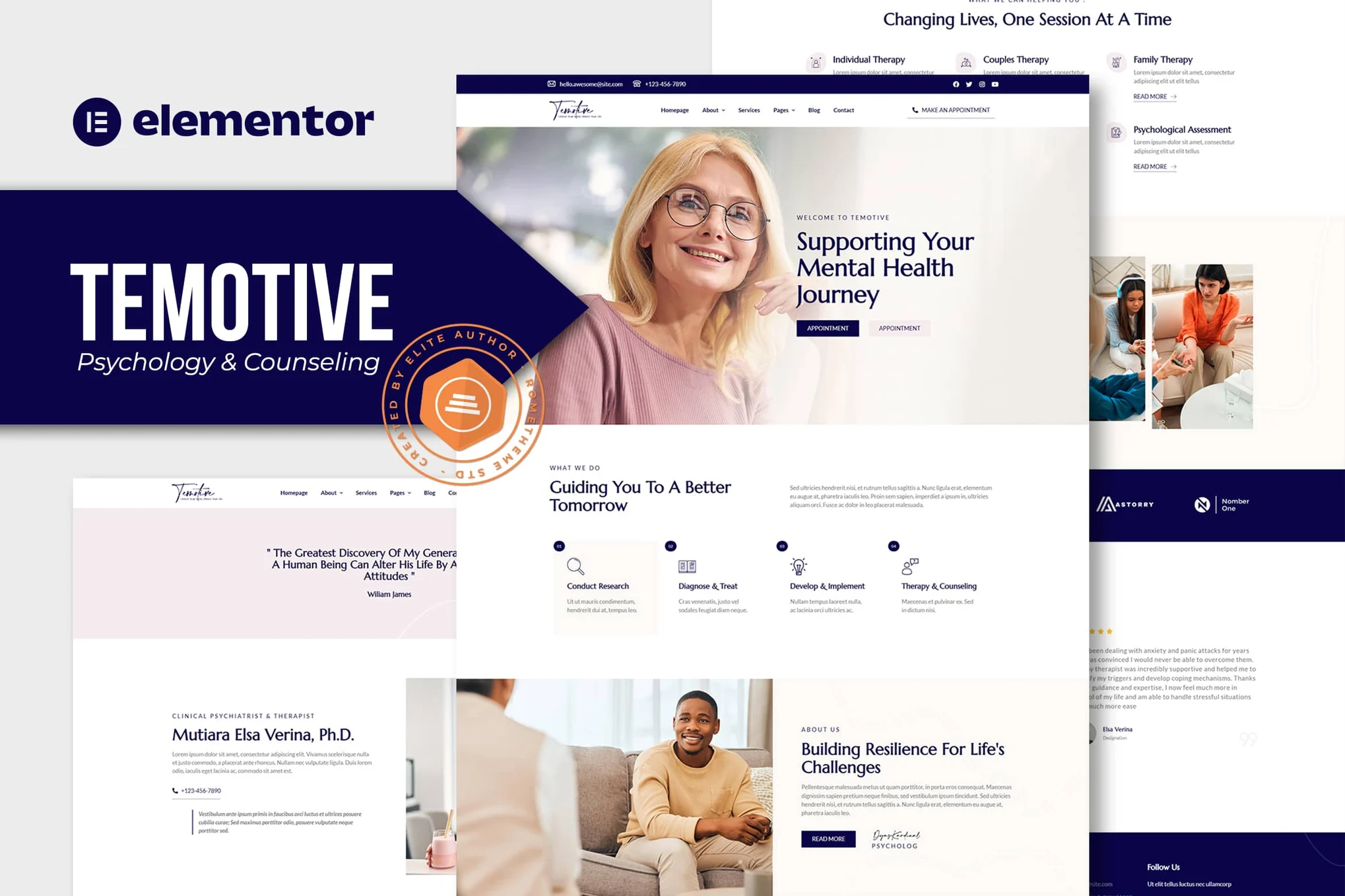
Temotive — Template Kit Elementor of Psychology and Counseling