Dental — Dentist Clinic
Included with the product:
- Instant download
- Dashboard access
Product description
Dental is a model kit developed for Elementor. This kit works very well for any business related to dentists, dental clinics, consultancies, doctors or health-related ⁇ .
The great thing about this kit is the possibility of changing the colors of the icons, you can also change most of the elements and graphics using the Elementor itself for it.
This kit is ready to be customized and anyone can modify it thanks to the powerful feature of drag and release from Elementor. In addition, we have an incredible chat support for you to have all your questions answered.
This kit has been built with the Hello theme, but you can use any other theme with the support of Elenor.
The update of the Elementor Pro is required for some models and features (not included).
Characteristics
- True code-free customization with visual constructor to draw and release
- Personalize sources and colors in one place or adjust to individual elements
- Modern and professional design
- 17 Pre-constructed layouts
- The fast charging
- Manufacturers of heads and knees
- Totally personalized
- Responsive Layout
- Excellent documentation and support from Elementor
The models
- Who are we
- Talk to us
- Dental Appliances
- The Rope 01
- by RODE 02
- Headline 01
- The Head 02
- Starting one
- Start of two
- Lenses
- The Pop-up
- Prices of the 01
- The Price Plan 02
- Protheses
- Treatment of Radicular Channel
- Services
- Dental clarification
Plugins needed
- Elementary
- The update of the Elementor Pro is required for some models and features (not included)
How to install
- Install and activate Plugin “Envato Elements” Plugins > Add New in WordPress
- Not discompatible
- Go to Elements > Installed Kits and click on the Load Model Kit button.
- Before importing a template, check if the Requirements Install button is clicked to activate the necessary plugins.
- To get better results, don’t matter more than one model at a time.
- Go to Pages, create a new page and click Edit with the Elementor
- Click on the grinding icon in the constructor's lower left corner to view the page settings and select Elementor Full Width and hide the page title
- Click on the gray folder icon to access the My Models guide and then on Import the page you want to customize
Important about the download
Check the format and requirements in the description. Back up your site before installing and use these files on sites you manage.
Related products
Other products you might find useful.
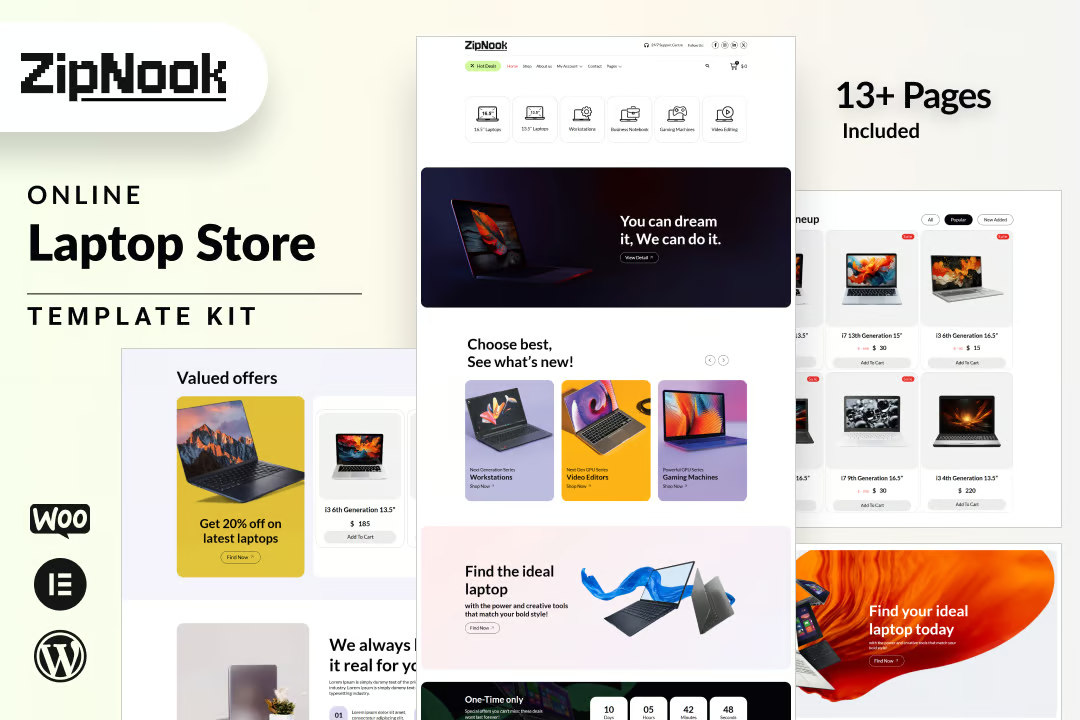
ZipNook — Elementor Templates Kit for Laptop Store

Creavision — Elementor Pro Templates Kit for Digital Marketing Agency

Intelion — Elementary Template Kits of Artificial Intelligence Services

Quarionix — Elementor Models Kit for IT Services

DriveSkill — AutoSchool and Driving School Website Template
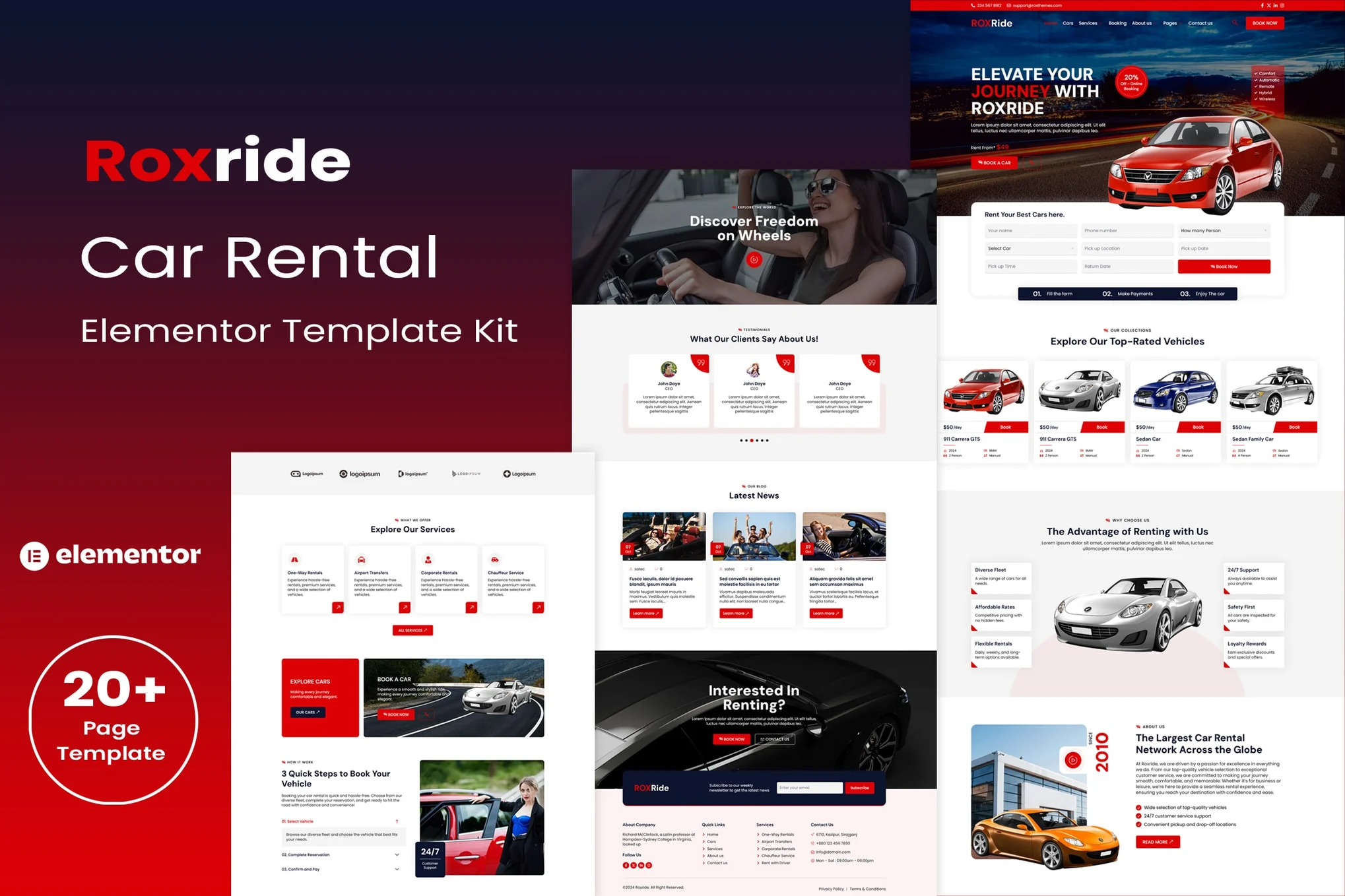
Roxride — Elementor Template Kit for Car Rental and Car Reservations
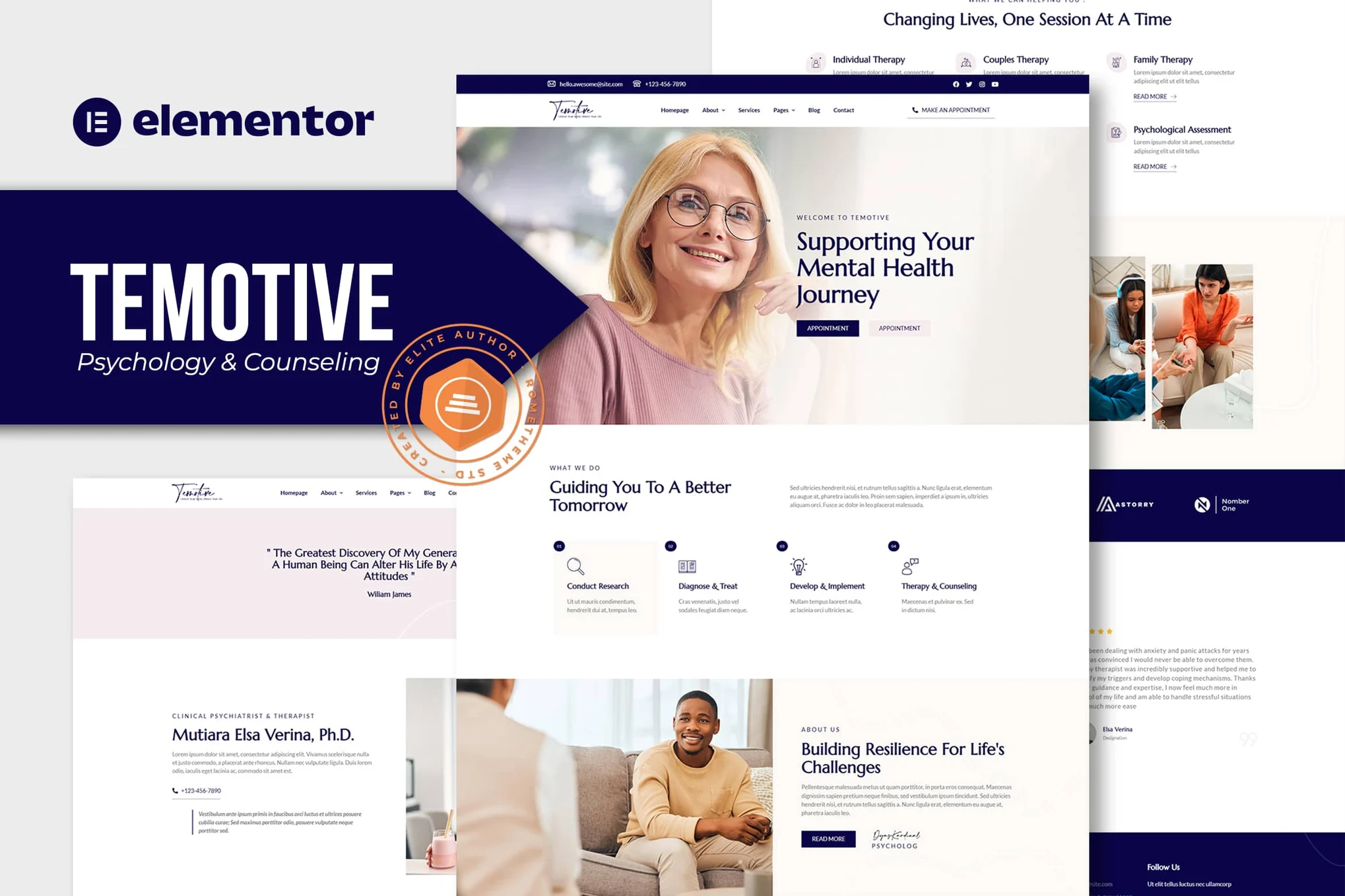
Temotive — Template Kit Elementor of Psychology and Counseling