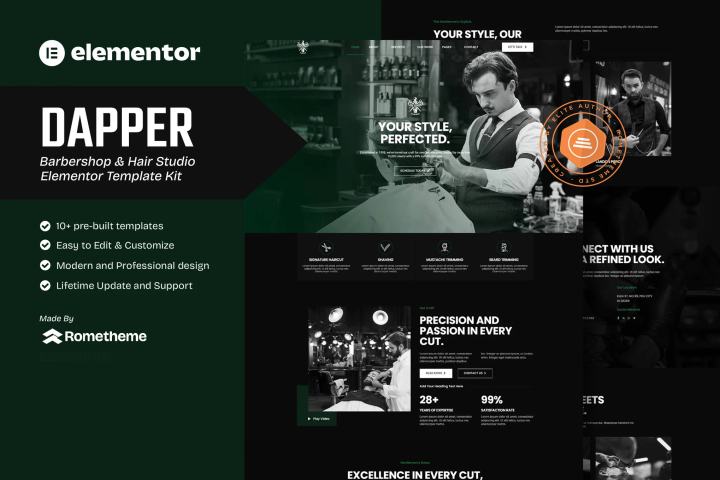
Dapper — Elementor Models Kit for hairdresser and hairdresser studio
Included with the product:
- Instant download
- Dashboard access
Product description
Dapper is a Elementor Templates Kit specially designed for barbery sites! The model kit comes with an ideal selection of models for any company or service related to any barbery, ecology, hairstyles, hair care, hair cuts, salts or any other industry. This kit has a modern and unique design with a 100% fully responsive layout, easy installation and, ⁇ , very easy to customize, because when using the Elementor, you don't need a single line of encoding! Save your time.
This Template Kit contains page content to create Elementor pages. This kit has been optimized for use with the free theme “Hello Elementor”.
The characteristics:
- Compatible with WordPress – Elementor
- Using Free Plugins (Elementor Pro is not mandatory)
- True customization without code with drag and release
- 100% fully responsive and mobile compatible
- Modern and professional design
- More than 14 pre-created models ready for use
- Personalize sources and colors in one place (Global Theme Kit Style)
Models in Zip:
- The initial page
- About us
- Our team
- Services
- Details of service
- Services
- Our work
- The prices
- Gallery
- Frequently Asked Questions
- Blogs
- Page 404
- enter into contact
- Head of
- by Rodapé
Plugins are needed:
- Elementary
- Thematic Form of Rome
- The theme of Rome
How to use the template kits: This is not a WordPress Theme. The Models kits contain only the Elementor design data and are installed using the Elements package plugin for WordPress or directly through the Elementor.
The Elementor Template Kits use the Envato Elements plugin to install.
The detailed guide:
To get more support, go to Elementor > Get Help in the WordPress menu.
Configure global head and head in RomeThemeKit
- Import the headsets and head-to-head blocks of the Template-Kit.
- Go to “RomeThemeKit” > Theme Builder > and click Add new.
- In the “General” options, give a title to the headline, select Type and activate the Activate option.
- In the “Condition” options, select a whole Site and click Save changes.
- In the theme maker table, select your made headline and click “Edite with Elementor”.
- On the Elementor screen, click on the icon of the grey folder to access the “My Models” guide and then select the headblock to be imported with the Click on Enter.
- Then you can customize the headline by setting the widget as you want or simply out by default.
- Repeat to the foot.
Configure forms in RomeThemeForm:
- Import the template-kit form blocks.
- Go to “RomeThemeForm” > Forms > and click Add new.
- Enter a “Form Name” and click on “Save and Edit”
- On the RomeThemeForm screen, click on the icon of the grey folder to access the “My Models Guide” and select the Forms block with Click In and click Save and Out.
- Then open and edit your template (e.g. Contact Page), click on the RomeThemeForm widget in the template and select the form you like or created to display the form in the template.
Important about the download
Check the format and requirements in the description. Back up your site before installing and use these files on sites you manage.
Related products
Other products you might find useful.
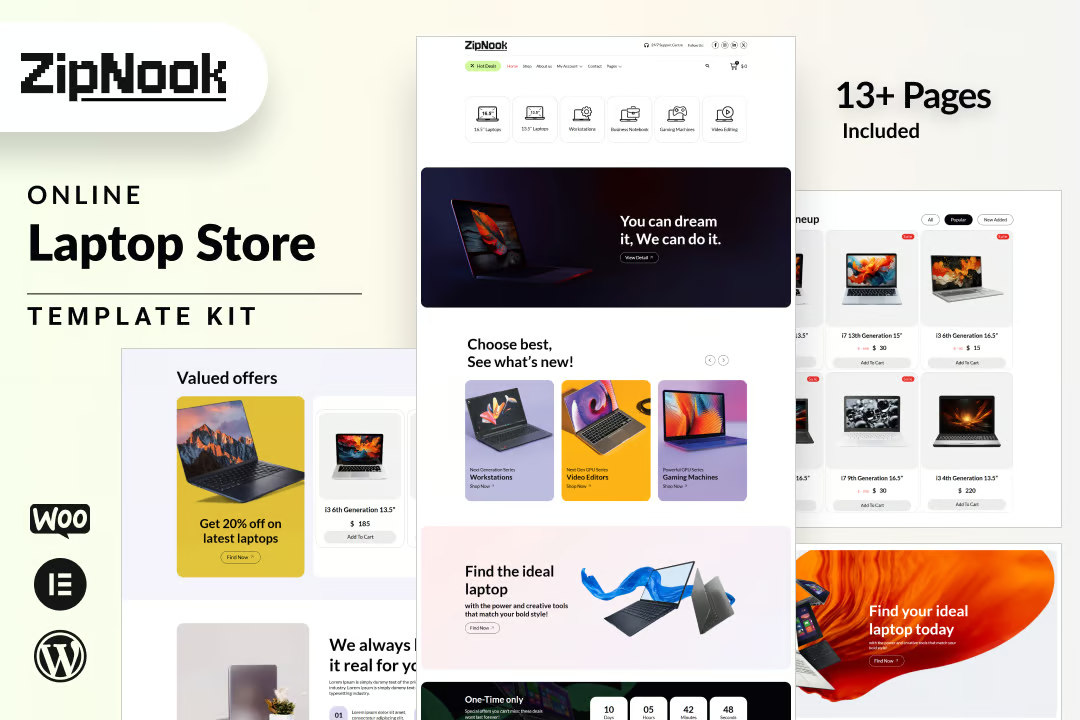
ZipNook — Elementor Templates Kit for Laptop Store

Creavision — Elementor Pro Templates Kit for Digital Marketing Agency

Intelion — Elementary Template Kits of Artificial Intelligence Services
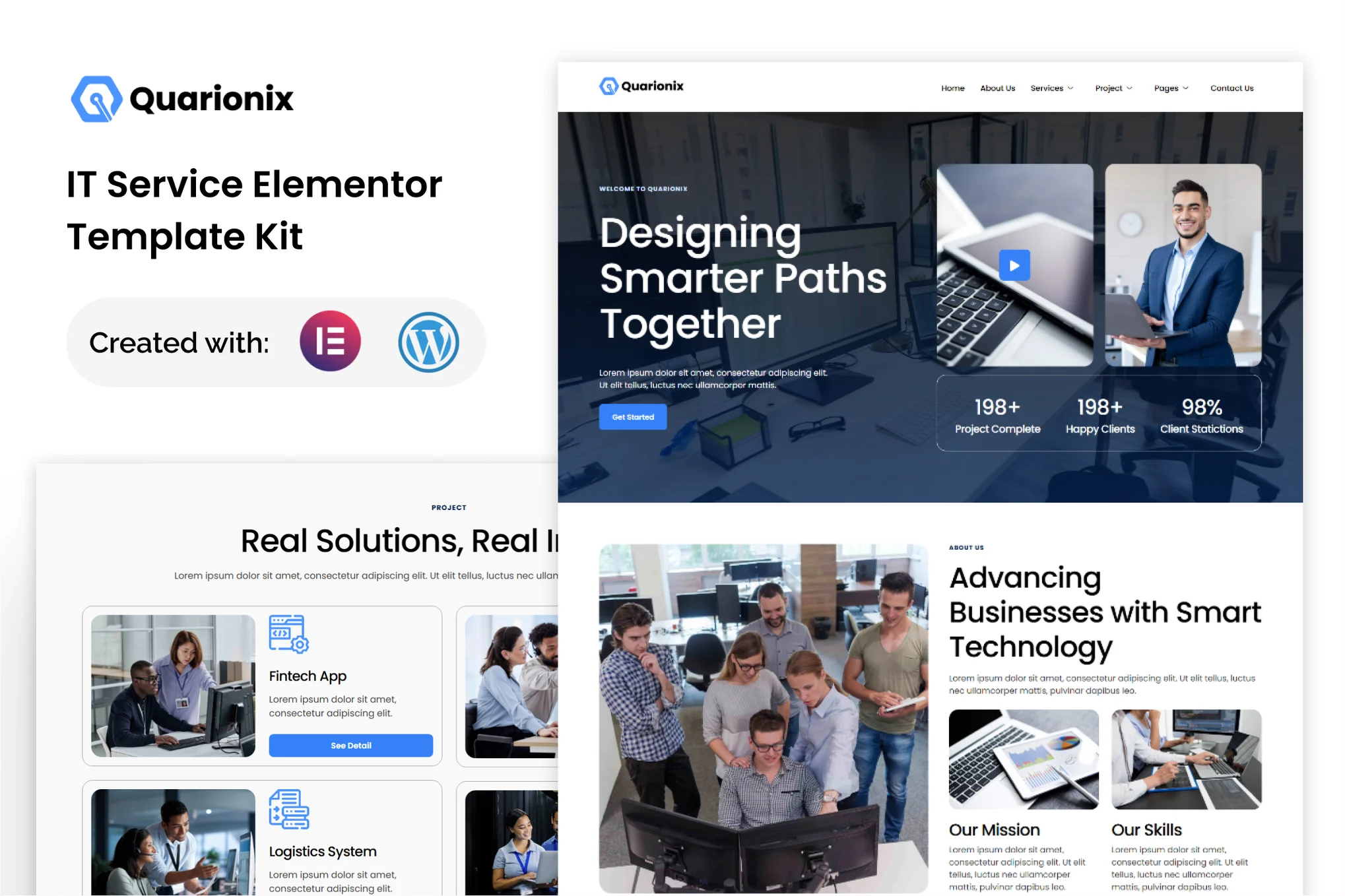
Quarionix — Elementor Models Kit for IT Services

DriveSkill — AutoSchool and Driving School Website Template
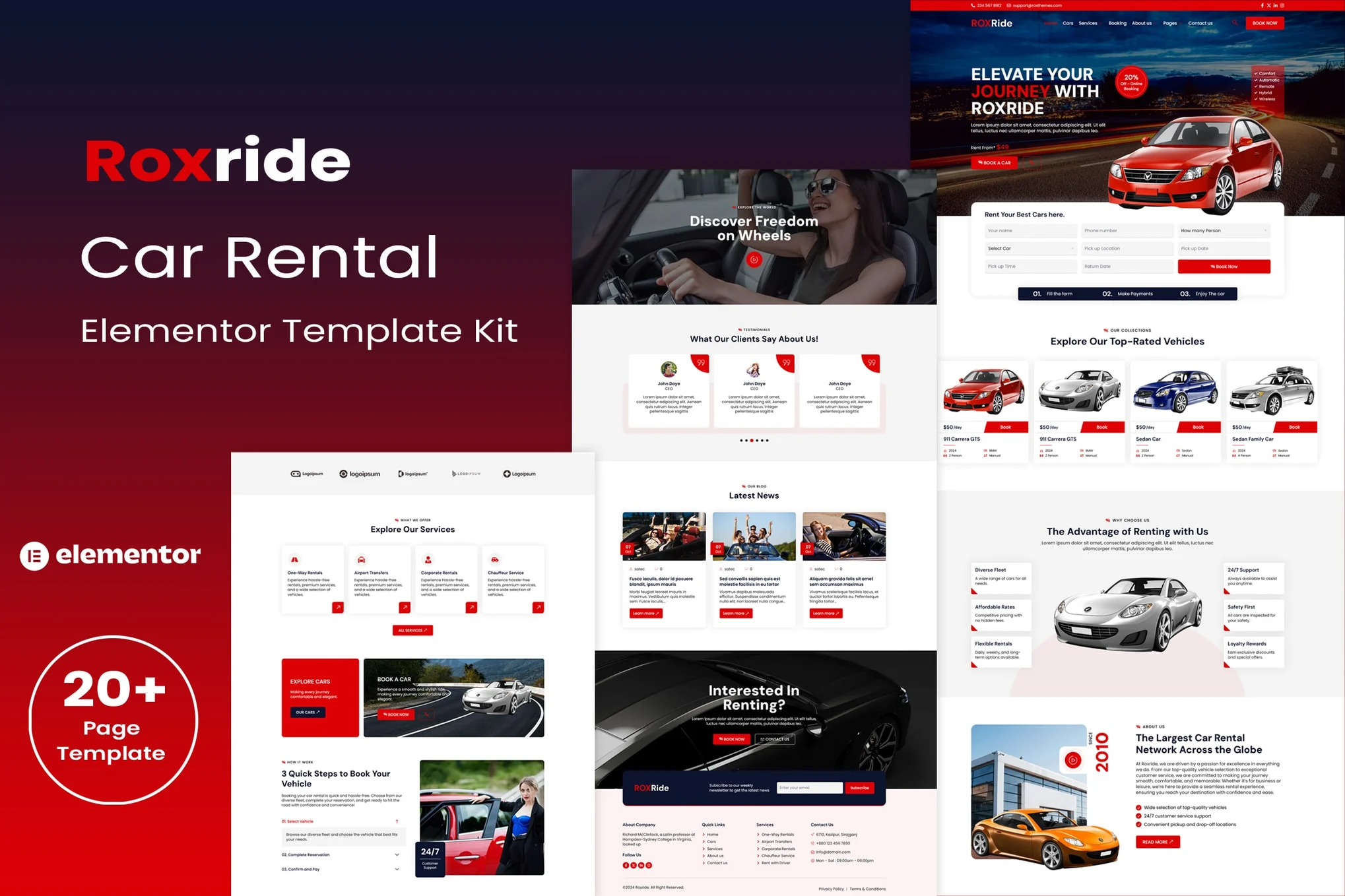
Roxride — Elementor Template Kit for Car Rental and Car Reservations
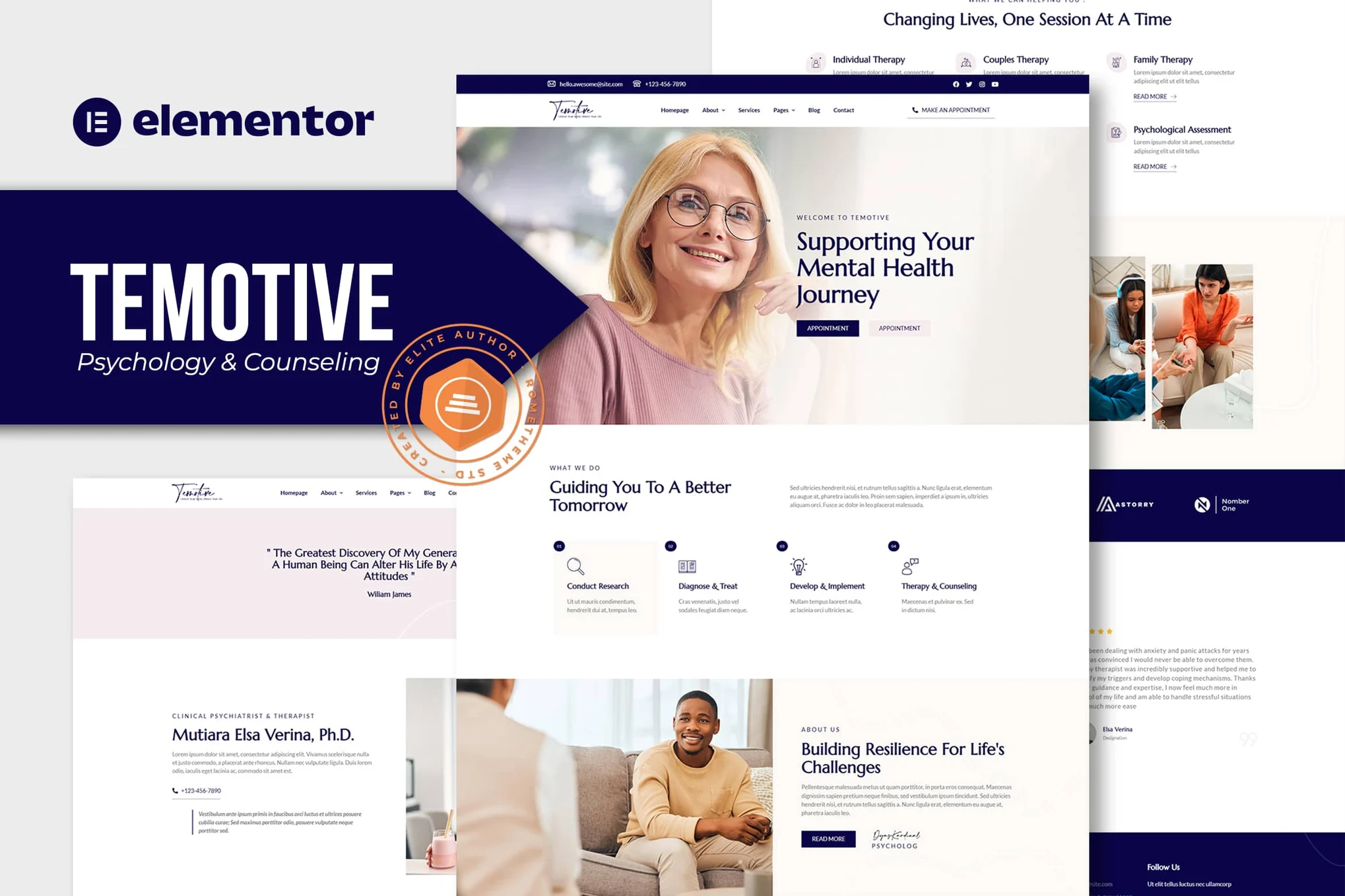
Temotive — Template Kit Elementor of Psychology and Counseling