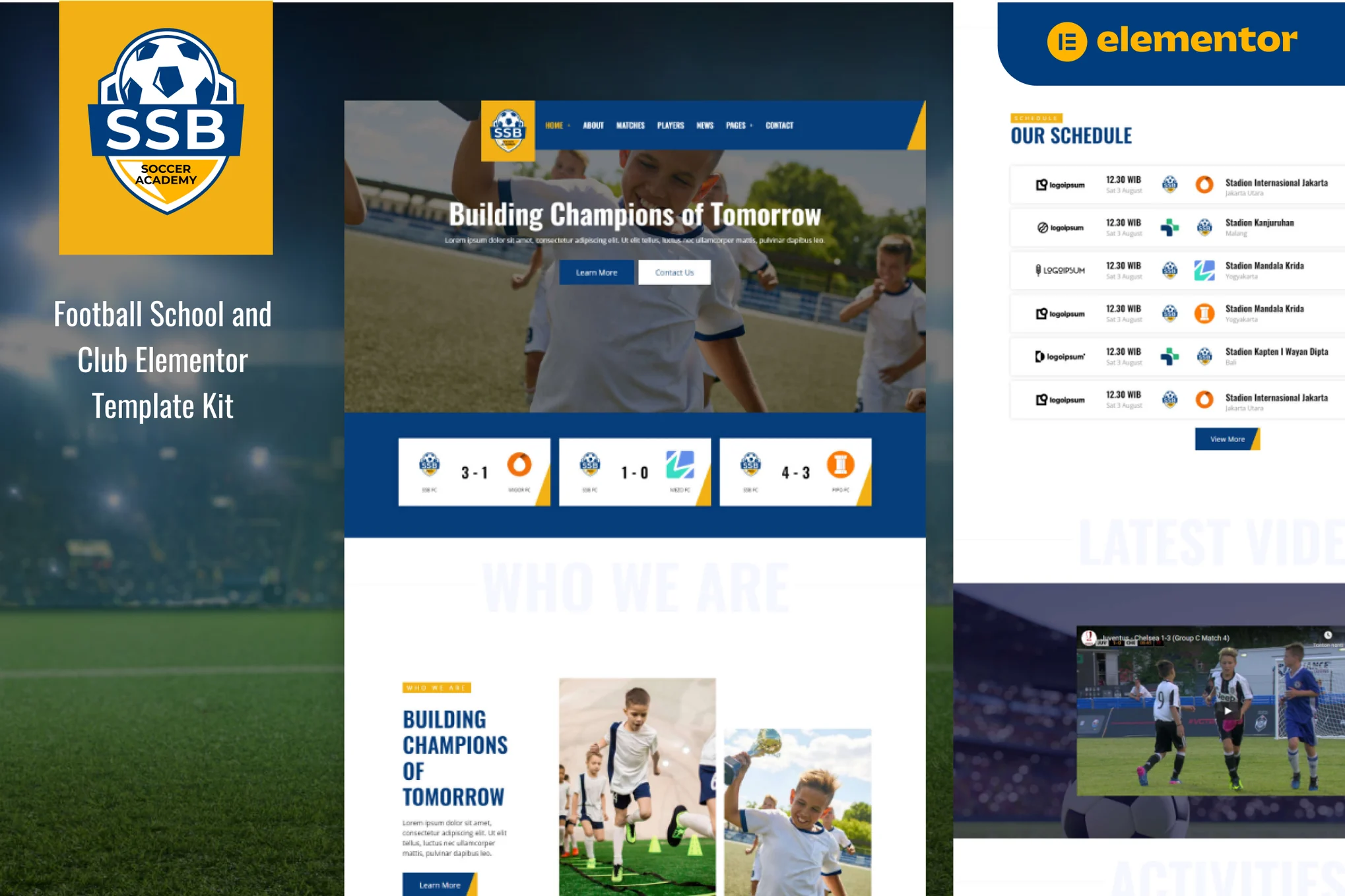
Airepair — Elementor Template Kit Kit for Air Conditioning Repair Services
Included with the product:
- Instant download
- Dashboard access
Product description
Airepair is an Elementor template kit to create a site for air conditioning, repair and maintenance services of HVAC, repairs, doing everything, air conditioning or any other support services. Airepair uses free elements, so don't worry to try this. Airepair provides several pages, including Start, About us, Technician, Services, Individual Services, Prices, Frequently Asked Questions, Blog, Single Blog, 404, Talk to us.
The models
- Home
- About us
- Technical
- Services
- The individual services
- The prices
- Frequently Asked Questions
- Blogs
- The unique blog
- 404
- Contact us in
Source used
- Late
- Robots
Dependency of Plugin:
- Elementary
- The Elements Lite
- The Elementary Kit
- by Metform
- Head, head and block model
How to use the template kits:
- Download the file from the Envato kit and Don’t disconnect itIf you use the Safari browser, you may need to make sure that the “Open Safe Files After Download” option is disabled in the browser preferences.2. Go to Settings > Permanent Links and check if the post name is selected.
- Go to appearance > Themes > Add new and check if the Hello Elementor is installed and activated. This will require you to install the Elementor if you haven't done it yet.4. Go to Plugins and check if the Elementor and Envato Elements are installed and in the latest version. If your kit requires the Elementor Pro, it must be installed now and connected to your account.5. Go to Elements > Installed Kits and click Upload Template Kit Zip (or click on your kit to view it)
- Check the orange banner at the top and click Installation Requirements to load the plugins that the kit uses. https://envato.d.pr/ughD8Q
- Click first on Import in the Global Kit Styles. This will set the site settings.
- They are stored in the Elementor in Models > Saved Models and are reused from here. Creation of pages
- Go to Pages, create a new page and click Edit with Elementor
- Click on the grinding icon in the constructor's lower left corner to view the page settings and select Elementor Full Width and hide the page title
- Click on the icon of the grey folder to access the My Models guide and then import the page you want to customize.
- The home page is set in Settings > Reading by selecting Statistical Home Page.
If you have the Elementor Pro, the heads and headfingers are customized in Models > Theme Builder.
The detailed guide: https://help.market.envato.com/hc/en-us/articles/900000842846-How-to-use-the-Envato-Elements-WordPress-Plugin-v2-0
Important about the download
Check the format and requirements in the description. Back up your site before installing and use these files on sites you manage.
Related products
Other products you might find useful.

ZipNook — Elementor Templates Kit for Laptop Store

Creavision — Elementor Pro Templates Kit for Digital Marketing Agency

Intelion — Elementary Template Kits of Artificial Intelligence Services

Quarionix — Elementor Models Kit for IT Services

DriveSkill — AutoSchool and Driving School Website Template
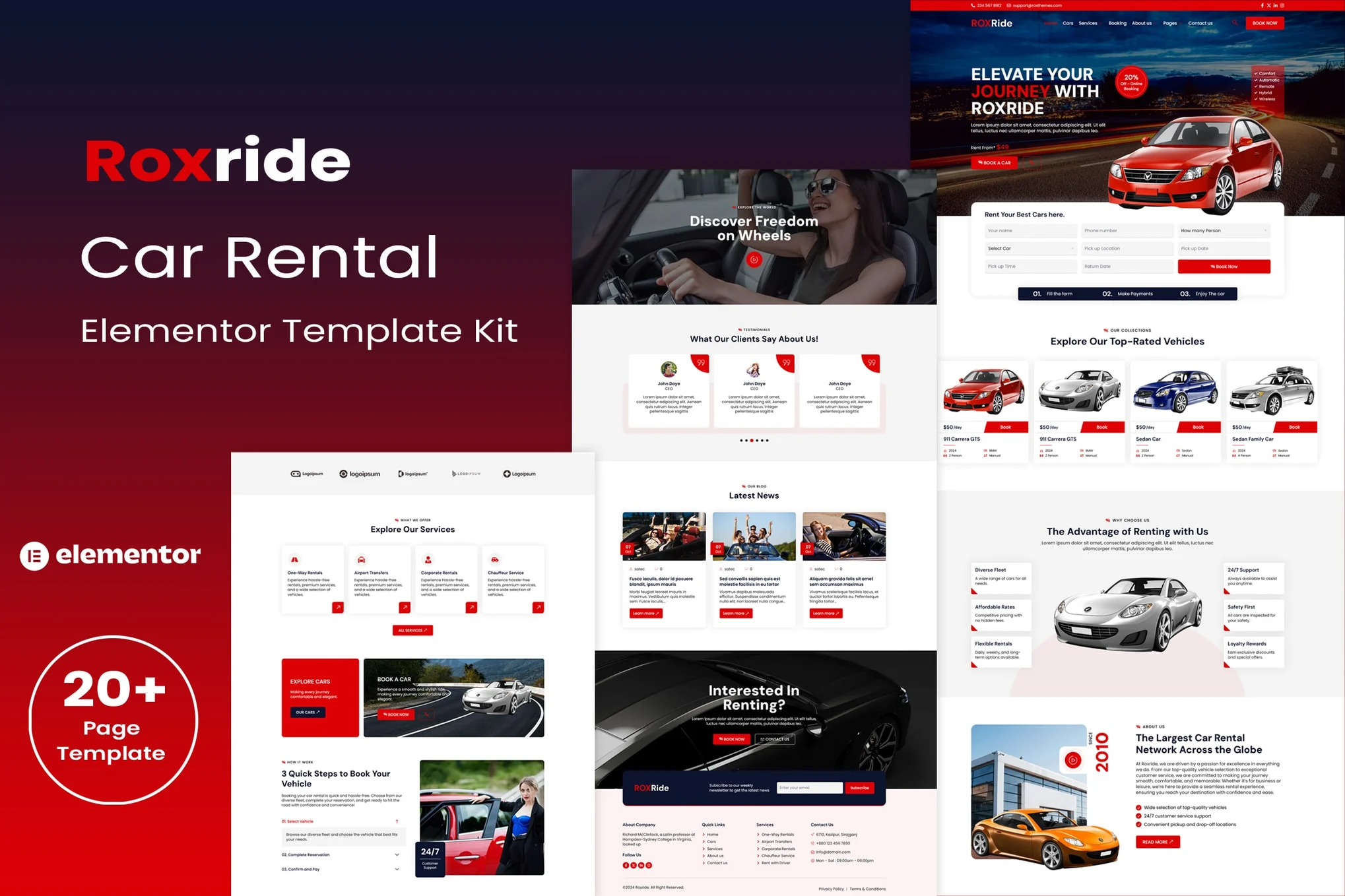
Roxride — Elementor Template Kit for Car Rental and Car Reservations

Temotive — Template Kit Elementor of Psychology and Counseling