
WooCommerce Lottery v2.2.11 — Rifes, Lotteries and Auctions
Included with the product:
- Instant download
- Dashboard access
Product description
The WooCommerce lottery extends the popular WooCommerce plugin with lottery / competition / lottery features. WordPress competitions, lotteries and outcomes have never been so easy!
The WooCommerce Lottery / Competition plugin is easy to use, but also a powerful solution – site owners get a real WordPress lottery and lottery solution, which is easy to configure and customize.
With our lottery plugin, you can set up the WooCommerce lottery site and start your lottery in less than 30 minutes (assuming that you have the payment processor ready). If you are a theme developer who wants to create a WordPress lottery theme for Envato, just buy an extended and ready license.
Please read a Documentation Check out our demonstration WooCommerce Lottery (the demo is run on WordPress, WooCommerce and the latest version of WooCommerce Lottery).
Overview and features of the WooCommerce lottery:
- First WooCommerce Lottery plugin – v1.0 released on March 2, 2016!
- It works with The latest WordPress e The latest WooCommerce and previous versions, support Elementor from v2.0, support PHP8
- Perfect integration with WooCommerce through your wheels
- You get a new type of WooCommerce product – lottery
- Number of winners of the lottery – 1 or more
- Log in at a subsequent check-out stage (check-out of guest)
- The lottery ticket price can be zero, it works with payment gateways TeraWallet / Credit
- Winners/Users can win one prize or several prizes
- Option for one-click refund tickets if the lottery failed
- Option to instantly finish the lottery if the maximum number of tickets has been sold
- Option to extend the lottery end date with all previously sold tickets (accumulation of tickets for failed lotteries)
- Manual listing the lottery and the option to delete previous lottery data after the listing
- Extend the lottery end date manually to failed lotteries (hold the lottery participants)
- Set the minimum and maximum number of tickets available
- Set the maximum number of tickets per user, number of winners and multiple wins per user
- Set the start and end time of the lottery
- List of registered members (See the demonstrationfor the lottery
- Easy to check how you want to display lotteries – along with other items or on a separate page
- Widgets with end short, future, latest / latest, highlight, recently seen, my lottery and random lottery
- Notifications by e-mail (with edited models) to win in the lottery, fail, end, unfortunate, failure in the lottery for customers, extended lottery
- The lottery product has the lottery icon (roulette) in the miniature
- The only product page has a new guide “Lottery History”
- The user has the “My Lottery” page where you can see the active lotteries and the lotteries you win – page with access code [my_lotteries]
- Filtering of lottery in the product list (wp-admin)
- The lottery product has an icon that describes different lottery status: active, completed, completed and paid, repeated (wp-admin)
- Many access codes, including access code to show my lottery to logged in users
- Make lottery of any type of WooCommerce product – simple, virtual or downloadable products
- Remove any ticket manually through the WooCommerce order management – remove the order removes the ticket
- Compatible with WPML, translation files
- It allows users to create and send their lotteries / competitions / outlets and you, as the owner of the site, can charge a fee (through plug-in from several providers, such as Product Vendors or by dokan)
- Cronjobs required – if your host does not support 1 minute cronjobs, you can use the third-party cron service as: The easycron
- Select the number of tickets. (group of tickets numbers in guides), Select the winners manually and modification of Questions / Answers Available (for an additional fee) Check the demonstration e a Screenshots of the Administrator Please contact us for more details via the ticket system or by info@wpgenie.org by e-mail – features included: select the ticket number (group of ticket numbers in guides) with the option of attributing numbers randomly without selecting each number, Question / Answers, manually select the number(s) winner(s) – when you want to use the third-party lottery draw option, such as national lottery numbers, service such as https://www.random.org/ or your own random number generator
- It works with the WooCommerce API – read The Tutorial

WooCommerce Lottery and the configuration of various WooCommerce providers
WooCommerce with multiple supplier plug-in allows you to have your own market where your sellers publish their products for sale and you can earn a commission of each sale made by the seller. WooCommerce Lottery + DocanIt is the first time that we have been able to do this, and we have been able to do this. Docan – WooCommerce Lottery Integration.
Important about the download
Check the format and requirements in the description. Back up your site before installing and use these files on sites you manage.
Related products
Other products you might find useful.
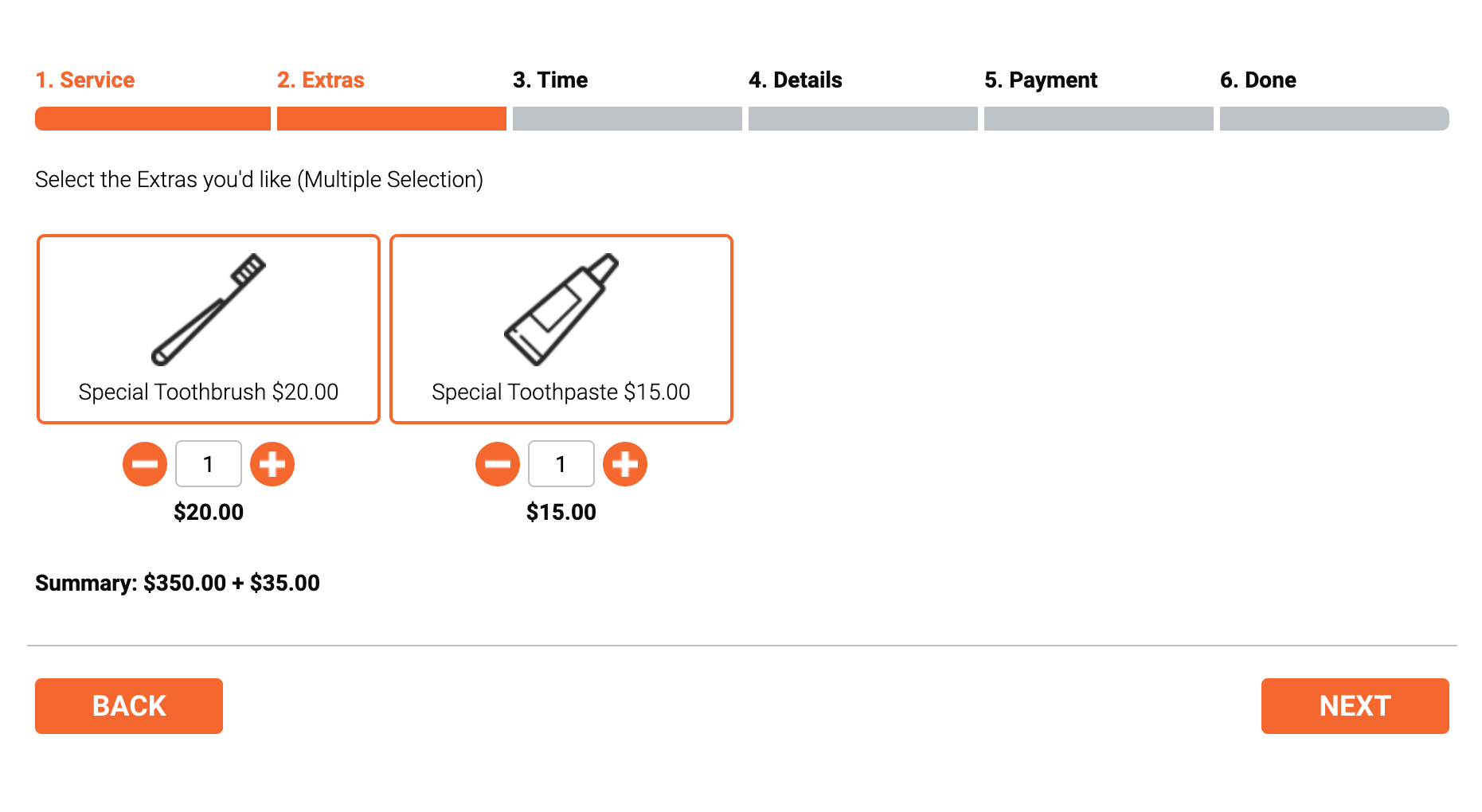
Bookly Addon — Service Extra
WP Client Reports Pro v1.0.19: Create Professional Customer Reports in WordPress

WP Rocket v3.24 — The Premium Cache Plugin to Accelerate Your WordPress Site to the Maximum
Bookly Custom Fields (Add-on)

Pretty Links Pro v4.0.18 — Developer Edition <unk> Advanced Link Manager for WordPress and Affiliates
Nextend Social Login PRO v3.1.26 — Login with Social Networks, Google and More

Progressify v1.7.0 — Progressive Web App (PWA) for WordPress