
WooCommerce Bookings v3.15.0
Included with the product:
- Instant download
- Dashboard access
Product description
Let customers make reservations, plan commitments or hire rent on their own, without having to call. Save time and sign commitments by leaving your site to do the job for you.
Let customers schedule classes, schedule commitments or book items

No matter what options you have to offer to your customers, with the Bookings, it is possible:
- Defining configuration optionsas fixed periods for a class, commitment or guided tour
- Allow customers to choose the timetables they preferflexibility to schedule the interval they want, such as check-in in a hotel
With any of the options, you can also Blocking schedules during your vacationto take time to deal with other priorities, and Create a gap between reservesTo ensure that the programming is suitable for you.
The extension allows you to configure reservations in days, hours and even minutes.
Organizing individual commitments or group events

You can set a minimum and maximum number of participants: limit one schedule to one person by time for commitments or let several people book a class or excursion.
Offer special prices for groups, days or individuals

Offers discounts for groups or individuals who book several periods, show lower prices for anticipated and higher purchases in the weekend or set special prices for children. With Bookings, you customize the prices as you want.
Show availability in the customer time zone
If your services are online or if you’re sending something to the customer, show availability in his time zone so that he’s scheduling the time he really wants. So whether the schedules come from New York, New Mexico or New Zealand, they’ll be in the scheduled time. No unexpected commitments!
This is ideal for virtual classes, online commitments or rentals that need to be delivered to the customer.
Require confirmation, offer free cancellations... you are the one who decides

Configure confirmations so that you have time to review the schedule before making it official. Send automatic notes before a schedule to reduce cases of non-appearance and define whether cancellations are permitted.
Remember and reduce cases of non-appearance

Remember customers of your commitments by sending notifications by email when the reservation is made, when it is confirmed and a day before the scheduled date.
If you want to go further, send a special reminder directly from your site.
Never have simultaneous commitments
To avoid simultaneous commitments, assign the necessary resources to a particular reservation. For example, if the 14h bride schedule a clothing test and a stylist until 15h30, the stylist will appear as unavailable to the bride that reserves a clothing test for 15h. You will never have to worry about having the same resource offered to two customers at the same time.
Manage your calendar as you want, including synchronization with Google Agenda

Use the calendar view to see the schedule of your day or month. Update existing schedules or availability or use the filters to see specific features/services.
Customers still call to schedule commitments, to old fashion? Add them manually to the calendar while you’re on the phone.
Manage reservations in your store and view them in the Google Agenda after 60 seconds or less.
Important about the download
Check the format and requirements in the description. Back up your site before installing and use these files on sites you manage.
Related products
Other products you might find useful.
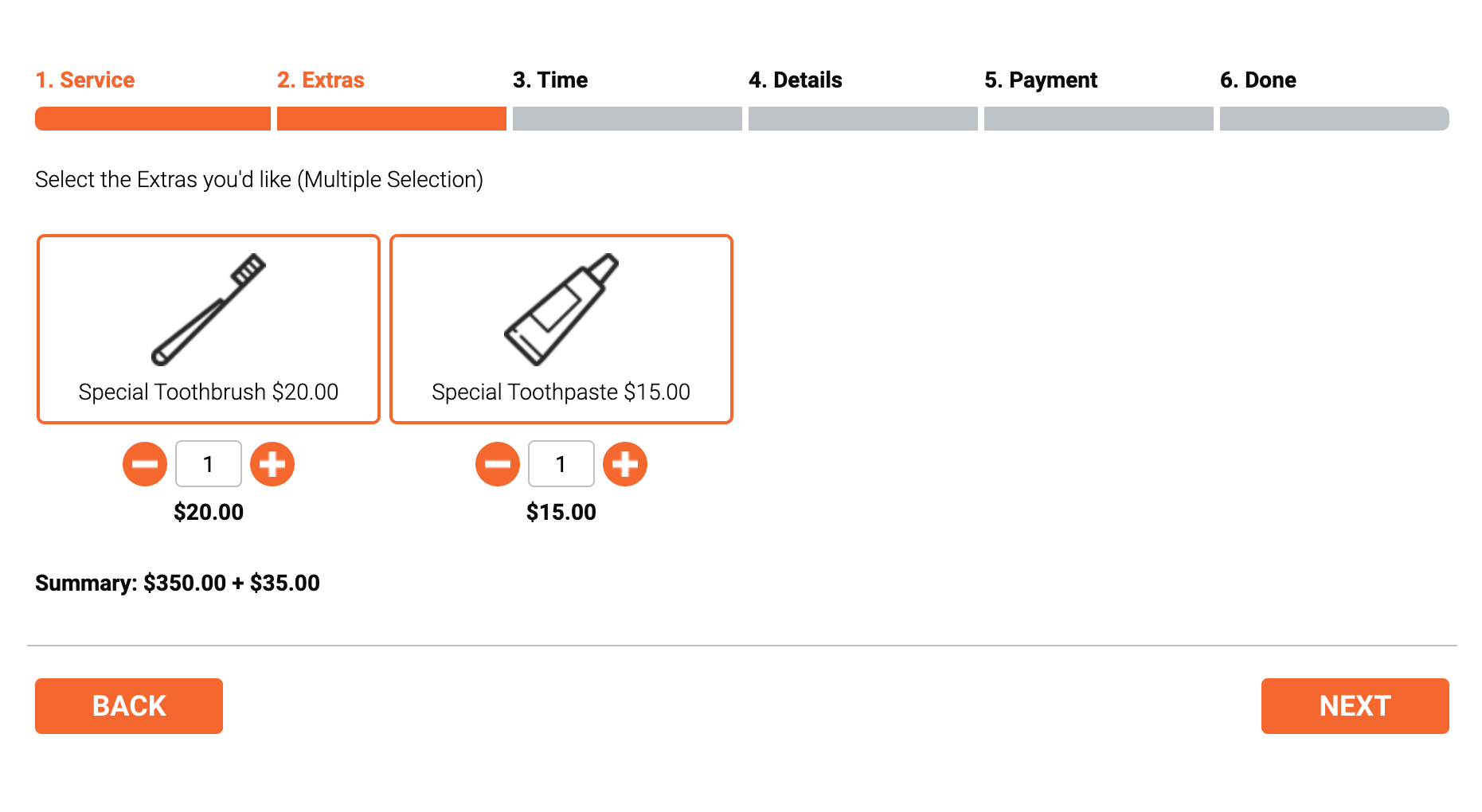
Bookly Addon — Service Extra

WP Client Reports Pro v1.0.19: Create Professional Customer Reports in WordPress

WP Rocket v3.24 — The Premium Cache Plugin to Accelerate Your WordPress Site to the Maximum
Bookly Custom Fields (Add-on)

Pretty Links Pro v4.0.18 — Developer Edition <unk> Advanced Link Manager for WordPress and Affiliates
Nextend Social Login PRO v3.1.26 — Login with Social Networks, Google and More

Progressify v1.7.0 — Progressive Web App (PWA) for WordPress