
WhatsApp Chat WordPress v3.7.3 — Multiple WhatsApp servants on your site
Included with the product:
- Instant download
- Dashboard access
Product description
The WhatsApp Chat for WordPress plug-in allows you to integrate your WhatsApp experience directly to your site. This is one of the best ways to connect and interact with your customers, you can offer support directly, as well as create confidence and increase customer loyalty.

The Block of WhatsApp Gutenberg

Characteristics
Support the real accounts
The NinjaTeam WhatsApp Chat plug-in allows you to add several accounts of your members to a WhatsApp box to display. Your client can choose a supporter that he wants to chat, he knows exactly who he is talking with.
Personalized
Easy The NinjaTeam WhatsApp Chat plug-in offers options to select colors for the WhatsApp box to fit the style and taste of your site. In addition, you can customize each box for each person, depending on their availability of time with photo, cracks and charges. When you are online, the button is green or other color that you have set, otherwise, it is gray. Therefore, when you are not responding quickly, customers don't feel that they are ignored. They know exactly their available time in which you set it first.
Supported by WPML
You can use any WordPress translation plug-in, such as WPML, Polylang, to customize any language on your site easily and quickly.
Shortcode included
With the shortcode of the NinjaTeam WhatsApp Chat plugin, you can display the WhatsApp box anywhere on your site. It can be a page, a post, some specific pages, posts or the whole of your site.
without need
We have spent a while designing and making UI/UX the best possible way. All you need to do is just send the plugin to WordPress, activate the plugin, customize all the options available and ready!
Enjoy conversations with your customers at any time and anywhere! It’s never been so easy and stop losing your leads in potential!
as it works
After installing the plug-in, you have all the settings in hand to customize a WhatsApp widget or button on your WordPress site, adding members or support agents accounts with phone numbers or group chat links.
The widget can be displayed on all pages or only on the desired pages you set. In addition, you can also activate the WhatsApp button on the Add to the WooCommerce box button.
Each account has its own access code that you can copy and paste anywhere on your site to offer customer support.
After a client clicks on a account with which he wants to chat, he is redirected to the WhatsApp app, if he is on the mobile, or to the WhatsApp web, if he is on the desktop.
Important about the download
Check the format and requirements in the description. Back up your site before installing and use these files on sites you manage.
Related products
Other products you might find useful.
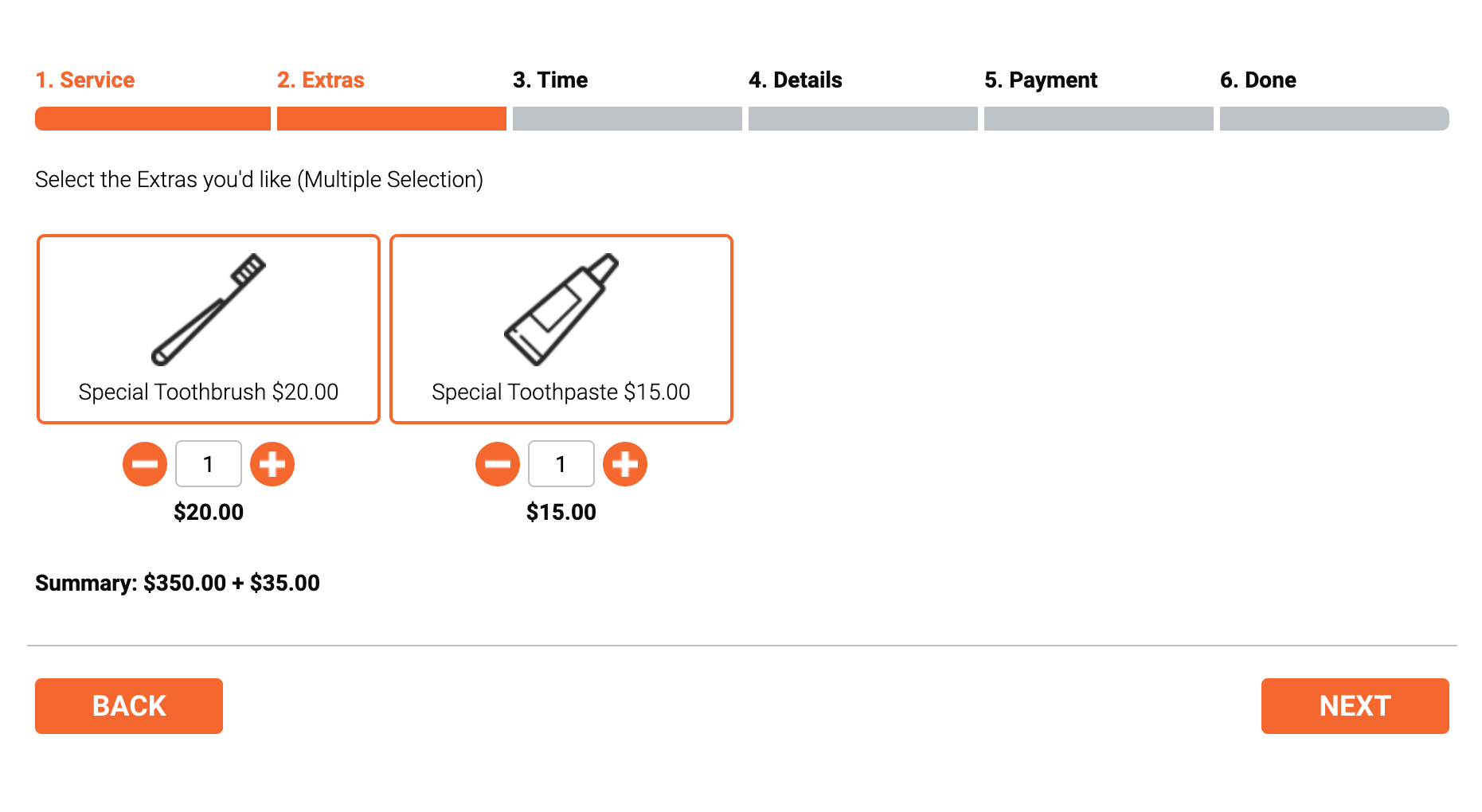
Bookly Addon — Service Extra

WP Client Reports Pro v1.0.19: Create Professional Customer Reports in WordPress

WP Rocket v3.24 — The Premium Cache Plugin to Accelerate Your WordPress Site to the Maximum
Bookly Custom Fields (Add-on)

Pretty Links Pro v4.0.18 — Developer Edition <unk> Advanced Link Manager for WordPress and Affiliates
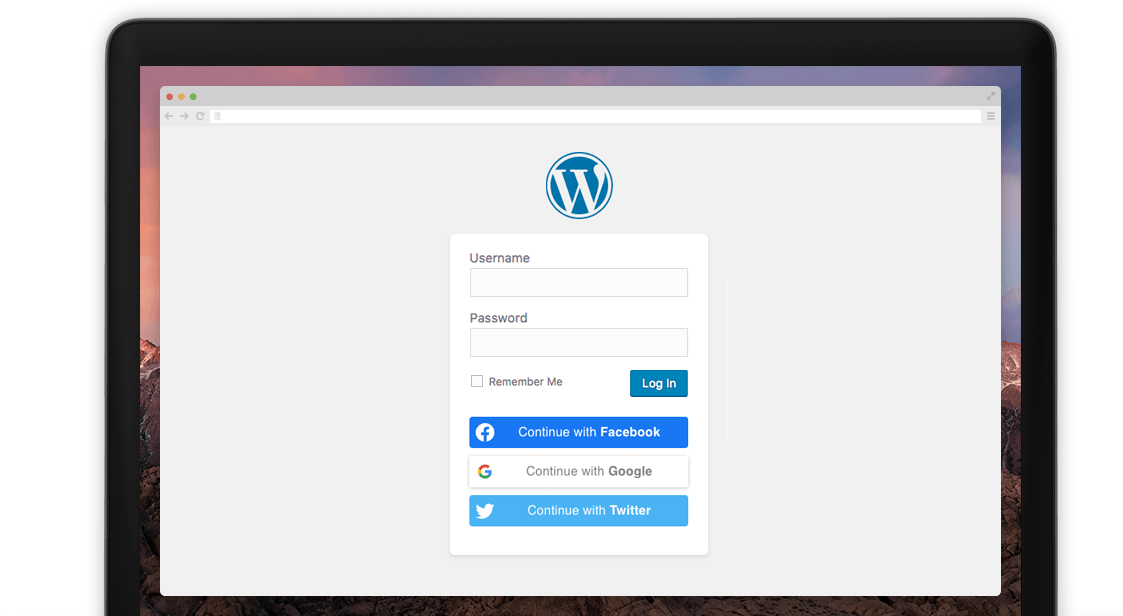
Nextend Social Login PRO v3.1.26 — Login with Social Networks, Google and More
Progressify v1.7.0 — Progressive Web App (PWA) for WordPress