
S2W — Importing Shopify to WooCommerce v1.3.3
Included with the product:
- Instant download
- Dashboard access
Product description
S2W – Import Shopify to WooCommerce helps you to import data from Shopify to WooCommerce easily. With only 2 steps, the data from the shopify store will be imported, including store settings, shipping zones, taxes, pages, blogs, cupons, customers, products and orders. The plugin uses the Shopify API key to transfer data from Shopify to the shop WooCommerce directly, your data is kept private.
- Unlimited imports without additional payment: You are free to import all your data from Shopify to WooCommerce. There is no limit of how many products, data... you can import. You don’t have to pay any extra fee to import, just matter how many you want.
- Successful imports: Please follow our document and video guides to know how to use the plugin to import data from Shopify to WooCommerce.
Import 9 Types of Shopify Data to the WooCommerce
You can choose to import 9 types of data from Shopify to WooCommerce. Including shop configurations, Sending Zones, Taxes, Pages, Blogs, CUPONS, CUSTOMERS, PRODUCTS AND PECES.
- Configurations of the shop: Website title, administrative email, store address, city, country, state, postal code, time zone, weight unit, currency code and currency format.
- The Navigation Zones: Transportation areas and transportation methods.
- and taxes: Name of the tax, tax rate, country, province, zip and transport.
- The pages: Title and content.
- The Blogs: Blog title, blog content, categories, tags and image in highlight.
- The Coupon: Types of couples that WooCommerce supports, the value of the coupon, the limit of use, the date of validity and the minimum value.
- and customers: Name, surname, phone, company, address, city, province, zip and country.
- The products: Title, content, trace, variations, product image, variations images, product gallery, SKU, stock, regular price, sales price, weight, categories and tags.
- and orders: Payment method, shipping method, name, surname, company, country, address, zip, city, province, phone, total, subtotal, tax, discount, shipping cost, currency, date creation, browser IP, user agent of the client, line items, discount code, order number and order fulfillment.
Importing Products from Shopify to WooCommerce
Imported products may be the most important part in the migration from Shopify to WooCommerce. The plugin allows you to import all your products from Shopify to WooCommerce with title, price, description, variation, image, categories.
- Restricting results after the specified ID: Choose to import only one product with an ID greater than a specified ID.
- Import by ID: Enter the Shopify products IDs separated by “,” to import.
- Importation by CSV file: The plugin allows you to import products using the CSV export file product from Shopify.
- Filter results by product type: Import only products in a type of Shopify product.
- Results of the filter by ID of collection: Import only product in a Shopify collection ID.
- Importing products until the published date: Choose to import products published before/after a specified date.
- The sequence of products: There are 6 options to select orders by Title Ascending, by Title Descending, by Created Date Ascending, by Created Date Descending, by Updated Date Ascending, by Updated Date Down.
- Status of the imported product: Select the status of the imported product as published, scattered or pending.
- Categories of products: The plugin will create the same Shopify categories and add the imported products. You can also add all the imported products to a specific category, such as “Imported Shopify products”.
- Download the images: Choose if you download product images to your WooCommerce store. The product images will be downloaded in the background. You can also download images after importing all the products going to products.
- Import Progress Bar: The plugin shows the import progress bar that reports the import progress.
Reporting Imported Products
After successfully importing products from Shopify to WooCommerce. If there is any change in the shopify store, you can use the update option to update it in the WooCommerce store.
- Importation of new products: When you have new products on Shopify, just import the whole store again on WooCommerce. The plugin will automatically pull out imported products and import your new Shopify product.
- Manufacturing of imported products manually: If you change the product details on Shopify, you can easily update the changes on WooCommerce. The update option allows you to update several products at the same time.
- Update of the schedule: The plugin allows you to schedule a time to update the product prices and the Shopify inventory.
- by WebhookIf you connect to Shopify Webhook, you can synchronize the product data immediately after the change in Shopify.
- Fields of Updates: Choose to update the required fields between the products, including Title; Inventory; Status; New variations; SKU Variation; Tags; Metacamps; Price; Description; Images; Variation Attributes; Product Lema; Published Date.
- The state: The plugin provides information about updated time, status (success or failure) and updated field.
Requests for importation
The order keeps your sales and customer information. It is really necessary to save the orders when migrating. The plugin helps you move your order to WooCommerce with customer name, charge address, shipping address, email, telephone numbers, time purchased, products, shipping option, total invoice
- Restricting results after the specified ID: Import orders with an ID greater than a specific ID (new orders).
- Requirements for import by date: import orders created/imported before/after a specific date.
- sequence of import orders: Configure the sequence for imported orders. From the latest to the oldest or from the oldest to the latest.
- Status of the application: map your Shopify order to the WooCommerce order using the order status. For example: “annulled” orders in Shopify will appear as “annulled” orders in WooCommerce.
Reporting Important Requests
Similar to imported products, you can update imported orders.
- Update the imported orders: update the request information, including the status of the request, the date of the request and the fulfillment of the request.
- Status of update: Show up-to-date time, up-to-date fields, status (success or failure)
Additional resources
- and security: Your data is transferred directly from Shopify to WooCommerce without any intermediary server.
- Easy to use: The import progress is very simple to use. First, you need to create a custom shopify application using a Access token in the back-end. And finally, just click on the “Import” button.
- Unlimited imports: The plugin has no limitation of how many products, orders, customers... you can import.
- and logs: S2W – Import Shopify to WooCommerce provides log files to check the import history.
- Automatically update the plugin: You can automatically update the plugin during the support period.
The video guide About how to create a personalized Shopify app and give it access permissions.
Important about the download
Check the format and requirements in the description. Back up your site before installing and use these files on sites you manage.
Related products
Other products you might find useful.
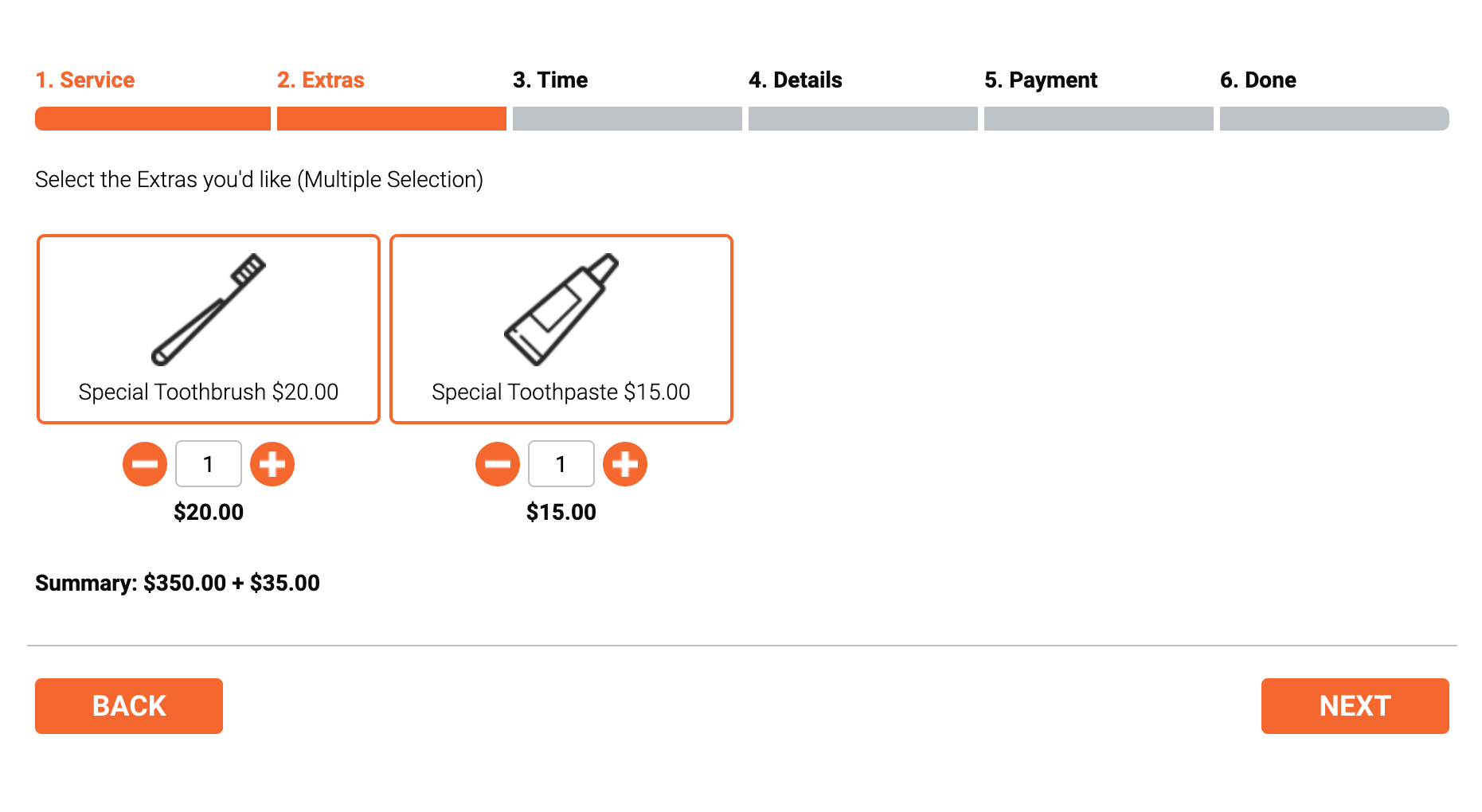
Bookly Addon — Service Extra

WP Client Reports Pro v1.0.19: Create Professional Customer Reports in WordPress

WP Rocket v3.24 — The Premium Cache Plugin to Accelerate Your WordPress Site to the Maximum
Bookly Custom Fields (Add-on)

Pretty Links Pro v4.0.18 — Developer Edition <unk> Advanced Link Manager for WordPress and Affiliates
Nextend Social Login PRO v3.1.26 — Login with Social Networks, Google and More

Progressify v1.7.0 — Progressive Web App (PWA) for WordPress