Plugin de Assinaturas de Downloads — v2.36.0
Included with the product:
- Instant download
- Dashboard access
Product description
What does the plugin do
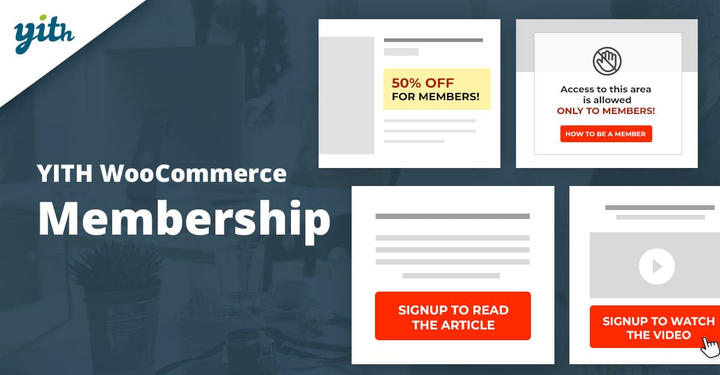
Create association plans to allow access to products, pages, articles and restricted areas of your site for registered users as members.
How you can benefit from it:
- Selling video courses, classes, consultancies and providing content only to users who have paid for them;
- Build specific areas on your sites by restricting access only to members;
- Create an online magazine with posts visible only to users who have purchased access to it;
- Create a private store where only registered users can view the products;
- Offering products that can be purchased and downloaded using a credit system (for background images, resources, etc.);
- Offers digital features that can be downloaded for free only by members.

A powerful tool to create restricted areas or provide access to products, pages, articles and content only for members.
Selling products with dedicated access is a great opportunity to increase your profits: large companies such as Udemy or Treehouse are the living proof and reach an enormous volume of sales with this business model every year. Their income is intended to grow considering the growing number of people looking for their products.
In a fully automatic way, you could offer your users limited and exclusive access to personalized information, such as course, videos, products, articles, download files, etc.
Manage courses, services, valuable association plans with private access, send messages to your customers, schedule the publication of the unique content for your customers: all these actions can be easily performed, a plugin designed and designed to simplify the management of products with limited access.
The reserved area is easy to use, it allows you to protect your content and make it accessible only to members or to those who have paid for it.
Create unlimited plans with different permission rules
Create different plans (e.g., Silver, Bronze and Gold) and set the permissions for their different users based on the plan they joined. Products can only be downloaded by members of a particular plan or members of another plan can only read the blog posts but not watch the videos: there are literally unlimited combinations.


It automatically defines users as members of a specific plan when registering
Create restricted access areas (posts, videos, exclusive content) available only to registered users and automatically mark them as “member” once they register on your site.
Make the store and products only accessible to members (as in Privalia)
Create a private store with exclusive offers for members, hide products for unregistered users or for those who do not have a specific association plan.


Hidden pages and posts for non-member
Manage access to all sections of your site and choose what needs to be shown to members. You can create restricted pages, posts that only members can read, products that only users can view or download for free.
Show a limited content (e.g. a pre-article) and encourage users to register (and pay) to see the full content
Create your business model inspired by online newspapers: publish posts and contents whose introduction can be read by everyone, but only members will be able to access the full content and bonuses (video, podcasts, images and so on).


New
Use the Gutenberg block to easily define where the “exclusive for members” content begins.
Defined by a click where the visible content ends and where the reserved content for members begins, using the Gutenberg block “Exclusive content for members begins here” when creating a post or page.
Permit access or download of files (PDFs, images, audio and video files, etc.) only for members
Protect your files in the easiest way and allow only members to download digital products (such as ebooks) or PDF files, ZIP files, JPG images, audio and video files, among others.


Choose what your users will see when they try to access some reserved content
You can set up an alternative content for each page, product or post (thanks Gutenberg blocks, you can add a banner or an action call to encourage your users to join and become members), redirect users to a specific URL or, as an alternative, show a 404 error page for those who try to access reserved content.
New
Use the Alternative Content blocks to create advanced alternative content for non-member
Use the new alternative content blocks to create advanced sections and pages with Gutenberg and show them to non-member. Thanks to the flexibility offered by Gutenberg, you can create banners, texts, graphic sections and call to action buttons to encourage your users to become members.


Offers free shipping to members of your store
Select the “Free Delivery to Members” option to offer free shipping to your Members on all orders they make for your store.
New
Offers dedicated discounts to your members on all products in your store
You want to give your members 10% discount on each product? When you create the association plan they’re going to join, you’ll find that option. You can also set different percentage discount rates for each association plan (e.g. 10% for Silver users, 20% for Gold users, and so on).


Create a credit system to allow members to download items (such as image base images or digital resources)
Build a platform where you can sell digital products or resources using a credit system. Choose how many credits you want to allocate to new members (based on the association plan they are entering) and how many credits will be required to download an item.<br /> You can set a standard value for the entire store or different values for specific products (for example, some products may require 5 credits, some other products cost 10 credits, etc.).

Release the content gradually
For each content of the plan, you can choose when it will be available to your users, to delay their release gradually and constantly (for example, the first video will be available immediately, the second after a week, etc.)
Monitor subscriptions and downloads from the integrated panel
From the integrated plugin panel, you can easily monitor all the subscriptions created and the downloads of the features included in each plan.


Off your members a dedicated section in “My Account” with all your associations
All users who have access to a specific association plan will be able to see all the details in their booked area in My Account, where they will also be able to access the booked content and download the resources for which they have paid.
A wide variety of notifications for administrators and members
Send a notification email to your users whenever a new association is created, 10 days before the expiry, when the association expires and when it is cancelled.

Important about the download
Check the format and requirements in the description. Back up your site before installing and use these files on sites you manage.
Related products
Other products you might find useful.
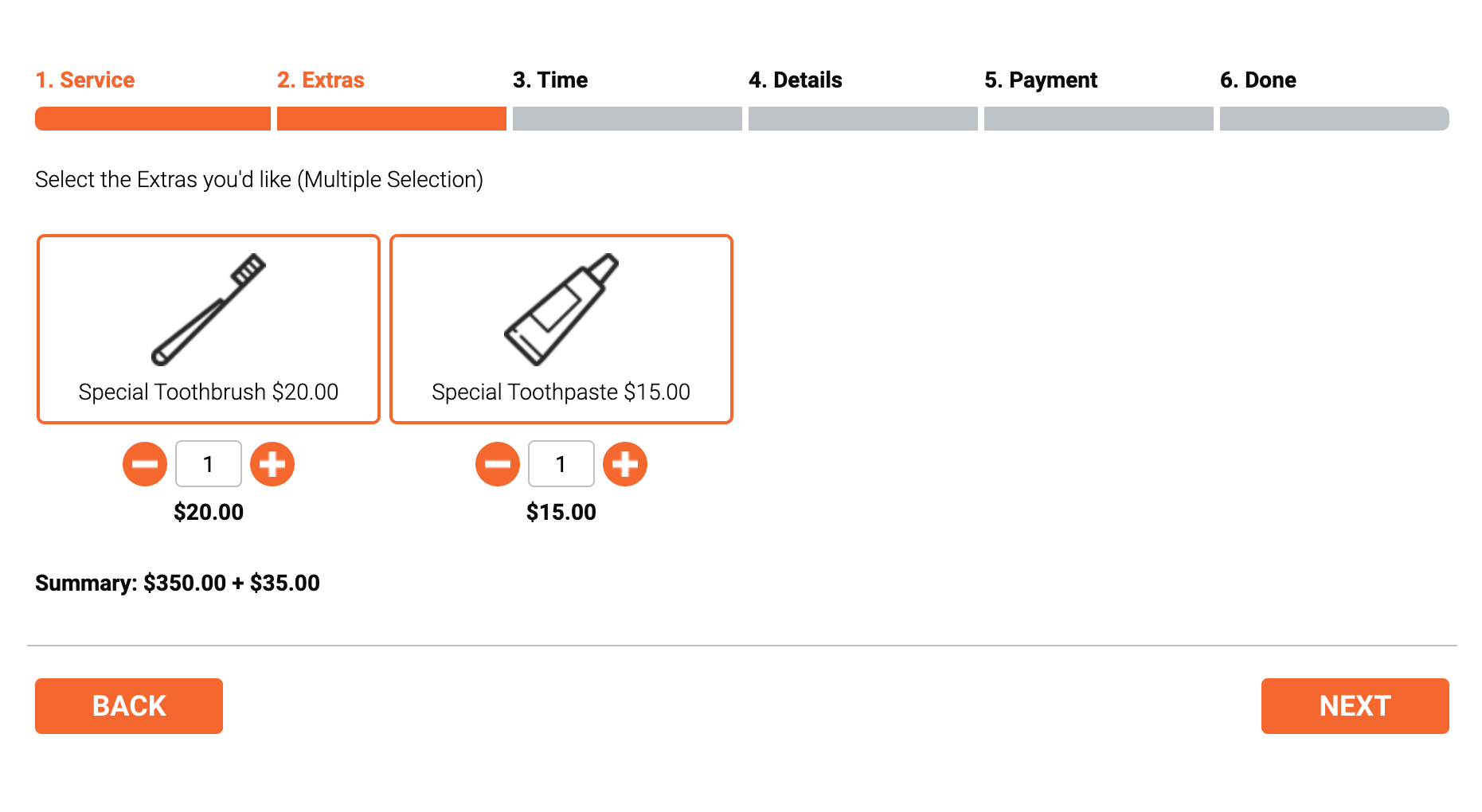
Bookly Addon — Service Extra
WP Client Reports Pro v1.0.19: Create Professional Customer Reports in WordPress
WP Rocket v3.24 — The Premium Cache Plugin to Accelerate Your WordPress Site to the Maximum
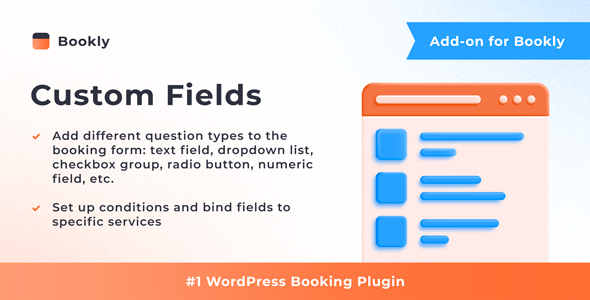
Bookly Custom Fields (Add-on)
Pretty Links Pro v4.0.18 — Developer Edition <unk> Advanced Link Manager for WordPress and Affiliates
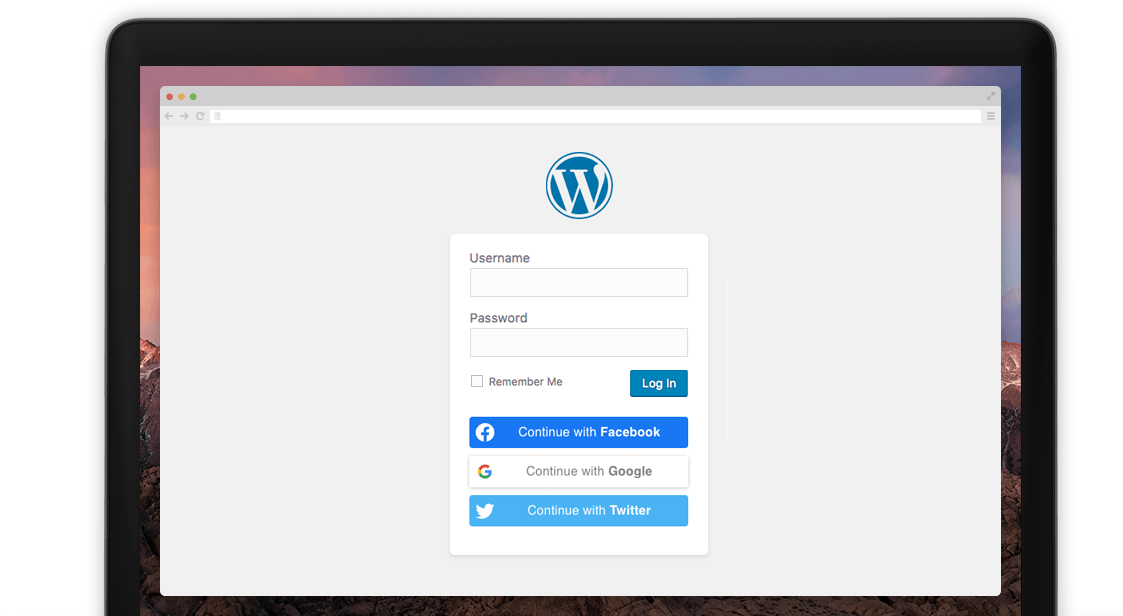
Nextend Social Login PRO v3.1.26 — Login with Social Networks, Google and More
Progressify v1.7.0 — Progressive Web App (PWA) for WordPress