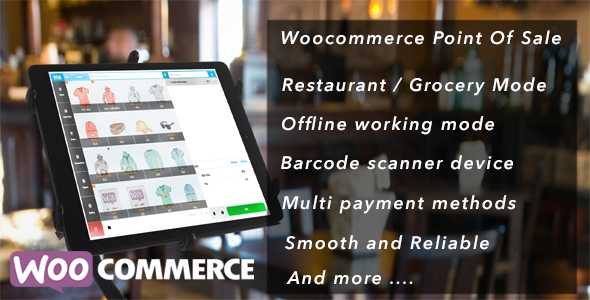
Openpos v8.5.0 WooCommerce Point Of Sale (POS)
Included with the product:
- Instant download
- Dashboard access
Product description


Openpos is a powerful and resource-rich sales point (POS) plugin designed specifically for WooCommerce, one of the most popular e-commerce platforms. It perfectly integrates with WooCommerce, allowing online stores owners to transform their sites into comprehensive retail systems with robust sales resources in the store.
With Openpos, companies can efficiently manage the operations of their physical stores along with their online presence. It provides a friendly and intuitive interface for processing sales, managing stock and managing customer transactions directly from a physical location. Whether it is a physical store, a pop-up store or a retail network with multiple locations, Openpos simplifies and accelerates the whole process of the point of sale.
The OpenPOS can be used for various purposes, such as retail shops / restaurant / cafe / spa salon. The supported companies are Varejistas, Pub, Academy, Hospital, Salon, Restaurants, Café, Supermarket, Bar, Clothing Shop and much more. The OpenPOS includes everything you need for a point of sale system.
Openpos enables companies with the tools and resources needed to provide exceptional customer experiences in the store, perfectly integrating with the existing WooCommerce online store. It is a comprehensive solution that increases efficiency, accuracy and convenience in the retail environment.
New feature: OpenPOS Progressive Web Apps on desktop
The OpenPOS Progressive Web Apps on Desktop can be ‘installed’ on the user’s device, as well as the native applications. It’s fast. It feels integrated because they’ve been started in the same way as other applications and run in an application window, without an address bar or guides. It’s reliable because the service workers can cache all the assets they need to run. And creates an engaging experience for users.


The characteristics:
- No monthly fees. Hosted in the same place with your WooCommerce
- Progressive Web Application
- Support for various types of ⁇ : retail – shop / cafe-restaurant / beauty salon
- Coffee/Restaurant mode with table management, mixing table, transfer table, kitchen View Screen
- Support Rental Business Type such as: karaoke, billar table rental, hotel / room rental ...
- Real-time synchronization of the table request data between the phone/tablet of the garzom and the phone/tablet/pc of the kitchen
- General mode / Commercial with Customer Post Display
- Multi-Store and Outlets (Outlets)
- Stock Management: Stock Adjustment
- Overview of stock
- Multiple records
- Supports all types of bar code reader device / bar code device automatic input detection
- Add the product by bar code reading or search by name/ sku
- Digitalization by camera
- Decimal / Qtd Negative Support
- Support for Digital Balance & Digital Balance Bar Code
- The currency rounding
- Basic Weight Price
- Request Notes / Item Notes
- Discount and Coupon (Support and Car Discount)
- Checkout of several wagons with safe wagon function
- Managing user permission login in the POS panel
- Recibo, label of bar code
- Print and send receipts by email
- Management of the Box
- Checkout with Multiple Payment Method / Divided Payment
- Working with the offline mode
- Reporting transactions and sales
- Integrated with WooCommerce product add-ons, WooCommerce product packages sell your simple, variable and complex products.
- To manage active login session, the session information contains: box name, locations, IP address.
- Bar code reader/QRcode of the camera with https
- This is an important feature for the box, they can do logoff without losing the work session and don't have to worry about changing your data by another person
- Checkout with standard or extended WooCommerce gateways
- Reembolso, Reembolso parcial, Troca total, Troca parcial
- LayBuy Support: Buy and Pay After
- Restaurant: Processing of orders without touch
- Compatible with high-performance order storage (HPOS)
- And many more...
Free supplements
- Payment of the Quadrat Terminal
- Integration of the Stripe Terminal For the device “Verifone P400′′+” WisePOS E”
- Authorize.net + magnetic card reader Tested with ETEKJOY – ET-MSR90 , DEMO : https://youtu.be/C_Cv1t0r0eE
- Authorize.Net payment method for OpenPOS
- Transfer of stock
- WooCommerce Germanized with GTIN and MPN Research
- Additional options of WooCommerce products
- WooCommerce Point & reward Integrate
- Star CloudPRNT Integrate – Printing without dialogue, support for multiple records
- Stock transfer management (stock transfer between sales points)
- POS Online Payment (Power the online store payment gateway through the POS panel)
- Prices for OpenPOS
Check the overall view of the plug-in diagram

by admin: https://demo.wpos.app/wordpress/wp-admin/ ( admin / admin123 )
The post: https://demo.wpos.app/wordpress/wp-content/plugins/woocommerce-openpos/pos/ (admin / admin123 or test / test123)
Restaurant/Coffee Mode
The restaurant/cafe is available: https://restaurant.wpos.app/wordpress/wp-content/plugins/woocommerce-openpos/pos/ (Tested and Tested)
Restaurant/Coffee Pos Kitchen View
Video How to Work with the Cafe/Restaurant Mode
Update of the Facebook page: https://www.facebook.com/openposwoo

Fast demonstration
General / Commercial POS

Coffee and Restaurant

Openpos – WooCommerce Point of Sale (POS)
Important about the download
Check the format and requirements in the description. Back up your site before installing and use these files on sites you manage.
Related products
Other products you might find useful.
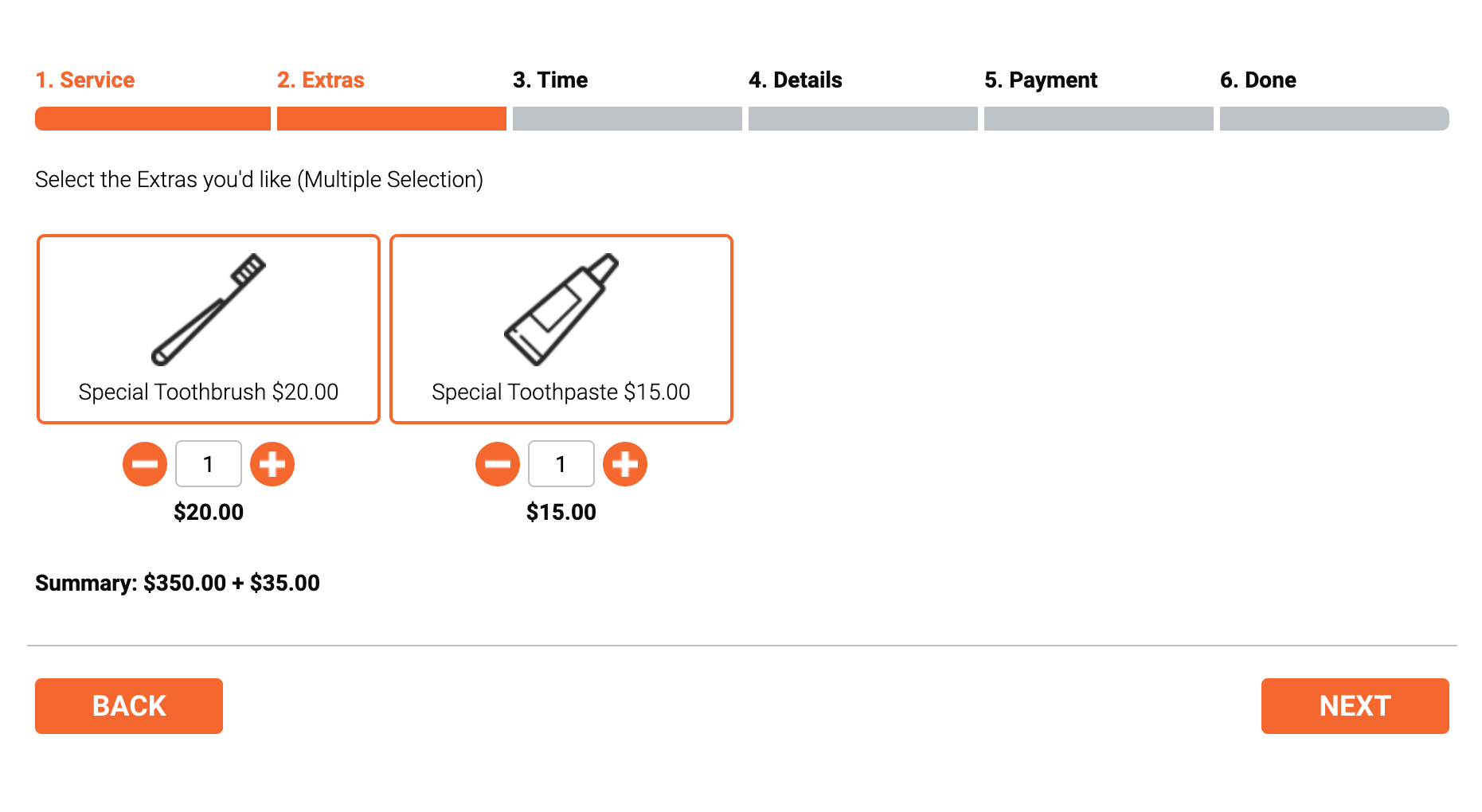
Bookly Addon — Service Extra
WP Client Reports Pro v1.0.19: Create Professional Customer Reports in WordPress

WP Rocket v3.24 — The Premium Cache Plugin to Accelerate Your WordPress Site to the Maximum
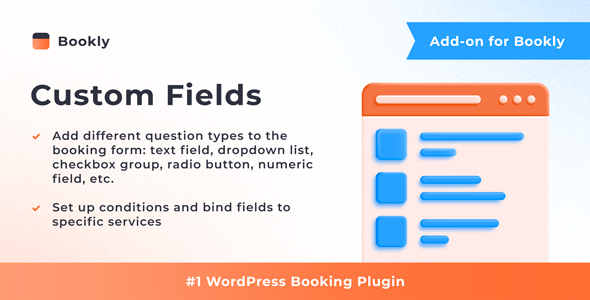
Bookly Custom Fields (Add-on)

Pretty Links Pro v4.0.18 — Developer Edition <unk> Advanced Link Manager for WordPress and Affiliates
Nextend Social Login PRO v3.1.26 — Login with Social Networks, Google and More
Progressify v1.7.0 — Progressive Web App (PWA) for WordPress