
JetProductGallery for Elementor v2.4.1 — Crocoblock
Included with the product:
- Instant download
- Dashboard access
Product description
Explore the content types of the gallery
The Woo Products
Show images of products in classic or modern galleries with various style options.
Type of personalized post
Use flexible Custom Post Types to add any type of content to the site.
Manual charging
Fill the product gallery with images from the Media Library or upload them manually.
Video in highlight
Add video to any product and adjust its parameters until it fits on the product page.
Apply gallery exhibitions visible to
List of pages of one & one
Create a universal gallery model that adapts to any product or present each in a different layout.
Slider of the product gallery
Create an elegant layout of the Gallery Slider for
Show all the products with art.

Grade of the Gallery
Show the product image gallery as a clean grid layout and
and visible.

Navigation of Ancora
Use the gallery anchor navigation to create a rollable product image display
.

Images of the product
Get a modern layout from the current gallery to show
The image of the product in abundance.

Present Woo Projects Through the Aesthetic Gallery
of eyes

Make WooCommerce products stand out
No matter what layout JetProductGallery you choose, all the images will be beautiful and modern in them. You can add galleries to individual product pages and store pages.
by Zoom
Activate this option to view the product closely;
The Light Box
Use additional controls to make the image on a full screen, share it and download it;
The video
Add a clip to the gallery and display it first.
Main features of JetProductGallery

Zoom of the product image
Apply the zoom effect when passing the mouse and set your extension scale without CSS.

Pageing
Add simple and convenient navigation to the product gallery.

Gallery Tags Dynamic
Remove images dynamically from the backend using the JetEngine plug-in.

Product Lightbox Controls
Add additional controls such as full screen mode, image count, navigation seeds, buttons.Sharing” e “Low down“.

Personalized style
Personalize all the elements of the gallery – browsing seeds, page points and video player button.

Advanced Options
Define the size of the image and miniature, as well as the video display options, such as automatic playback and loop.
Navigate the live demonstration with Crocoblock technology

The WooCommerce Store
A perfect product gallery for trends that makes every item of clothing stand out.
The core:
- 4 product gallery layouts
- Navigation Gallery of Ankara
- The vertical gallery control
- Gallery and Grid
- active pageing
- Zoom and Lightbox
Important about the download
Check the format and requirements in the description. Back up your site before installing and use these files on sites you manage.
Related products
Other products you might find useful.
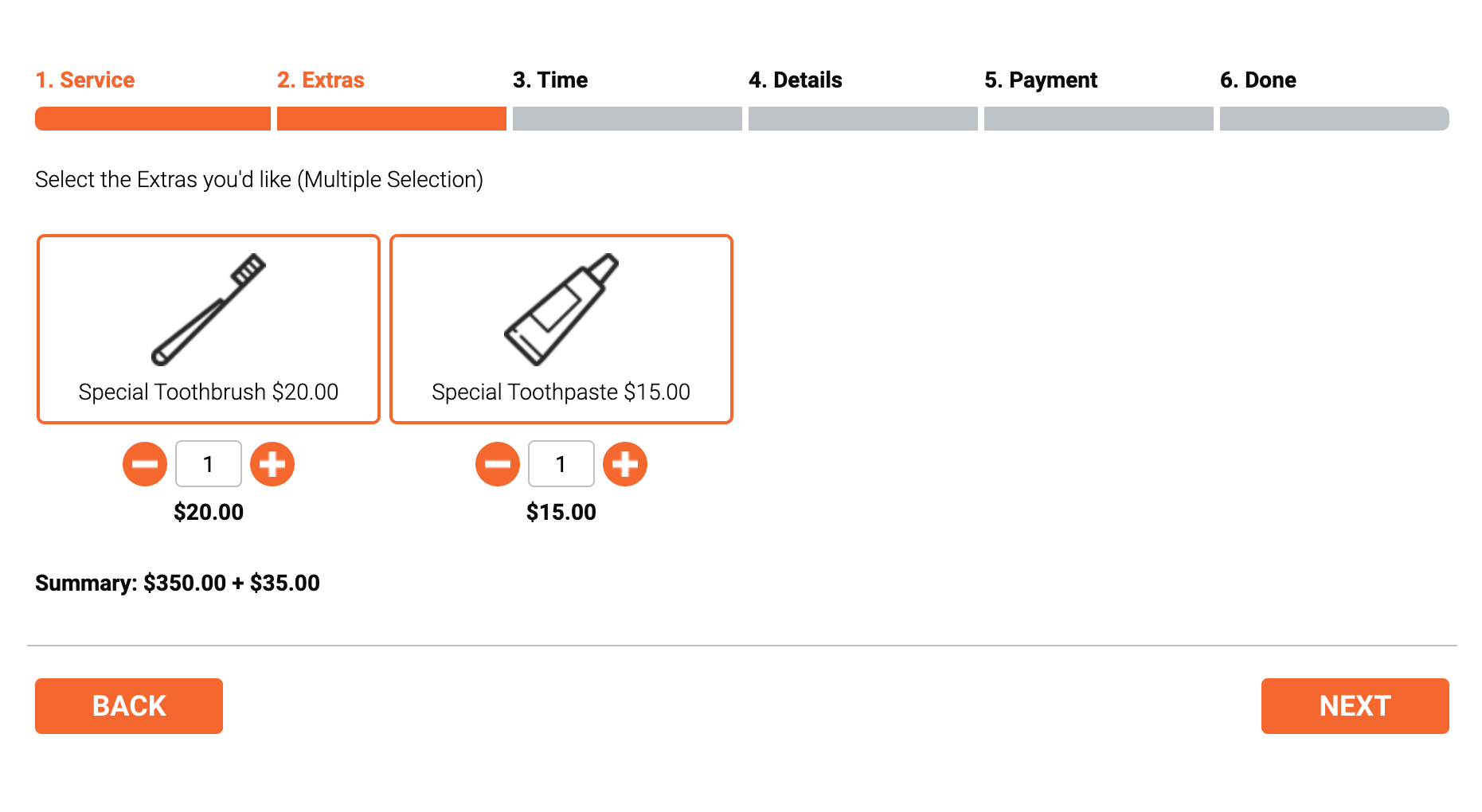
Bookly Addon — Service Extra

WP Client Reports Pro v1.0.19: Create Professional Customer Reports in WordPress

WP Rocket v3.24 — The Premium Cache Plugin to Accelerate Your WordPress Site to the Maximum
Bookly Custom Fields (Add-on)

Pretty Links Pro v4.0.18 — Developer Edition <unk> Advanced Link Manager for WordPress and Affiliates
Nextend Social Login PRO v3.1.26 — Login with Social Networks, Google and More

Progressify v1.7.0 — Progressive Web App (PWA) for WordPress