
JetPopup v2.2.3.4 — Crocoblock
Included with the product:
- Instant download
- Dashboard access
Product description
You’ll love the JetPopup plugin for Elementor
All of
It is to pull and release.
You can use Elementor widgets to create the required layout and add content to it.
You can play with pop-ups.
Select the events, set timers and dates when the pop-up blocks are about to appear on the page.
Any pop-up can be animated.
Apply one of the existing animation effects to the pop-up windows.
No need to build everything from zero.
Instead, just choose from a variety of pop-up predefinitions. regressive count, discount, sale, subscription: JetPopup has everything.
Decide what your pop-ups will communicate
Decide when your pop-ups will appear on a page
in the opening
Make the pop-up window appear when the page is open to provide information about:
- Continuous sales and discounts
- Latest news and publications
- Changes in politics
Users are trying to leave
It allows the pop-up to appear when the visitor wants to close the page to display:
- Form of registration
- Special Offer
- Form of Yes/No
The progress of the page
Add a pop-up window to the page to be displayed when we roll the page to add:
- Basic advice on the use of the site or service
- Offers for signature
- Social sharing links
Added to the widget
Configure the pop-up so that the specific Elementor widget appears when you click, roll or load the page to display:
- Information of Contact
- Links to social media
- Any other content
Time of user inactivity
Make the pop-up window appear when the visitor has already spent some time on the page to add:
- Form of registration
- Form of Yes/No
- Advertising banners
on a defined date
Set the specific date on which the pop-up will begin to appear on the site to inform about:
- The launch of your project
- Prices with discount
- Special events or holidays

Include & Exclude Conditions
Show pop-ups according to your needs only for the specific pages, using various conditions.
- Include pages and page templates
- Remove specific pages or types of posts
- Mix and combine conditions
Set out how much attention you want
Calling with Animation Effects
Disappearance
to expand
reduced
Moving upward
Rejection
jumping out
Slide upward
Slide to the bottom
Slide to the left
Slide to the right
The horizontal conversion
The Vertical Flip
to turn
How to choose your pop-ups
They will appear on a page.

Classical

Slide to the inside

by bar

Adjacent

The full vision

The costume
Important about the download
Check the format and requirements in the description. Back up your site before installing and use these files on sites you manage.
Related products
Other products you might find useful.
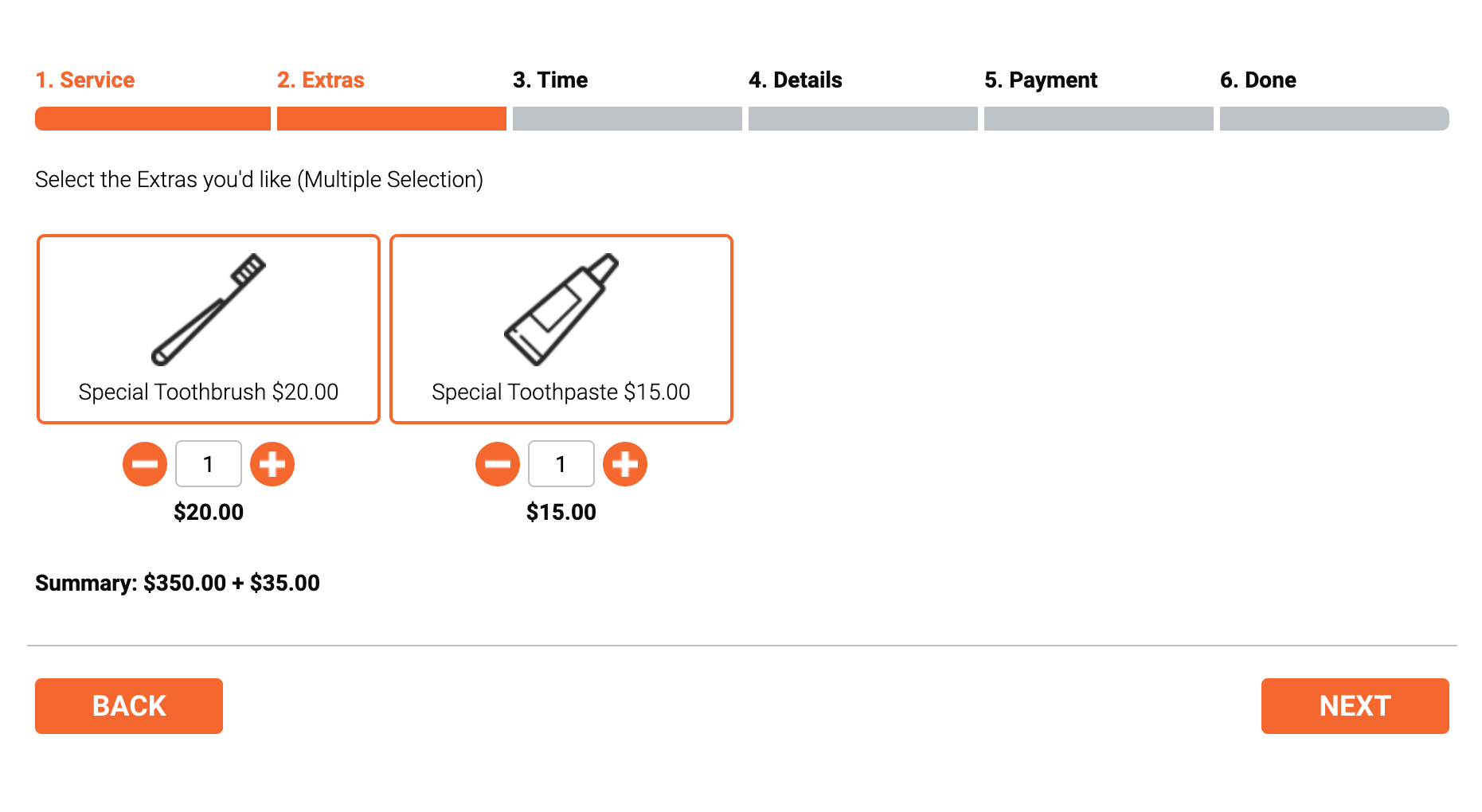
Bookly Addon — Service Extra
WP Client Reports Pro v1.0.19: Create Professional Customer Reports in WordPress

WP Rocket v3.24 — The Premium Cache Plugin to Accelerate Your WordPress Site to the Maximum
Bookly Custom Fields (Add-on)

Pretty Links Pro v4.0.18 — Developer Edition <unk> Advanced Link Manager for WordPress and Affiliates
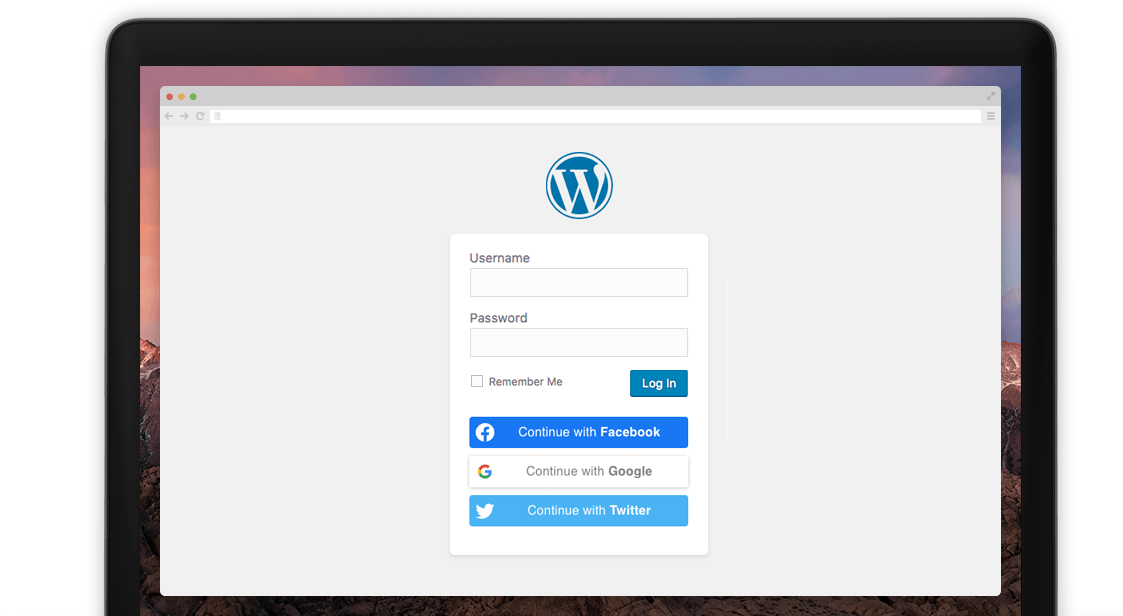
Nextend Social Login PRO v3.1.26 — Login with Social Networks, Google and More

Progressify v1.7.0 — Progressive Web App (PWA) for WordPress