
JetEngine v3.9.1.1 + External Modules — Crocoblock
Included with the product:
- Instant download
- Dashboard access
Product description
Specific widgets for dynamic content.
Use powerful widgets made to display dynamic content in Elementor to create more content
and spectacular.

The dynamic field.
Show the regular metacontent or dynamic content from the set source and customize your appearance using versatile style settings.

The dynamic image.
This widget is made specifically to display dynamic images in highlight for the type of custom post created or taxonomy models and customize your appearance.

The dynamic repeater.
Enjoy the power to display defined dynamic repeaters for custom post types and taxonomies using the defined source, a bit of coding and vast opportunities for customization.

The dynamic link.
It is impressive how easy it is to add links to the post or taxonomy models to display them to any custom post or taxonomy with widget Dynamic Link.

The dynamic terms.
The best way to display dynamic taxonomies added to any posts or pages when creating a model with Elementor is using the Dynamic Terms widget, specifically cut for these purposes.

The dynamic goal.
Show the date of publication, the author information, the number of comments by adding the Meta Dynamic widget to the model.
A good layout to organize the content.
Choose the most suitable layout type for custom posts or taxonomies to organize the dynamic content of the
The attractive form.

level of listing.
Use the power to create dynamic listing and grade layouts to display custom posts and taxonomies using the defined models.

The listing alvenaria.
Use the elegant layout of the listing to show the custom posts or taxonomies in the most attractive way and customize the number of columns.

List to justify.
Choose to justify layout for the listing model to show all the custom posts and taxonomies in an artistic form that can be easily customized.
Create event models & Use the elegant dynamic calendar of JetEngine to assign them to dates.
With the JetEngine Calendar feature you can easily create any dynamic model you want and use it for events to display them for each date.
Functionality of event consultation
Use complex query parameters, including date query types, meta query and taxonomy, to show the events that match.
Several events for a date
Add one or more events to a specific date to inform visitors about the agenda you have created.
Images, icons and events links
Add any content you need to the event patterns displayed within the Calendar, from icons to dates, time markers, links, images and QR codes.

4 High-end calendar predefinitions
Select one of the 4 Calendar predefinitions available to apply to the Dynamic Calendar widget to make the Calendar widget fantastic.
Dynamic events models
Use the dynamic JetEngine widgets to create the models for your events and use them within the calendar
Important about the download
Check the format and requirements in the description. Back up your site before installing and use these files on sites you manage.
Related products
Other products you might find useful.
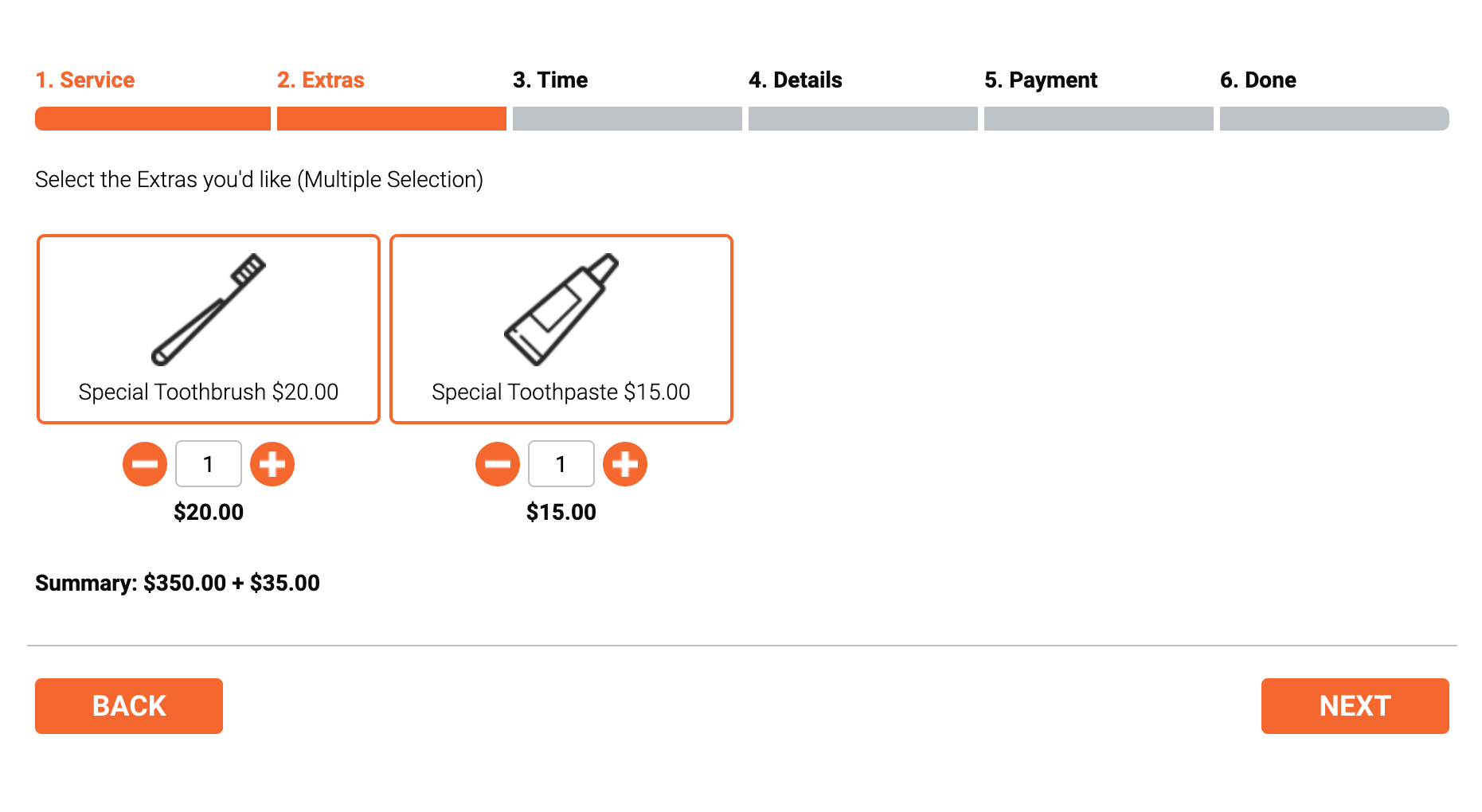
Bookly Addon — Service Extra

WP Client Reports Pro v1.0.19: Create Professional Customer Reports in WordPress

WP Rocket v3.24 — The Premium Cache Plugin to Accelerate Your WordPress Site to the Maximum
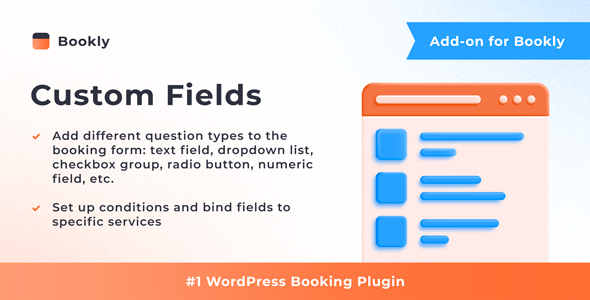
Bookly Custom Fields (Add-on)

Pretty Links Pro v4.0.18 — Developer Edition <unk> Advanced Link Manager for WordPress and Affiliates
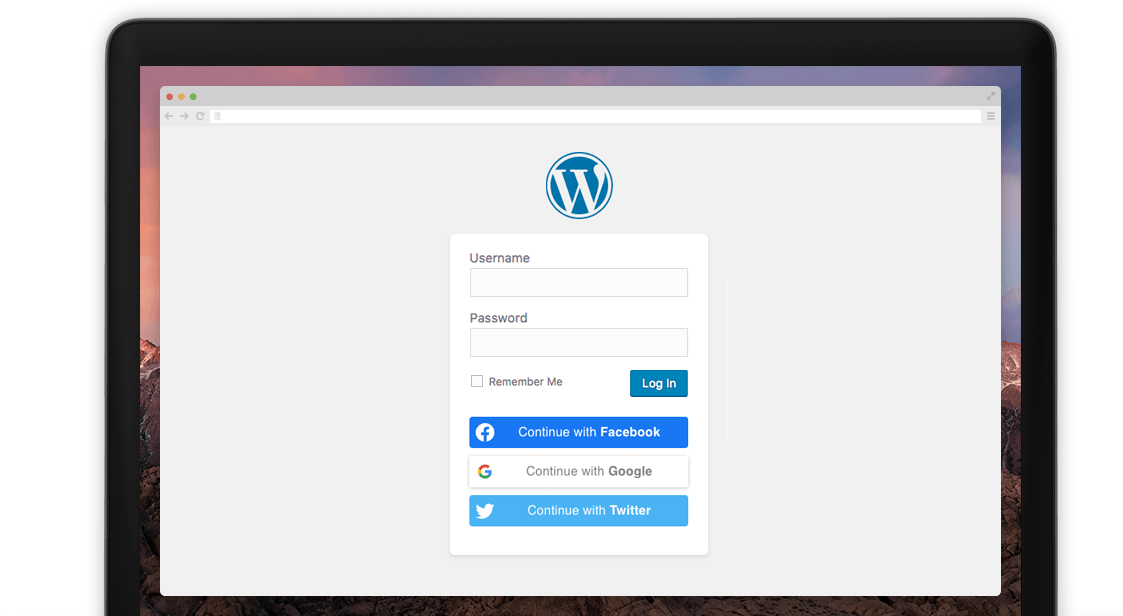
Nextend Social Login PRO v3.1.26 — Login with Social Networks, Google and More
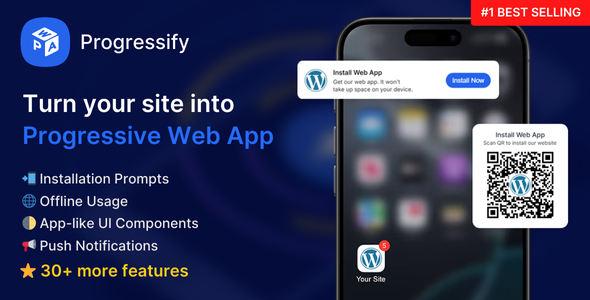
Progressify v1.7.0 — Progressive Web App (PWA) for WordPress