
JetAppointments Booking v2.5.3 — schedules and reservations - Crocoblock
Included with the product:
- Instant download
- Dashboard access
Product description
JetAppointment. Plugin of schedules and reservations for Elementor. The best solution to book any type of time-on-time services Mark the query has never been so easy
Automatize payment solutions with WooCommerce With this option, you can get all the payment systems available in the WooCommerce modules, whether PayPal or cash delivery method.
Create scheduling sites and offer time-by-time service

Spa and Beauty

by barber

Sports and Academies

Health & Dentistry

Service stations

Photography Services

Legal consultancy

Car rental per hour
Create a functional website for consultation scheduling

Added Services Configurate your provisions

Exhibited Providers of services and link them to Services

Configure the reservation Service through the availability calendar

Creating one Form of reservation Adjusting the post-send actions

Added Options of Payment The payment gateway

Activate them Memories of Commitments instantly
Explore the JetAppointment Options and settings

Complete the general configuration of the commitment
Add the vital details of the commitment that no form can miss – working days, working hours, holidays and the services provided.
Added Feasted e Days of Rest to programming
Adjust the programming of All services in one place
Use of Label of Calendar Personalized for days and months
Configure Duration of individual service, The priceand etc.

Adjust other setup of JetAppointment
Detailed the commitment by indicating the between services, the maximum capacity for certain services and the payment information.
Organize the Time of Buffer Before and After the Service Sessions
Define the price for a time, hour and minute interval.
Find all of them Information of Payment Columns of Special Configurations
Define a Maximum capacity for any service

Set up a Zoom call and use confirmation links
Users choose an empty time and the scheduling mechanism will schedule a Zoom video call and communicate all the details to the participants by email.
Add and Configure or Endpoint The API of Zoom
Added Data of the Zoom meeting The Commitment
Send a URL of confirmation to the service provider by email
Management of scheduled Zoom meetings Panel
Create the Confirmation/Cancellation links of agenda
Personalizing Scenarios
The user for a quiet commitment schedule

Create workflows for the lifecycle phase of each commitment
Configure different scheduling workflows to send confirmation emails, notifications of future events, confirmation/cancellation requests to service providers and more.
Activate the action The creation/changing of the status of the commitment
Defining workflow actions to be executed Immediately / when scheduled
Configure One/Various Workflows The same commitment
Combine existing actions in a whole To personalize the user experience
Create one Workflow of work Exclusive to cover a specific commitment routine
Enable scheduling commitments from different web pages

Single service page

Single provider page

The form in a pop-up
Marking of Consultations Types of Programming
Selector of Time
It allows customers to schedule commitments when they want and set their start/terminal times.

fixed time interval
Set a specific time that allows the customer to book a service with fixed duration and price.

Repeated Commitments
Users may choose to repeat the scheduled commitment every day, week, month and year.

Create and Configurate Forms for Marking Consultations

Extend the functionality of the form
Combine the power of JetAppointment with the JetEngine plugin. It is completely filled with essential options and various style settings. Implement any one to create a commitment planning system with good performance on WordPress.
The commitments are expressed as a Self-explanatory lists
Mix and combine the Types of fields To make each information
Use of Intelligent Notifications To ensure that the services are reserved without problems
It allows customers to book services directly from Page of a single provider
Create and Apply Models Personalized for the Provider/Service fields
Use of Separator of page Create a form of several stages
Management of commitments via Clean Painel

Add and edit commitments
View the essential in each scheduled commitment, add new, edit your data and delete them if necessary.
Filtering and research of commitments
Filter requests by Service, Provider and Status. You can also search for commitments by date and metacamps.
Different layouts of programming
View the programming as you want – choose between the list, calendar, and Time Line viewings of JetAppointment.
There is no more installation routine.
We organize the easy steps for you: customize the services and providers, add new fields to the form (comments, telephone numbers, etc.), set the company’s agenda and get the pre-fabricated layouts definitive.

Choose CPT services and providers

Defining mandatory and personalized database columns

Indicate working hours and holidays

Defining additional configurations

Finish the configuration and open the configurations.
Integrate external applications to Automatize processes
Unlock all the payment systems available in the WooCommerce modules along with third-party email services such as Zapier and Integromat, Google Calendar and more.


Important about the download
Check the format and requirements in the description. Back up your site before installing and use these files on sites you manage.
Related products
Other products you might find useful.
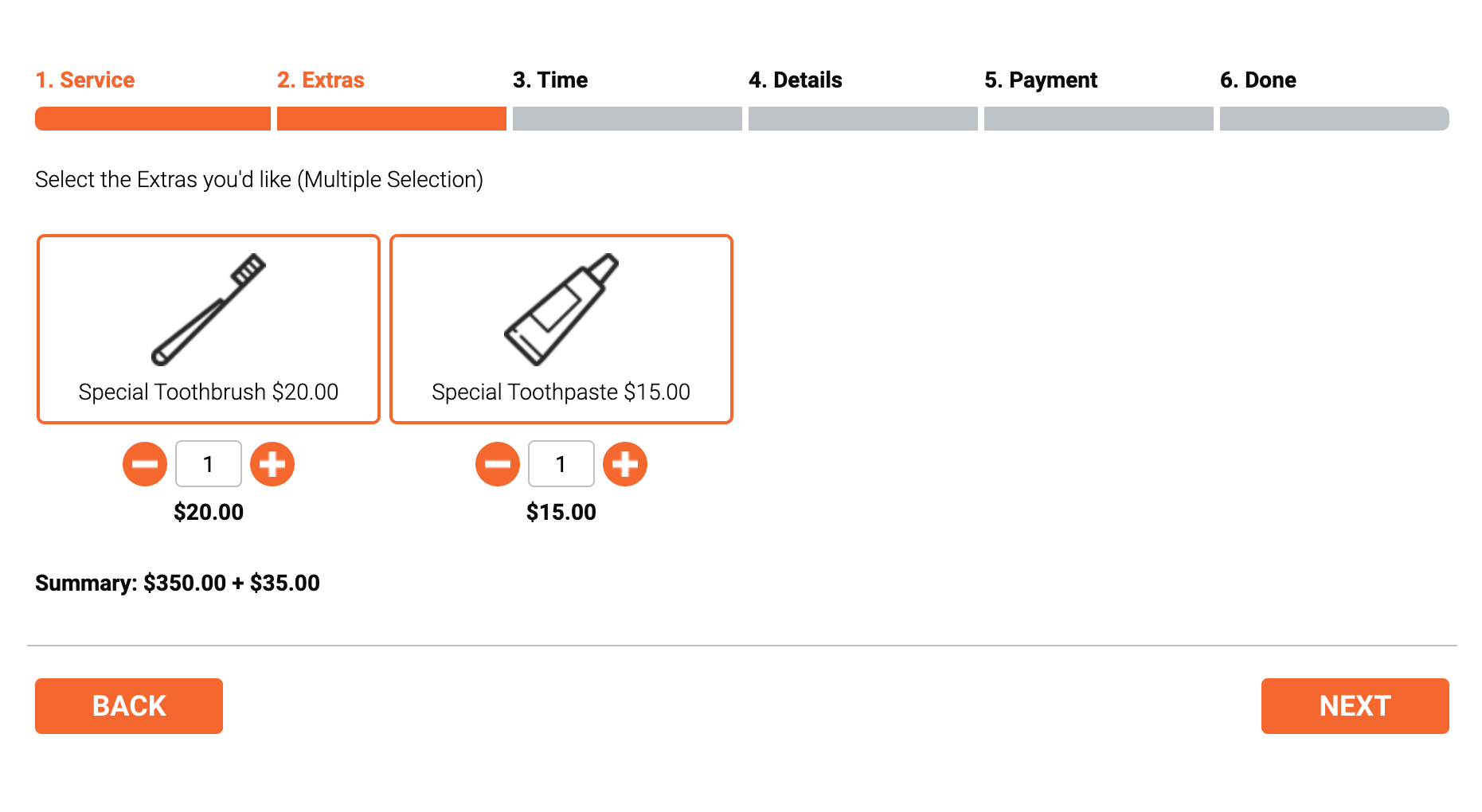
Bookly Addon — Service Extra

WP Client Reports Pro v1.0.19: Create Professional Customer Reports in WordPress

WP Rocket v3.24 — The Premium Cache Plugin to Accelerate Your WordPress Site to the Maximum
Bookly Custom Fields (Add-on)

Pretty Links Pro v4.0.18 — Developer Edition <unk> Advanced Link Manager for WordPress and Affiliates
Nextend Social Login PRO v3.1.26 — Login with Social Networks, Google and More
Progressify v1.7.0 — Progressive Web App (PWA) for WordPress