Dashify Pro v1.5.1 — WooCommerce with Shopify design
Included with the product:
- Instant download
- Dashboard access
Product description


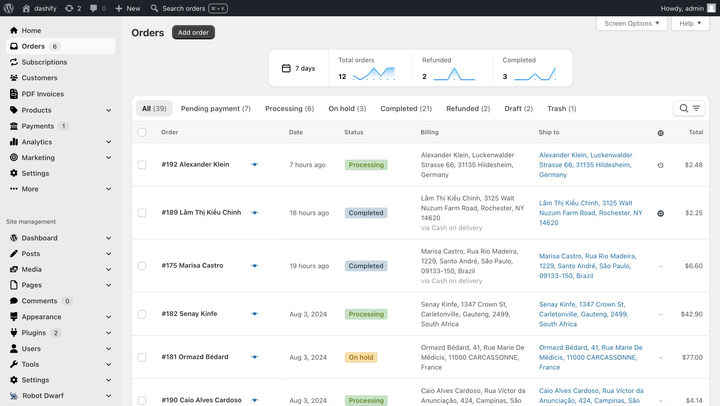
Viewing orders similar to Shopify
Has you changed from Shopify to WooCommerce, but lost the design? Dashify makes the order viewing equally friendly.

WooCommerce Navigation First
Fast access to all of the WooCommerce without searching in the submenus. WordPress menu items are moved down and out of the way.

Previous and next order buttons
Pull to the previous or next order with a button or keyboard shortcut. You can also pull to the next order with the same status.

Trends of Order
Find out how your store has recently gone out with a quick look. See the trend of orders, refunded and completed, in different periods of time.

Date and Time Located
View the date and time of the order in the local format of your region.

Status Filters of Application
Without Dashify, the order status filters are small and easy to lose. Dashify makes it part of the table so it is bigger and easier to click.

Flowing Mass Action
If you’re in the middle of a long list of orders, the mass actions will appear like a flowing bar, allowing you to run actions without having to roll up.

Research and Filtering
In the normal WooCommerce, all the filters and searches are visible, making the page confusing. With Dashify, the filters and searches are grouped and hidden when they are not in use.

Line of Time
The order notes become a timeline, giving you more space to add long notes and see the order history.

Automatic expansion request notes
Write long order notes with Dashify’s automatic expansion fields.

Button to return
Return to the order list quickly from any order.

Compatible with mobile devices
Check your phone orders! Dashify makes the table responsive and fully accessible on mobile devices.

List of Restitute Products
The product list receives the same organized and modern design as the order list.

Fast and global search for requests
Use Dashify’s global search to go to an order from any page in the admin. Search by order ID, name, email, phone or product SKU.
Find out more about Dashify Search

Hidden personalized fields
Do you want to see specific custom fields? Select which custom fields are displayed in the order view.
Learn more about how to hide custom fields

Classification of order items by SKU
When packing orders with many items, just go a walk through the shelves of your deposit or distribution center.
Learn more about the ranking by SKU

Classification of order items by “meny order”
Do you organize your stock by the “meny order” of the product? save time by packaging orders by viewing the items in a custom order with the same ranking on the Shop page.
Important about the download
Check the format and requirements in the description. Back up your site before installing and use these files on sites you manage.
Related products
Other products you might find useful.
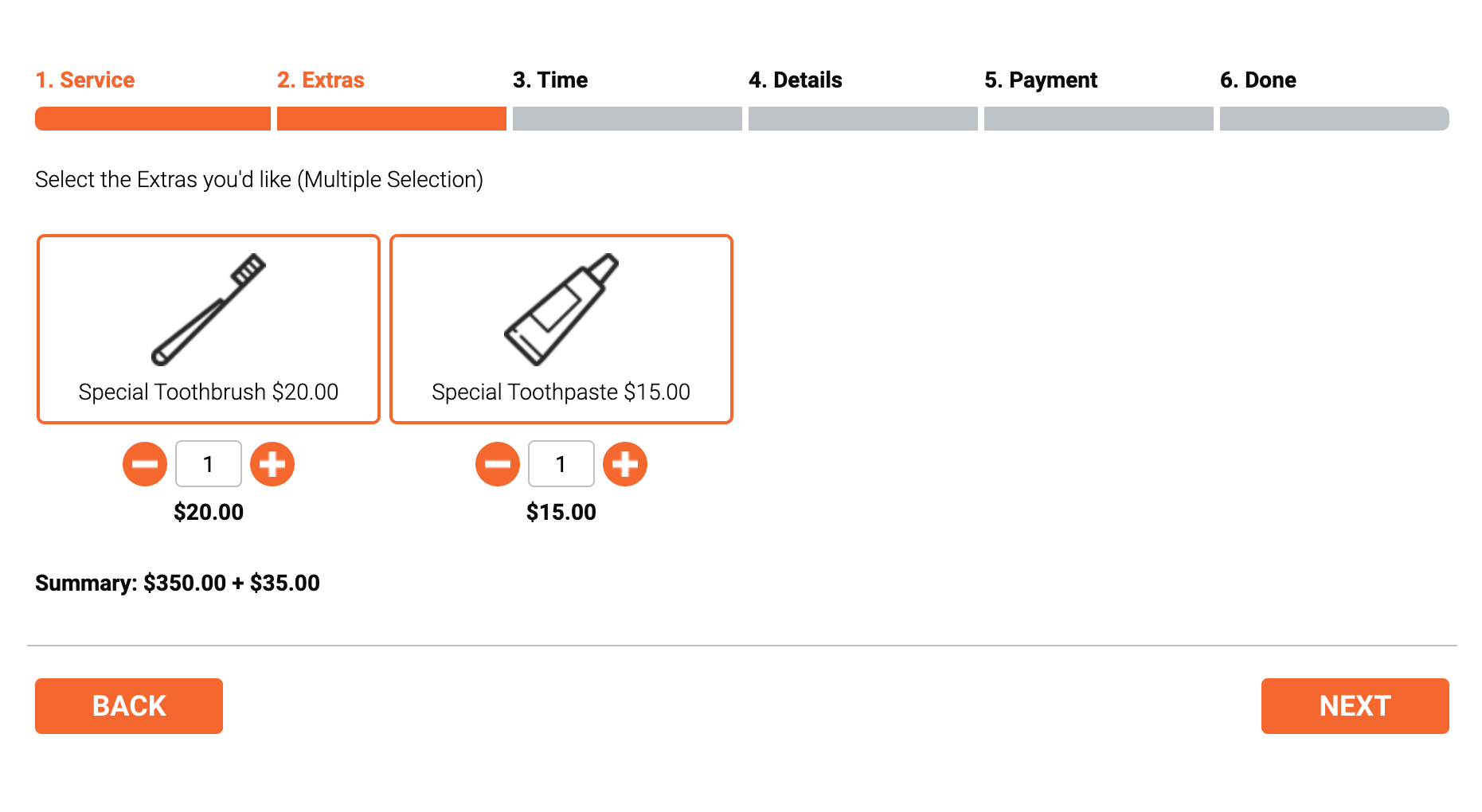
Bookly Addon — Service Extra

WP Client Reports Pro v1.0.19: Create Professional Customer Reports in WordPress

WP Rocket v3.24 — The Premium Cache Plugin to Accelerate Your WordPress Site to the Maximum
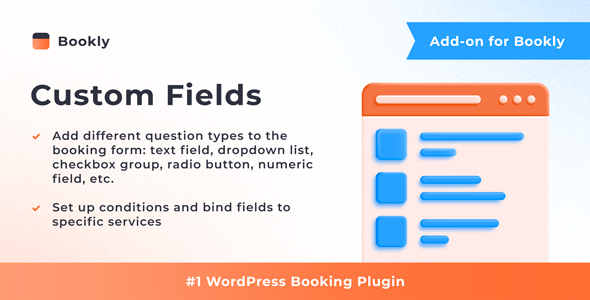
Bookly Custom Fields (Add-on)

Pretty Links Pro v4.0.18 — Developer Edition <unk> Advanced Link Manager for WordPress and Affiliates
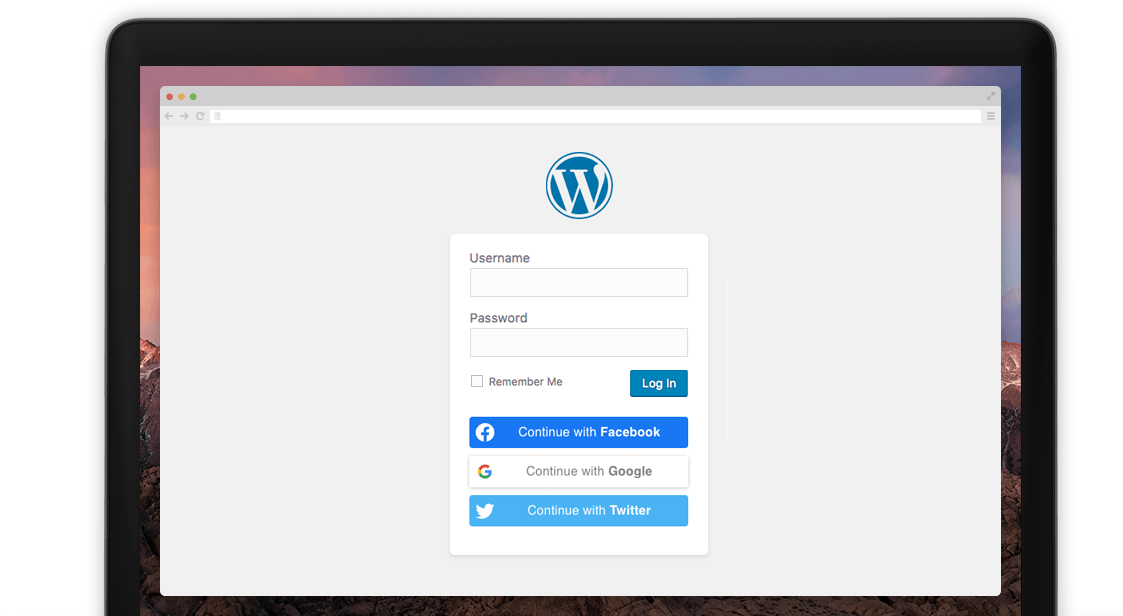
Nextend Social Login PRO v3.1.26 — Login with Social Networks, Google and More

Progressify v1.7.0 — Progressive Web App (PWA) for WordPress