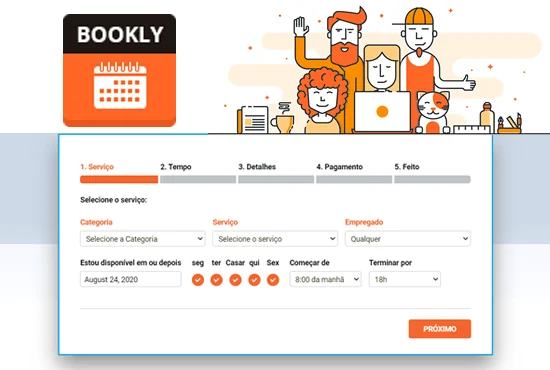
Bookly Pro v10.7 — Schedule, reservations and queries system
Included with the product:
- Instant download
- Dashboard access
Product description

Personalized appearance of the reservation form
Customize the appearance of your booking form according to your customized preferences by customizing each step.

Reserve form compatible with mobile devices
The reservation form is perfectly responsive and works very well on any device.

elegant and intuitive design
A friendly interface of the reservation form makes the reservation process clear, fast and easy.

Friendly administration panel
A comprehensive area of administration to manage commitments and resources in the easiest and fastest way possible.

Unlimited number of reservation forms on your website
Create and publish how many Bookly booking forms you want on your site.

Get secure and flexible payments
Process credit card payments easily on your website and follow the payment statistics without effort.

Allow customers to view and edit online reservations
Customers can easily access their booking information and make cancellations directly on their website.

View the calendar in daily/weekly/monthly modes
Choose from several calendar display formats to get a overview of your company’s workload.

Automatic approval or reservation manual
Set a standard status for new reservations: pending or approved.

Filterable, classifiable and searchable reserves
Follow and manage all reservations without effort. Configure the printed copy of the scheduled commitments record and export to CSV.

Minimum notice periods for reservations and cancellations
Defines with what advance customers can schedule and cancel commitments.

Cancel reservation by administrator, team, customer
A cancellation process with one click for the client and the team/administrator.

Create commitments with personalized service
Add to your daily agenda personalized commitments with events not listed in your services.

Integration with Zoom and Google Meet
Video conference for interactive meetings on any device.

Set the number of days available for reservation
Set scheduling limits to specify to what extent in the future customers can schedule commitments.

Unlimited number of service providers
Add several team members, each with their own unique price settings, working hours and visibility.

Enable team members to manage their profiles and calendar
Allow your team to access and manage your weekly schedules and update your personal information directly to the Bookly administration panel.

Individual settings for each service provider
Create and manage custom time and prices for your employees.

Colour code services in the calendar
Follow the commitments in your calendar by coding the services by color.

Editing the registration template displayed in the calendar
Configure the visual representation of your commitments in the Bookly Calendar according to your preferences.

Manage your customer base without effort
Add an unlimited number of customers to a list that can be classified and searched, complete with comprehensive booking history, payment statistics and internal notes.

Unlimited number of services grouped into categories
Classify and organize an unlimited number of services in different types, allowing easy navigation and efficient management.

Send automatic notifications by email and SMS on Bookly
Configure and send a variety of personalized notifications by email and SMS directly from the Bookly back-end to your customers and employees.

Individual configurations for each service
The advanced service management functionality allows you to create personalized settings for each service provided by your company.

Multilingual support (PT-BR)
Translate all Bookly using WPML integration, so your customers can book in their native language.

Customize each notification model
Create custom emails and text messages directly from the Bookly back-end.

Integration with Google Calendar
Synchronize team members’ schedules with Google Agendas.

Integration of WooCommerce
Use WooCommerce as an integral part of your Bookly plugin.

Integrated analysis
With the integrated Bookly Dashboard, you can easily access and review comprehensive reports on various aspects of your business.

Notifications from WhatsApp
Stay connected with your customers and employees by sending instant messages from WhatsApp.

Integration with Zapier
Integrate Bookly with your favorite cloud applications to simplify workflows and automatize tasks.

Offer a gift card
It allows customers to buy gift cards with a predetermined deposit, which can be used during online booking.
Important about the download
Check the format and requirements in the description. Back up your site before installing and use these files on sites you manage.
Related products
Other products you might find useful.
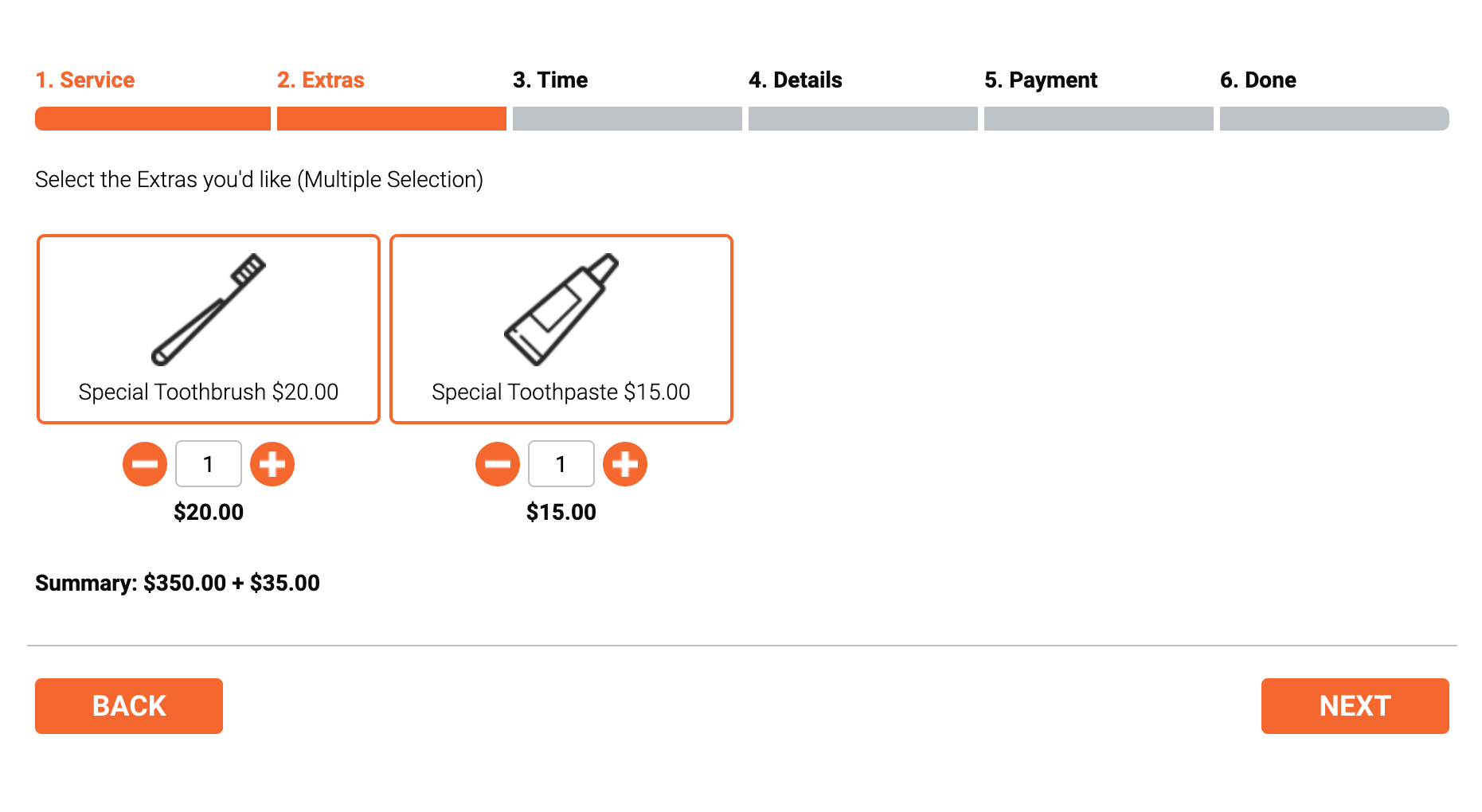
Bookly Addon — Service Extra

WP Client Reports Pro v1.0.19: Create Professional Customer Reports in WordPress

WP Rocket v3.24 — The Premium Cache Plugin to Accelerate Your WordPress Site to the Maximum
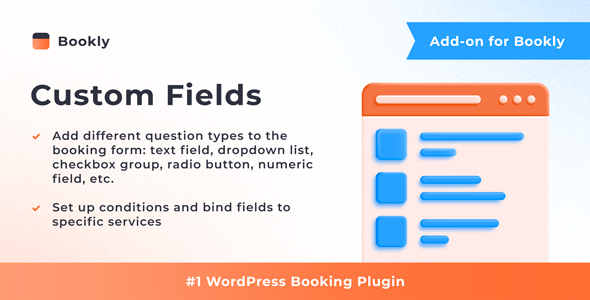
Bookly Custom Fields (Add-on)

Pretty Links Pro v4.0.18 — Developer Edition <unk> Advanced Link Manager for WordPress and Affiliates
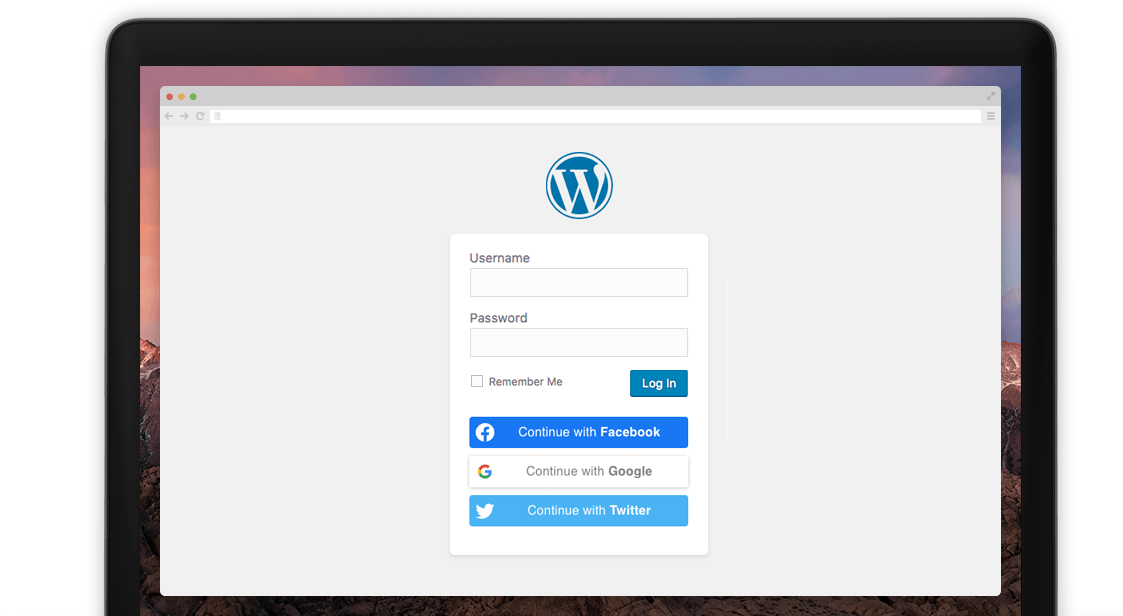
Nextend Social Login PRO v3.1.26 — Login with Social Networks, Google and More
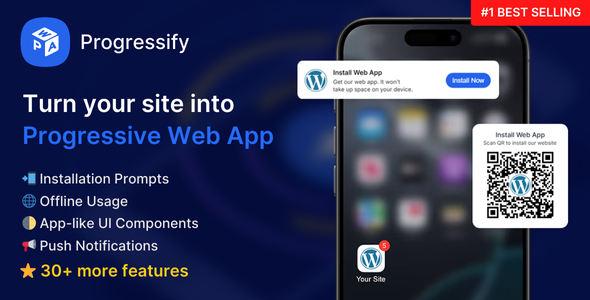
Progressify v1.7.0 — Progressive Web App (PWA) for WordPress