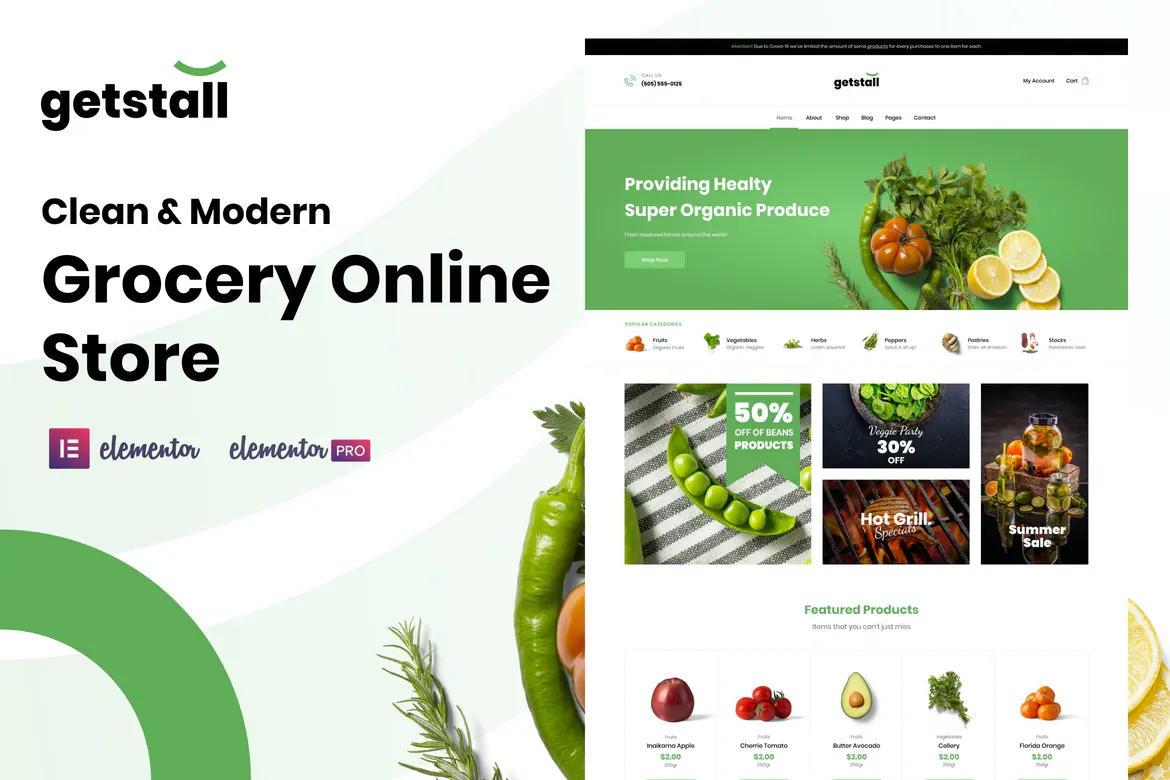
Getstall's template kit helps you build your supermarket in just a few minutes. Start your online grocery store now.
Getstall comes with over 20 professionally designed Elementor page and section templates. The Getstall template kit requires Elementor Pro and comes with Theme styles.
Model List
- Home Page
- Global Header
- Global Footer
- WooCommerce: Single Product
- WooCommerce: Store Archive
- WooCommerce: Product Grid
- Single post
- Single Page
- Blog Archive
- About us
- Our Service
- 404 Page
- Section: Page Title
- Section: Testimony
- Section: FAQ
- Section: Contact
- Section: Page Hero
- Section: History Section
- Section: Our Team
- Section: Testimonials
- Section: Partners
- Section: Call to Action

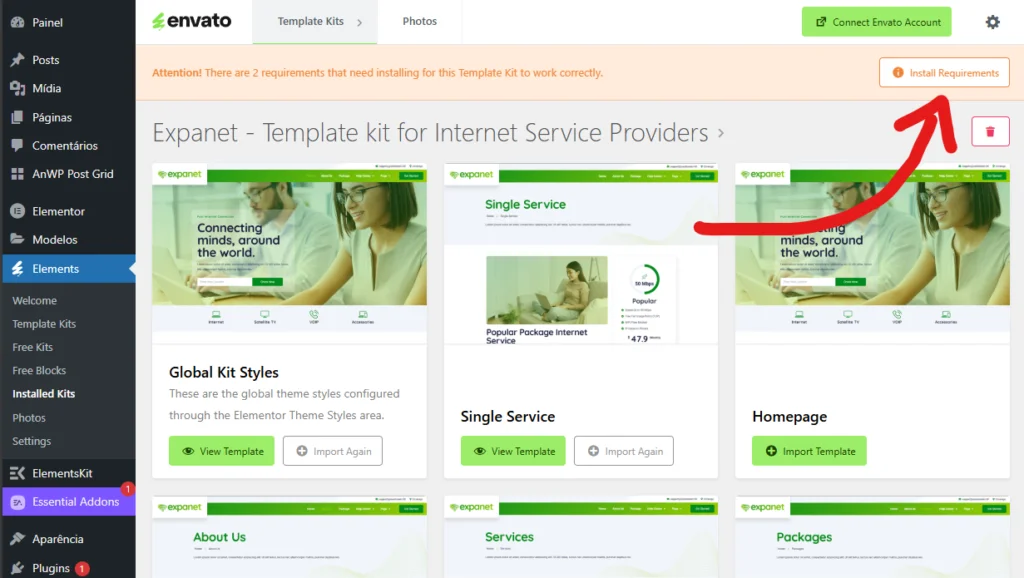
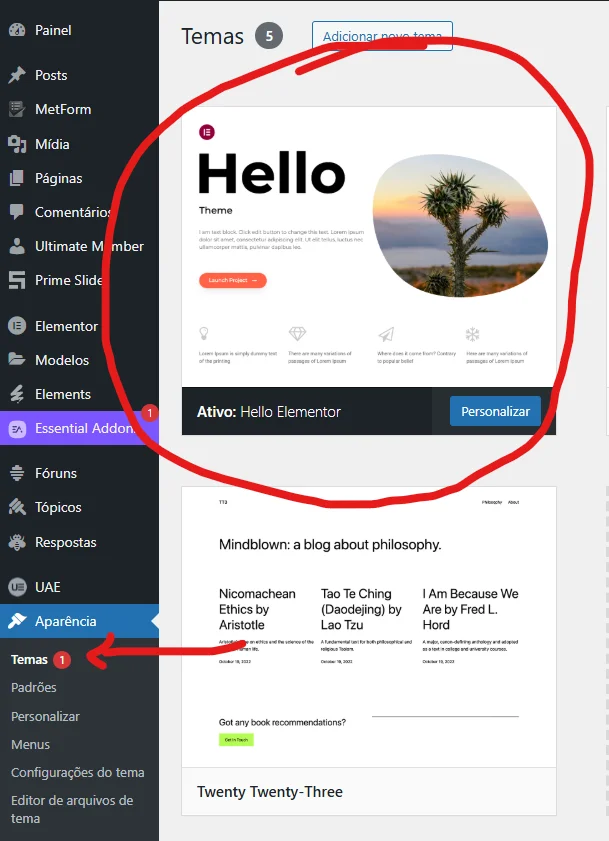
 This template is Envato. See how to install it.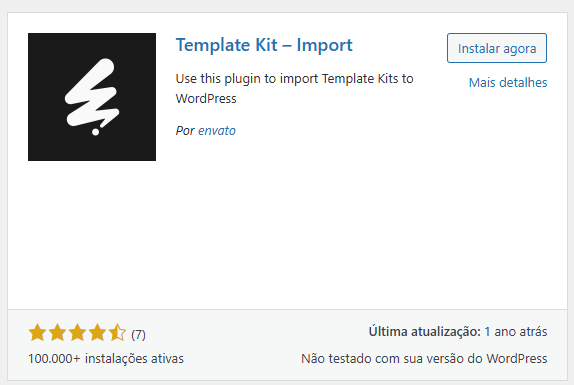







 English (UK)
  Português do Brasil
  Español