
 This template is Envato. See how to install it.
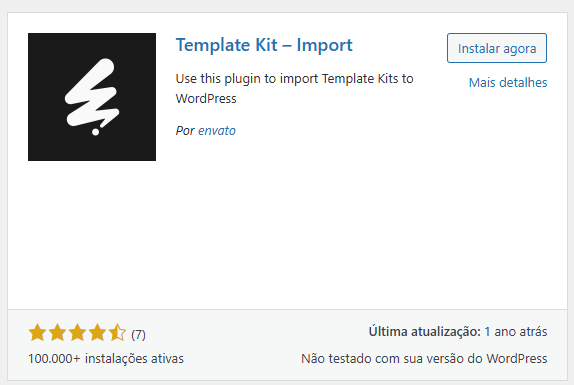
You will install and activate the plugin from the Envato (Template Kit Import):

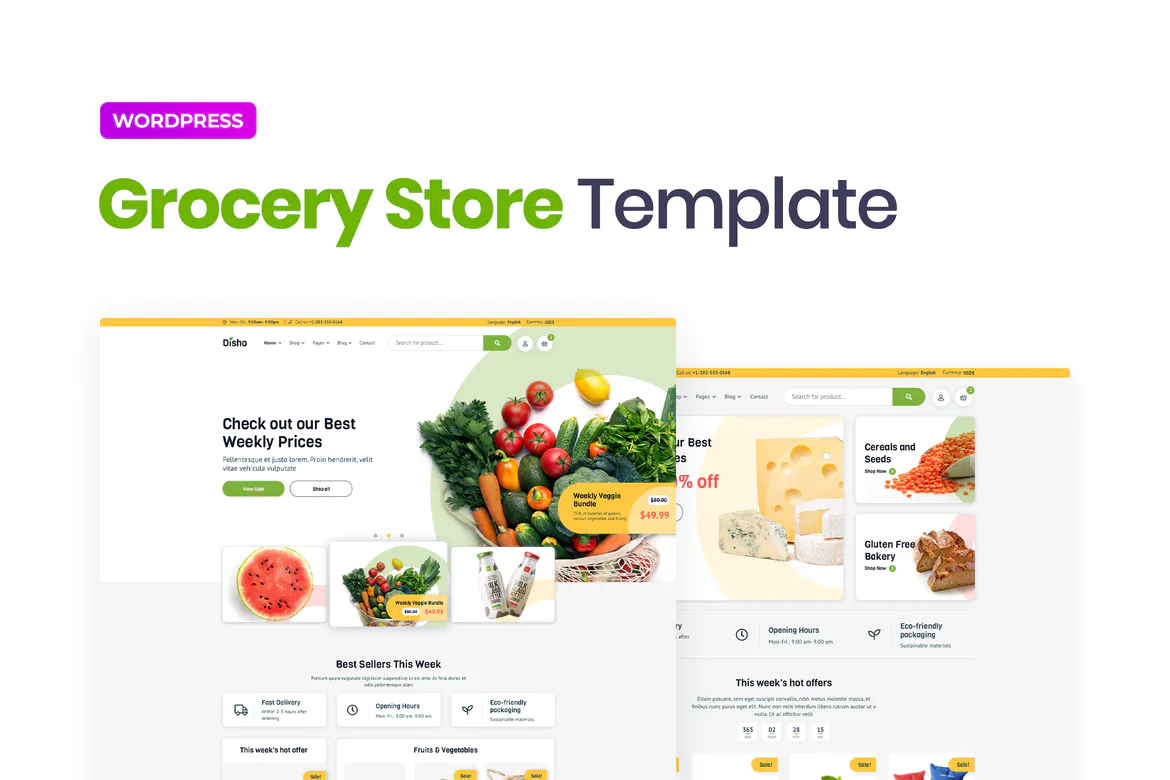
Disho is a colorful and modern grocery store WordPress template for the Elementor Builder. It's perfectly suited for online food markets, grocery stores, dairy or cheese farms, wineries, organic products, sports nutrition, etc. Furthermore, these pages are universal for any store website template. The Disho template includes 3 amazing homepages, 3 store pages, various product cards, shopping cart, about page, contact page, and blog. The template features various bright advertising banners and "Call to Action" blocks to attract customer attention. Disho was tastefully crafted with juicy and suitable shopping options in mind.


Disho was carefully crafted by an experienced designer with great attention to detail, flexibility, and performance, specifically developing unique WordPress-based websites. This template was created using Elementor and Elementor Pro and can be easily edited in Elementor and is compatible with most themes. Importing some elements and features from the template requires updating Elementor Pro.
Elementor Pro upgrade required for some templates and features (not included)
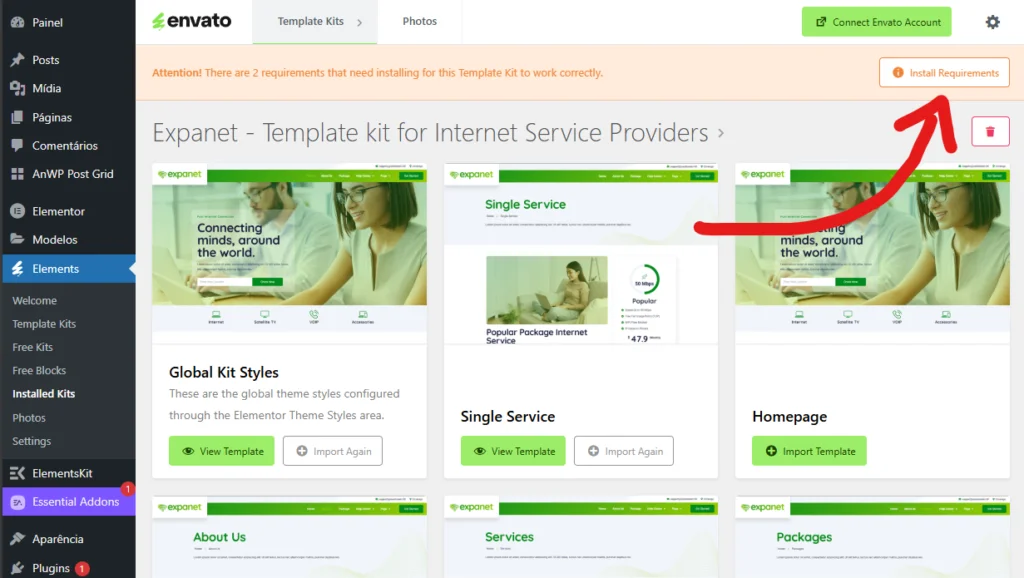
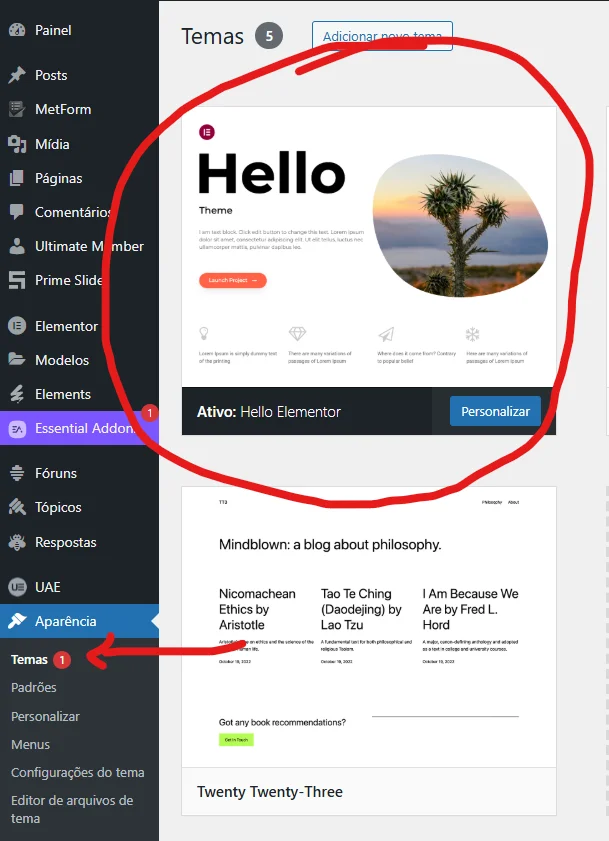
1. Download your kit file from Envato and do not unzip it. If you use the Safari browser, you may need to ensure that “Open secure files after download” is disabled in your browser preferences. 2. Go to Settings > Permalinks and make sure the post name is selected. 3. Go to Appearance > Themes > Add New and make sure Hello Elementor is installed and enabled. This will prompt you to install Elementor if you haven't already. 4. Go to Plugins and check that Elementor and Envato Elements are installed and up-to-date. If your kit requires Elementor Pro, it should be installed now and connected to your account. 5. Go to Elements > Installed Kits and click Upload Template Kit Zip (or click on your kit to view it). 6. Check the orange banner at the top and click Installation Requirements to upload the plugins used by the kit. https://envato.d.pr/ughD8Q 7. Click Import in the Global Kit Styles first. This will configure the site settings. 8. Click Import on one template at a time in the order shown. They are stored in Elementor under Templates > Saved Templates and can be reused from there.
Creating pages
1. Go to Pages, create a new page, and click Edit with Elementor. 2. Click the gear icon in the bottom left corner of the builder to view the page settings and choose Elementor Full Width and hide the page title. 3. Click the gray folder icon to access the My Templates tab, and then import the page you want to customize. 4. The home page is set in Settings > Reading by selecting Static Home Page.
If you have Elementor Pro, headers and footers will be customized in Templates > Theme Builder.
Detailed guide: https://help.market.envato.com/hc/en-us/articles/900000842846-How-to-use-the-Envato-Elements-WordPress-Plugin-v2-0
For more support, go to the Elementor > Get Help in WordPress menu.








 English (UK)
  Português do Brasil
  Español