
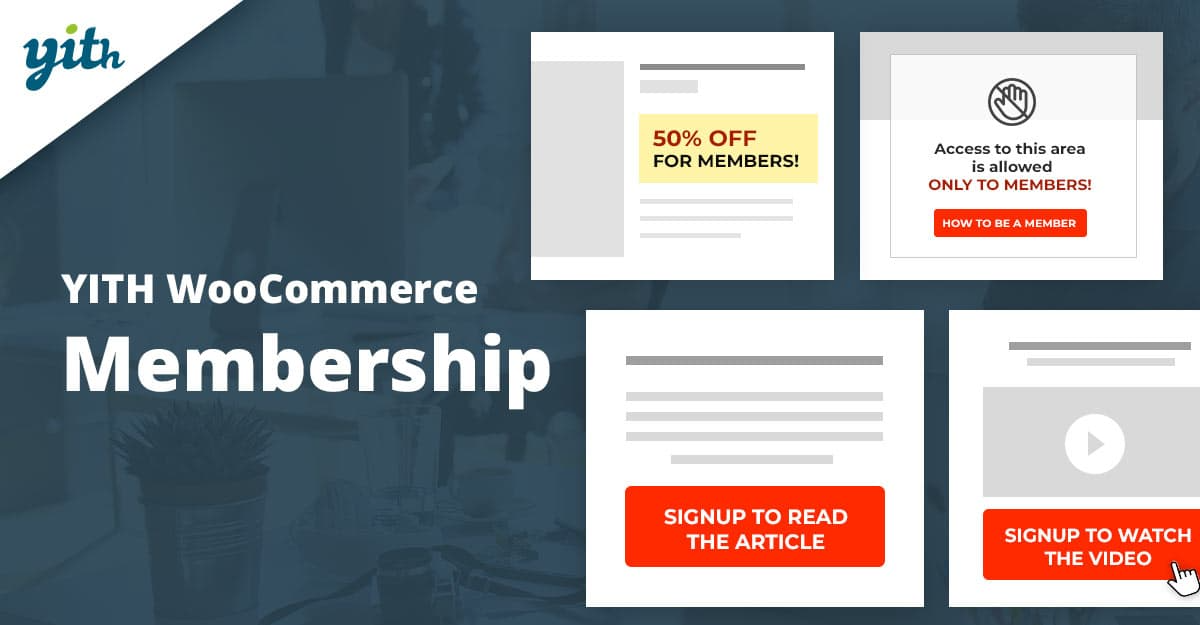

What the plugin does
Create membership plans to allow access to products, pages, articles, and restricted areas of your website for users who register as members.
How you can benefit from it:
Selling products with dedicated access is a great opportunity to increase your profits: large companies like Udemy or Treehouse are living proof and achieve a huge sales volume with this business model every year. Their revenue is designed to grow considering the increasing number of people looking for their products.
In a fully automated way, you could offer your users restricted and exclusive access to personalized information, such as courses, videos, products, articles, downloadable files, etc.
Manage courses, services, valuable membership plans with private access, send messages to your clients, schedule the publication of exclusive content for your clients: all these actions can be easily performed with a plugin designed and engineered to simplify the management of restricted-access products.
The reserved area is easy to use, allows you to protect your content, and makes it accessible only to members or those who have paid for it.
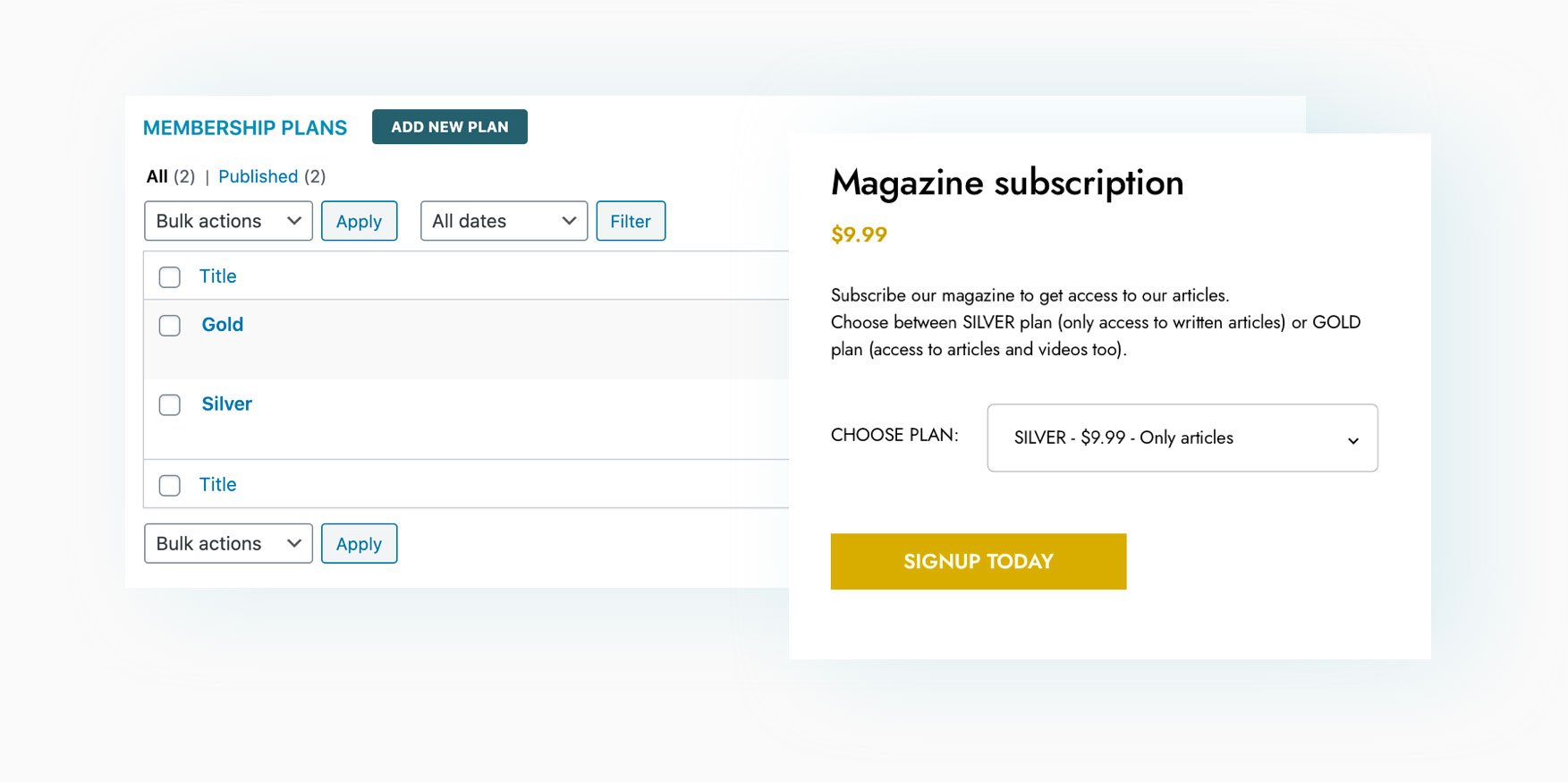
Create different plans (for example, Silver, Bronze, and Gold) and set permissions for your different users based on the plan they've subscribed to. Products can only be downloaded by members of a specific plan, or members of another plan can only read blog posts but not watch videos: there are literally limitless combinations.
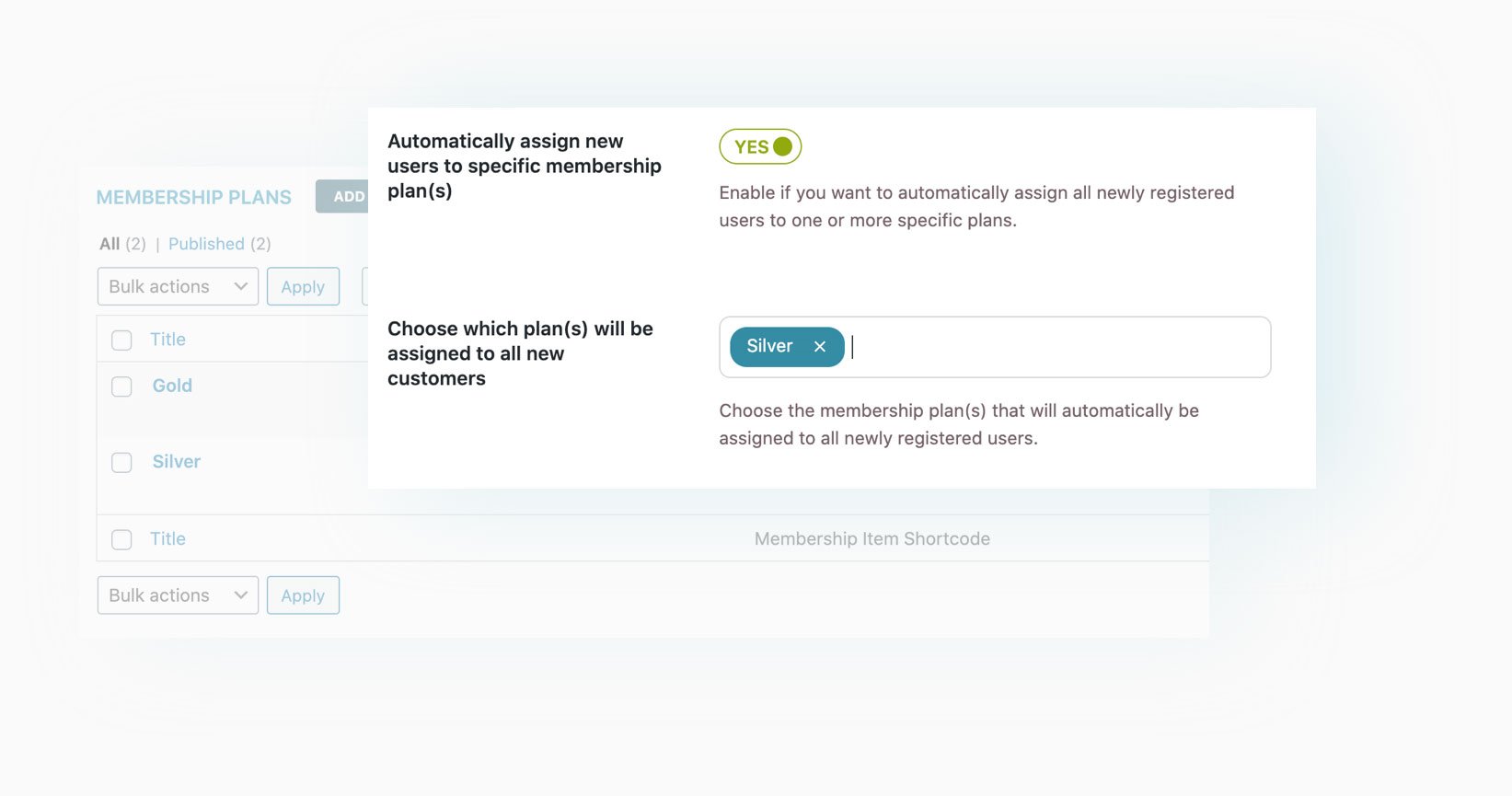
Create restricted access areas (posts, videos, exclusive content) available only to registered users and automatically mark them as "members" as soon as they register on your website.
Create a private store with exclusive offers for members, hide products from unregistered users or those without a specific membership plan.
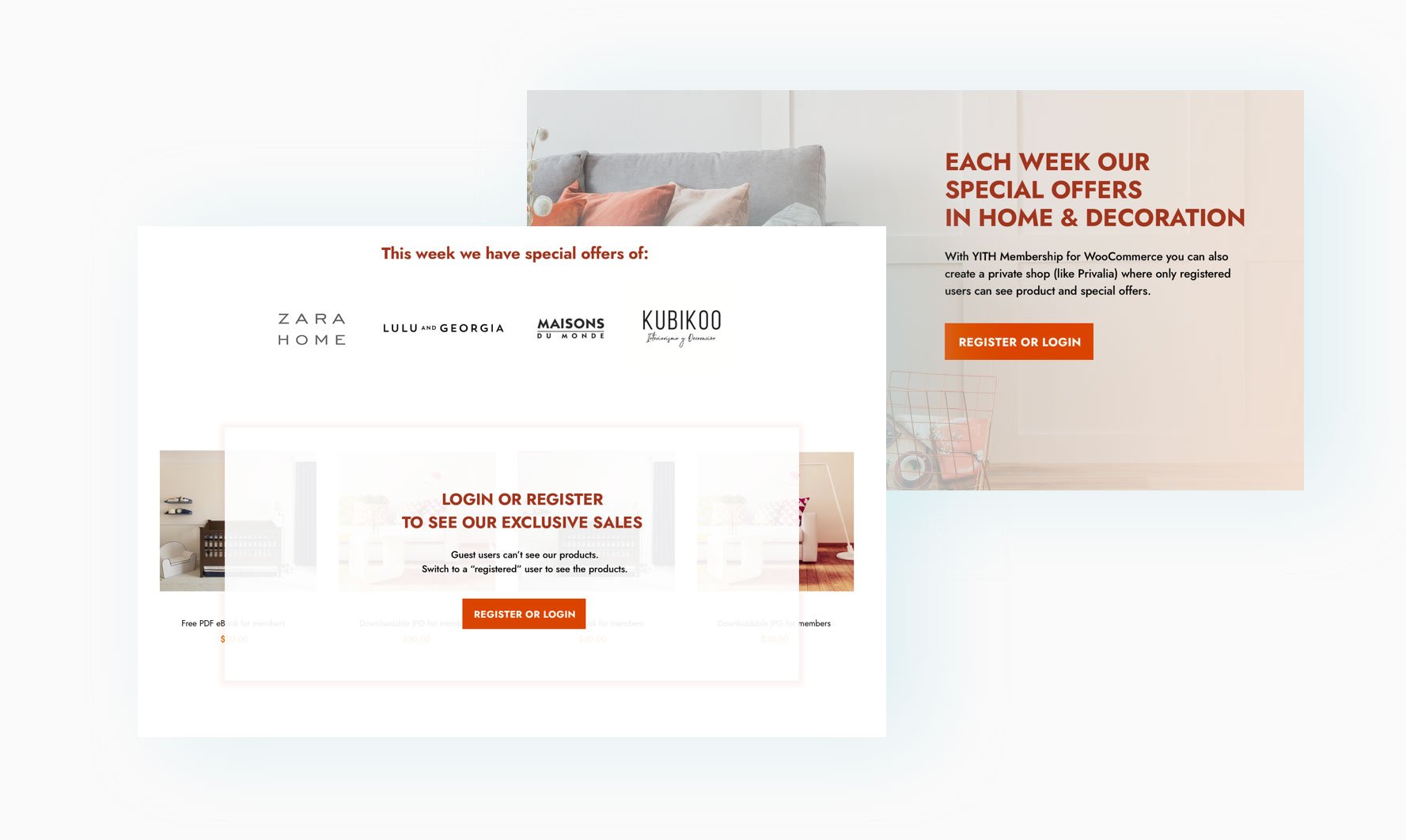
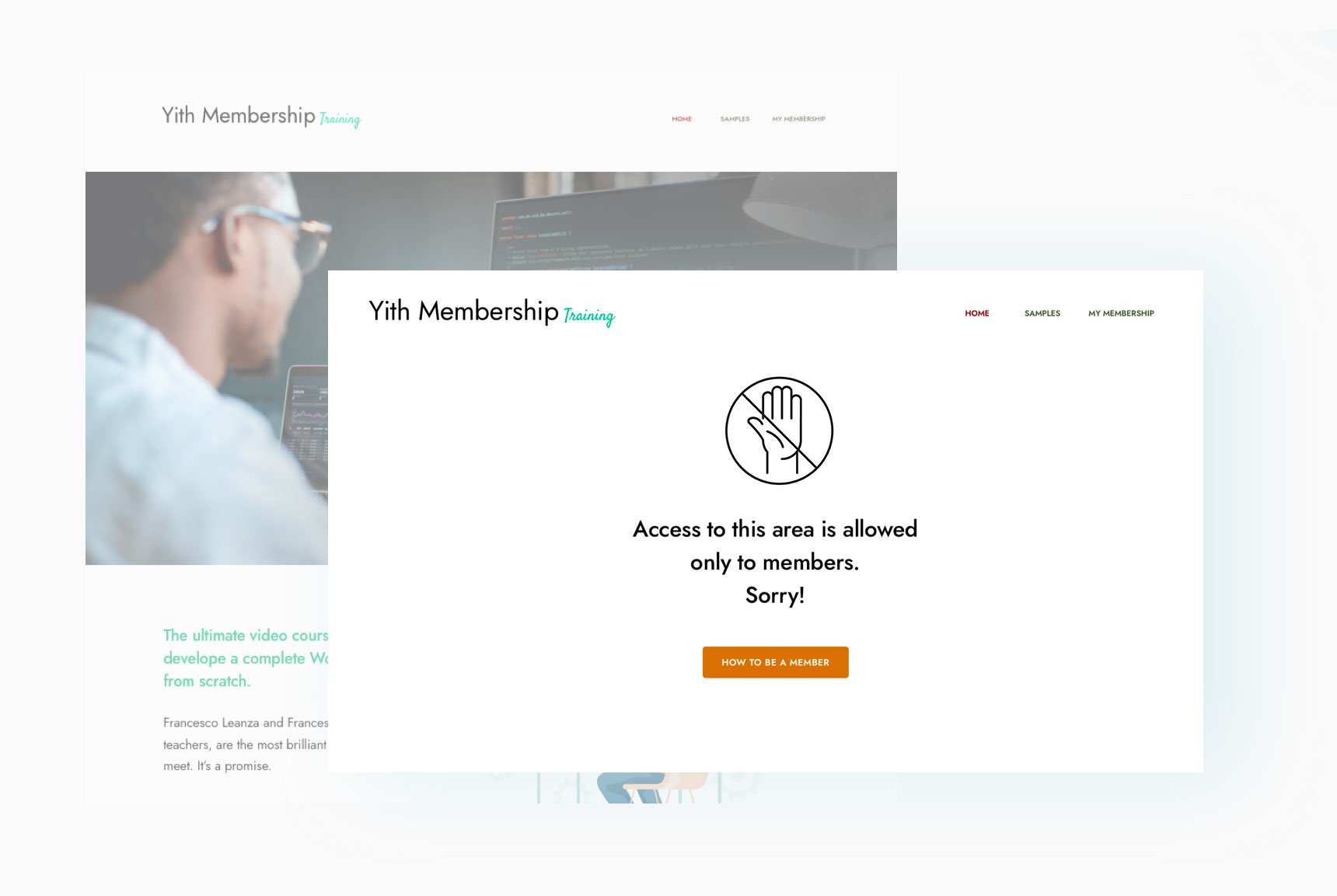
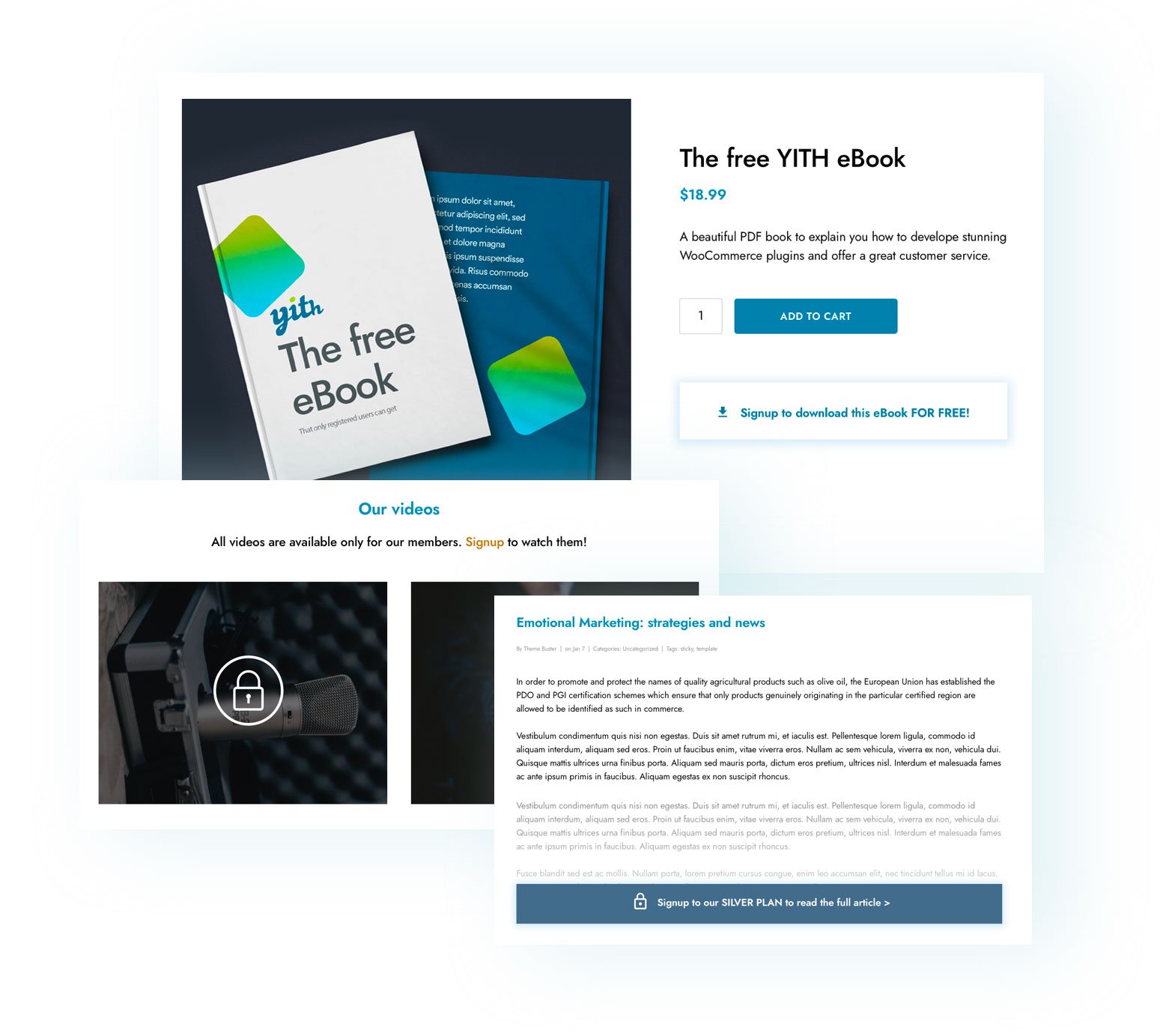
Manage access to all sections of your website and choose what needs to be shown to members. You can create restricted pages, posts that only members can read, products that only users can view or download for free.
Create your business model inspired by online newspapers: publish posts and content whose introduction can be read by everyone, but only members will have access to the full content and bonuses (videos, podcasts, images, and so on).
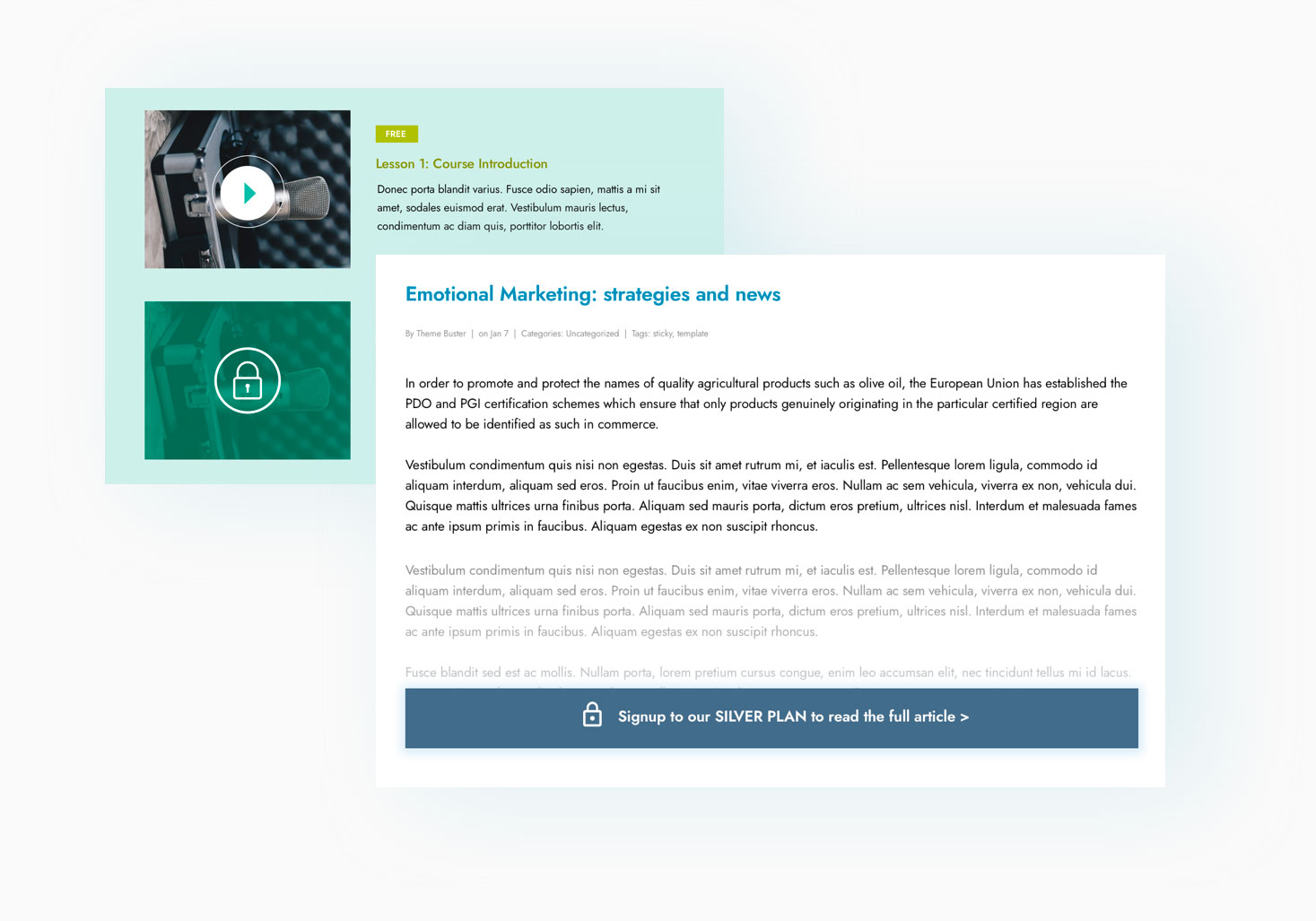
New
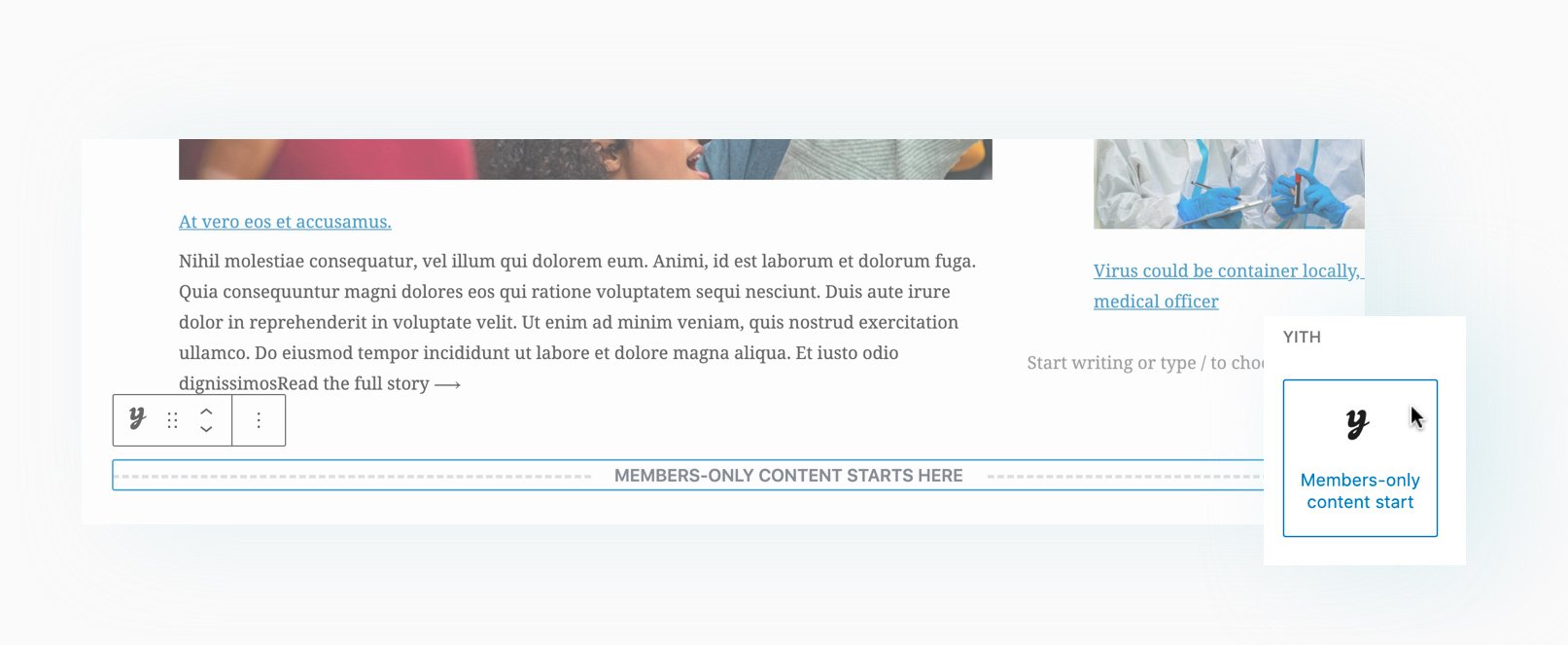
Define with one click where content visible to everyone ends and where content reserved for members begins, using the Gutenberg block “Member-only content starts here” when creating a post or page. A powerful, easy, and fast solution.
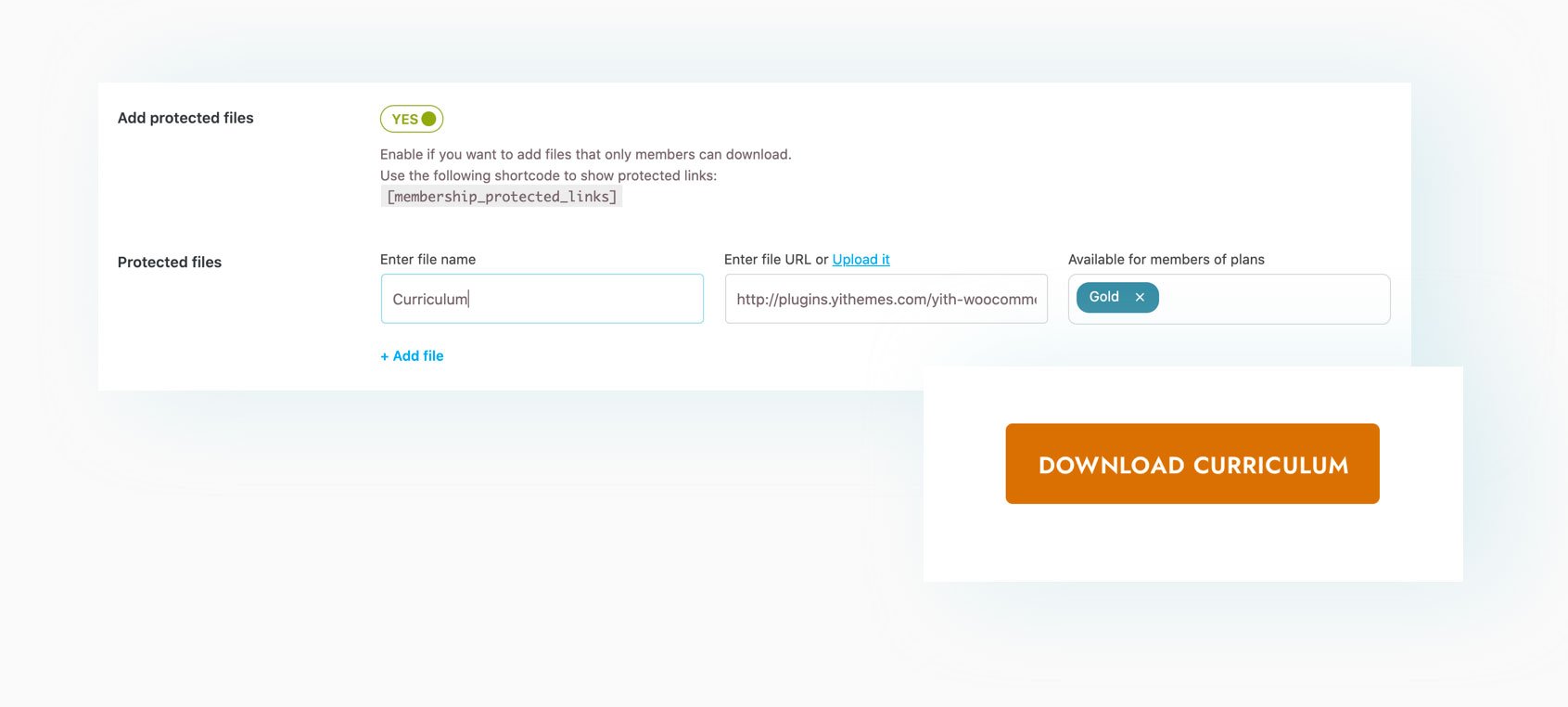
Protect your files in the easiest way and allow only members to download digital products (such as e-books) or PDF files, ZIP files, JPG images, audio and video files, among others.
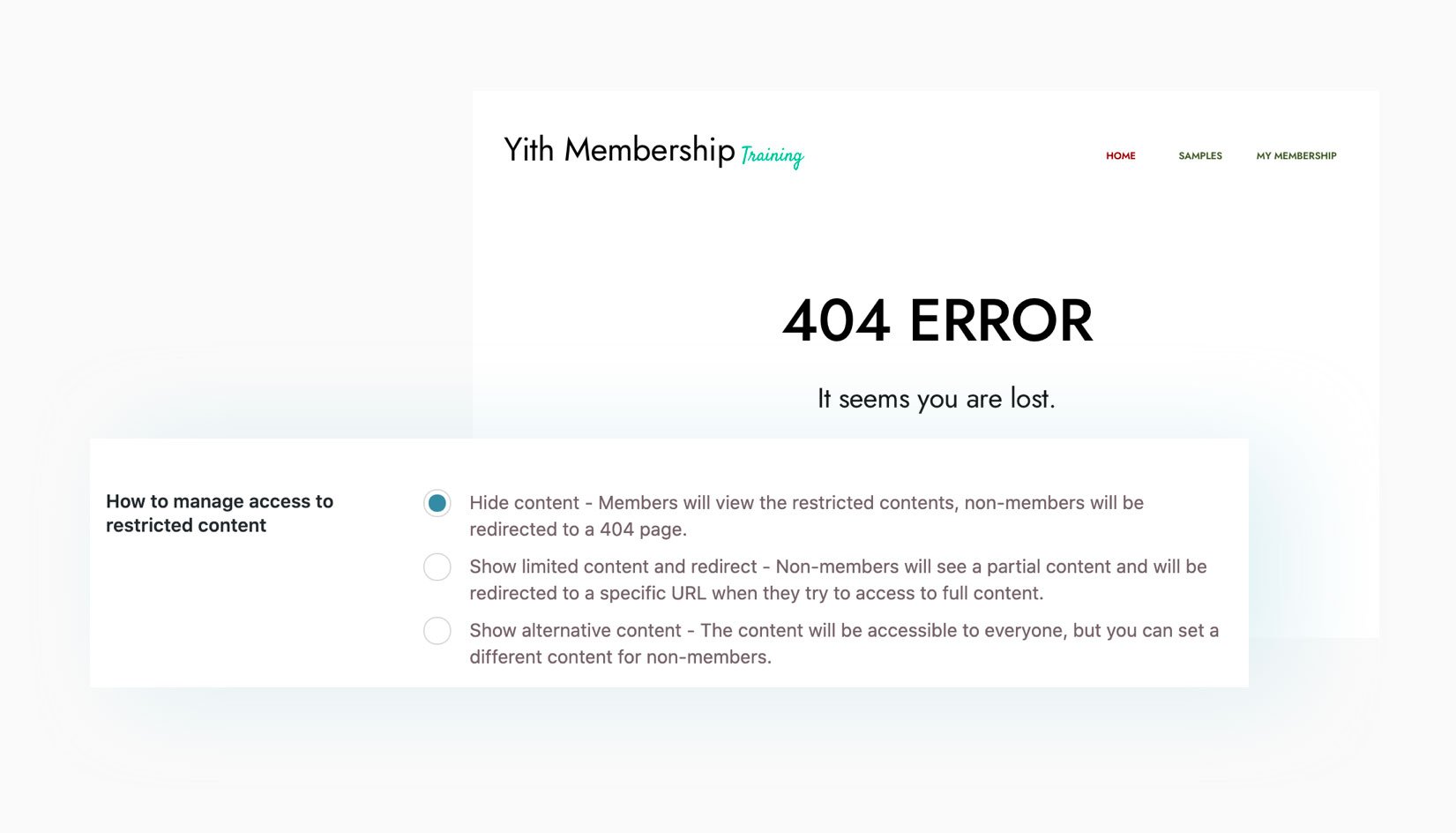
You can set up alternative content for each page, product, or post (thanks to Gutenberg's locks, you can add a banner or call to action to encourage your users to join and become members), redirect users to a specific URL, or alternatively, display a 404 error page for those trying to access restricted content.
New
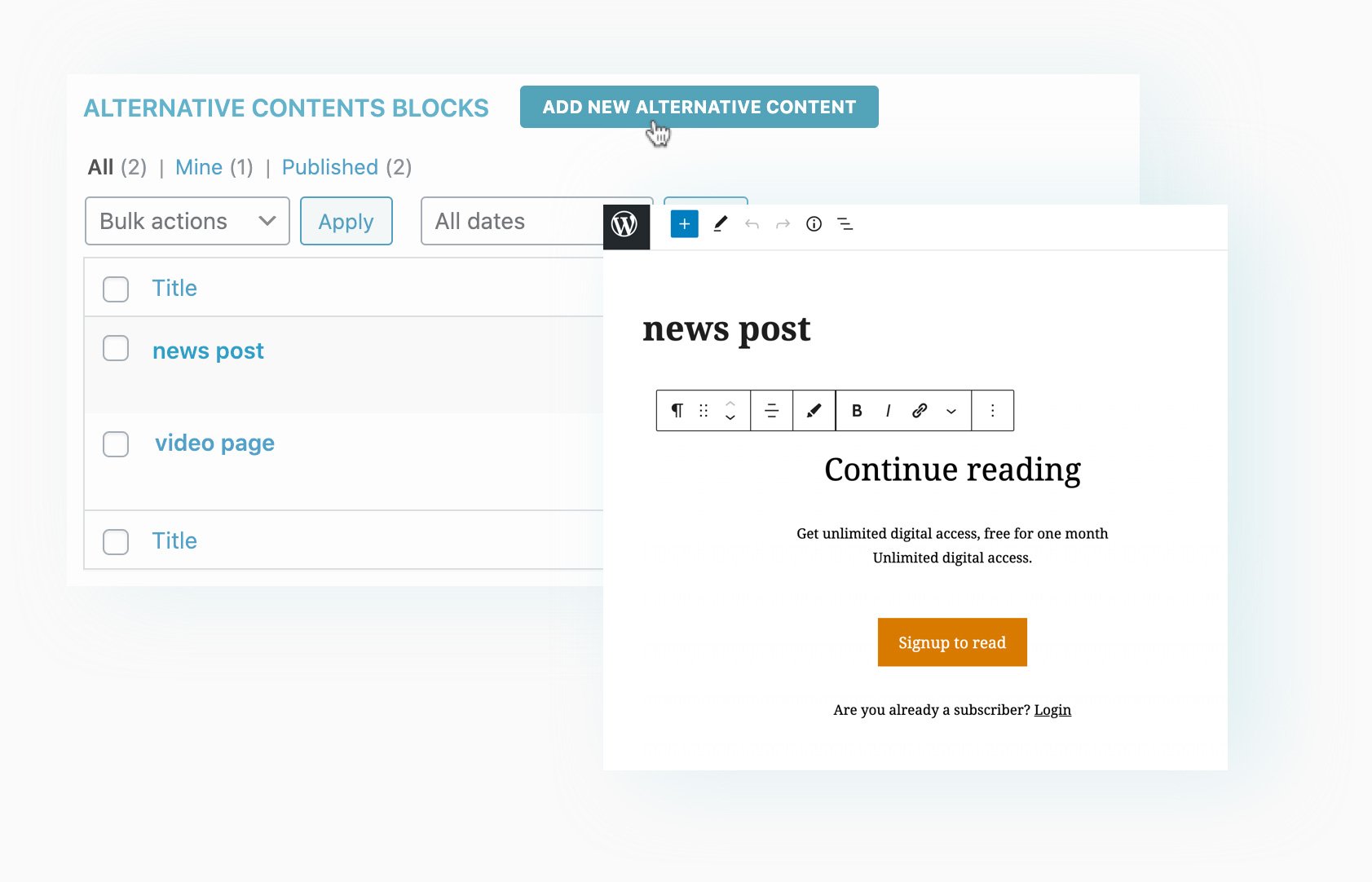
Use the new alternative content blocks to create advanced sections and pages with Gutenberg and display them to non-members. Thanks to the flexibility offered by Gutenberg, you can create banners, text, graphic sections, and call-to-action buttons to encourage your users to become members.
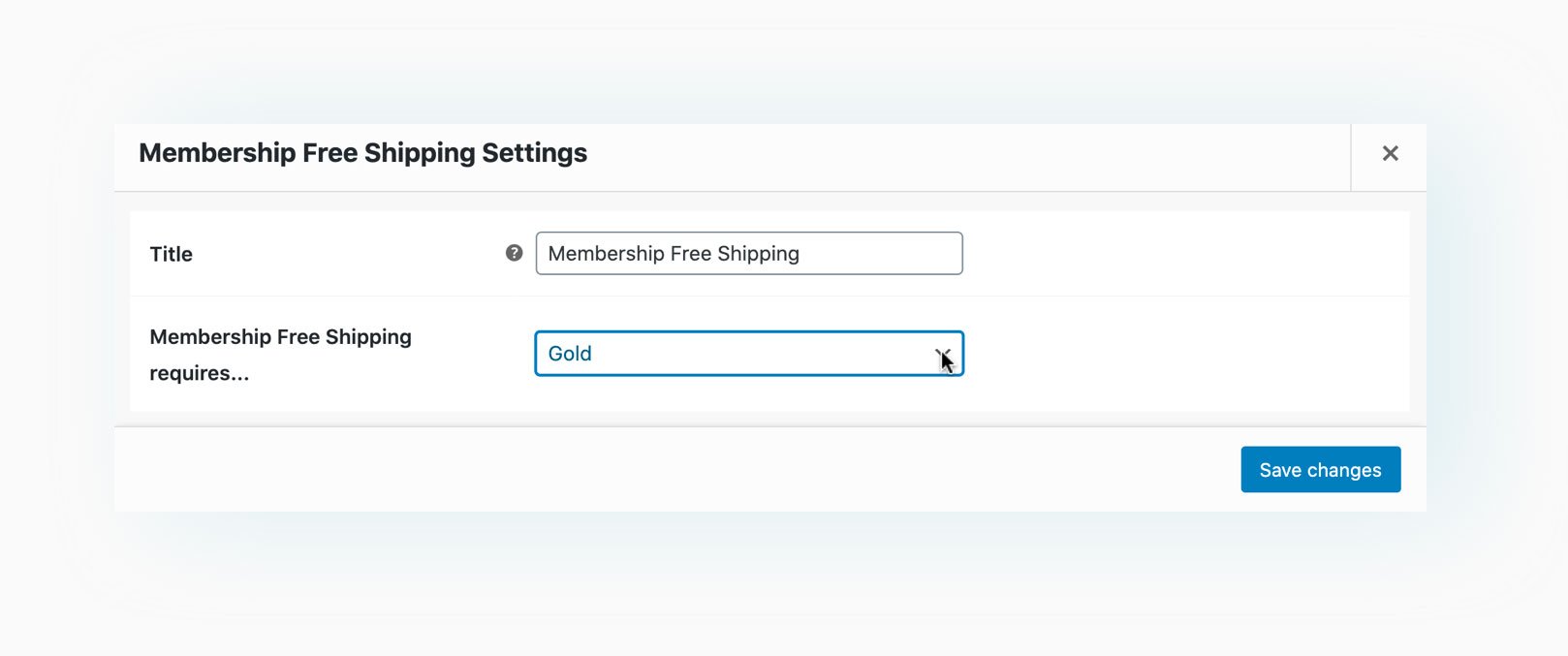
Choose the “Free shipping for members” option to offer free shipping to your members on all orders they place through your store.
New
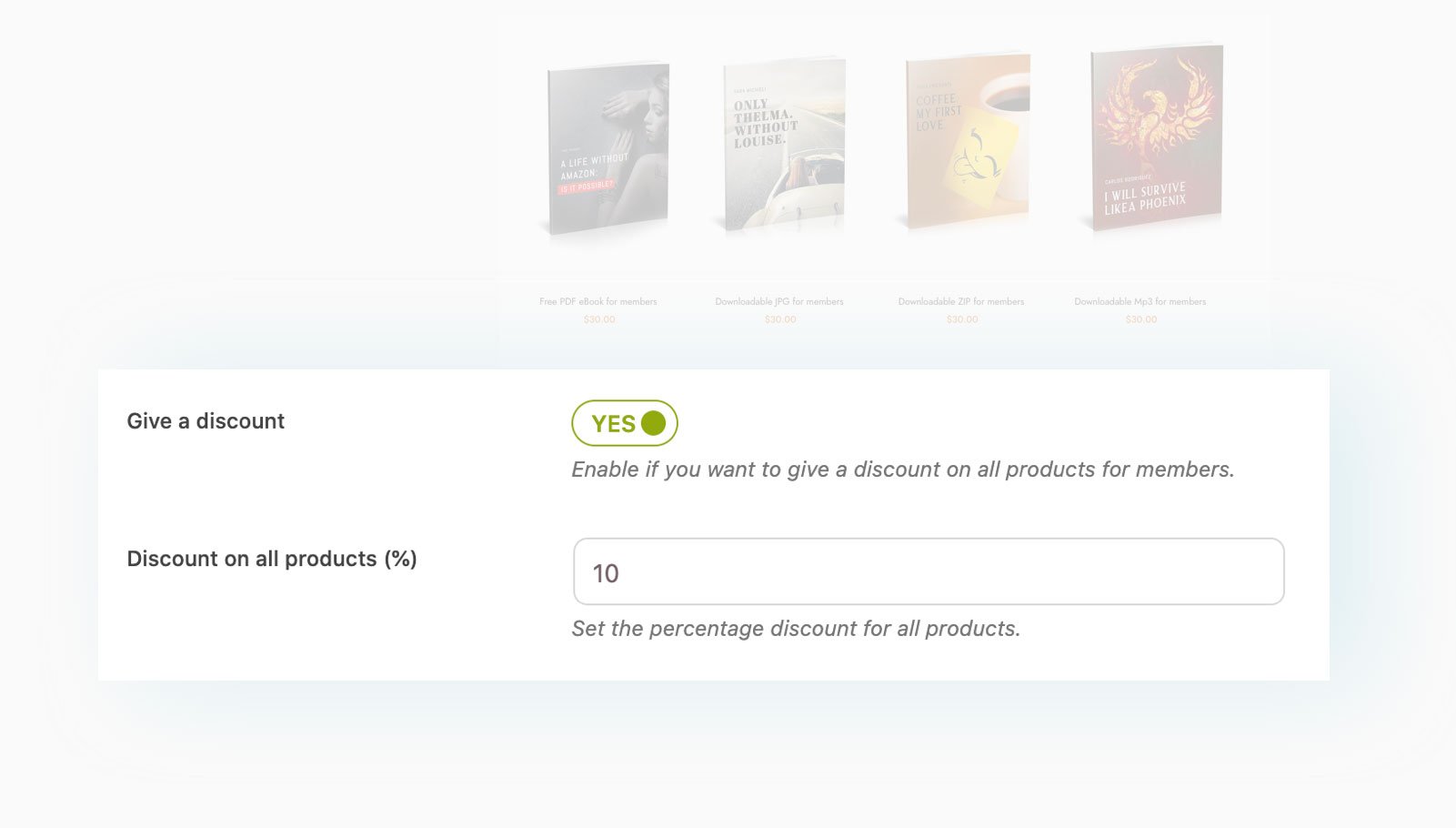
Do you want to give your members a 10% discount on every product? When you create the membership plan they will join, you will find this option. You can also set different percentage discount rates for each membership plan (for example, 10% for Silver users, 20% for Gold users, and so on).
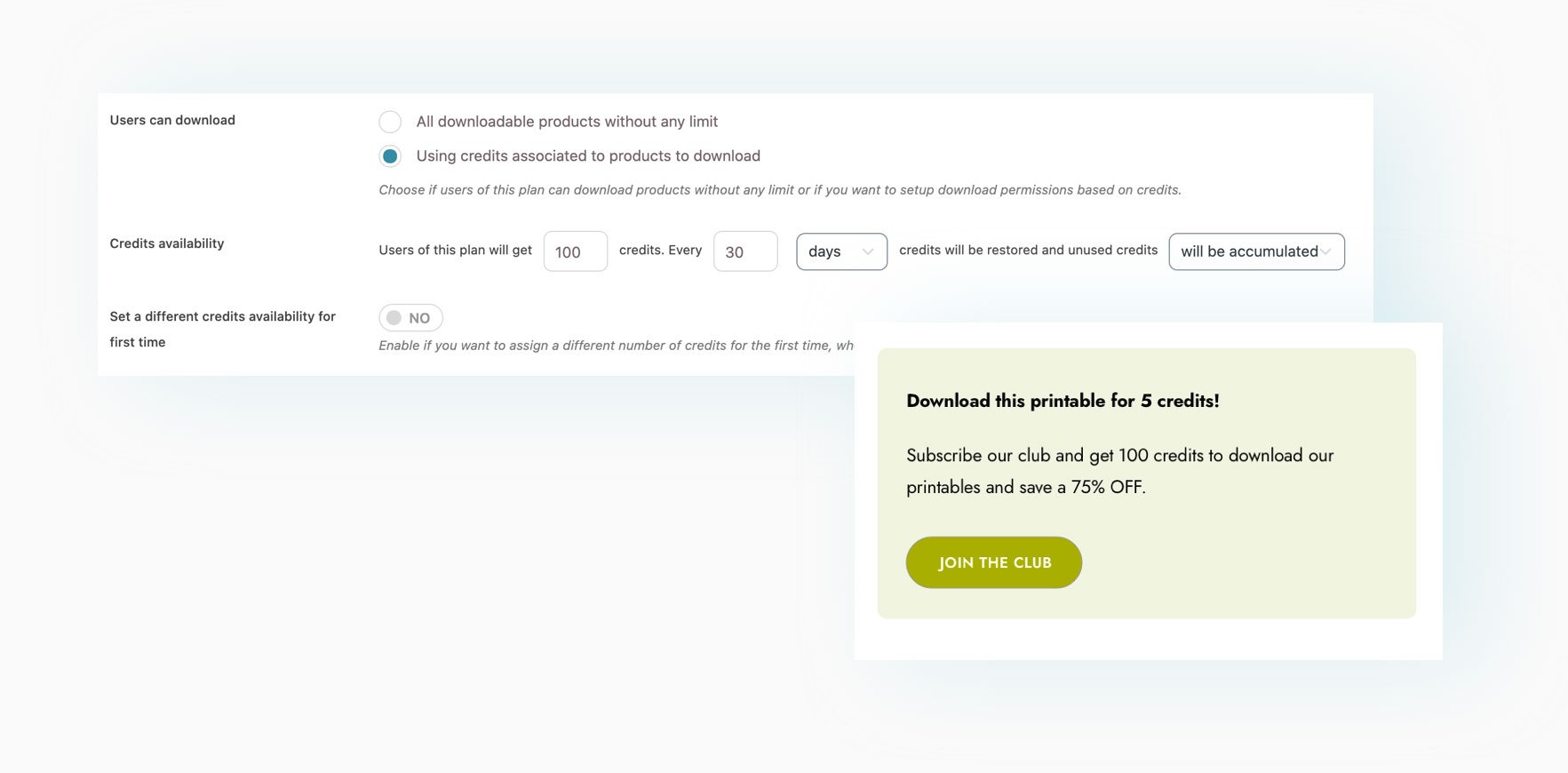
Build a platform where you can sell digital products or resources using a credit system. Choose how many credits you want to allocate to new members (based on the membership plan they are joining) and how many credits will be required to download an item.<br /> You can set a default value for the entire store or different values for specific products (for example, some products may require 5 credits, some other products cost 10 credits, etc.).
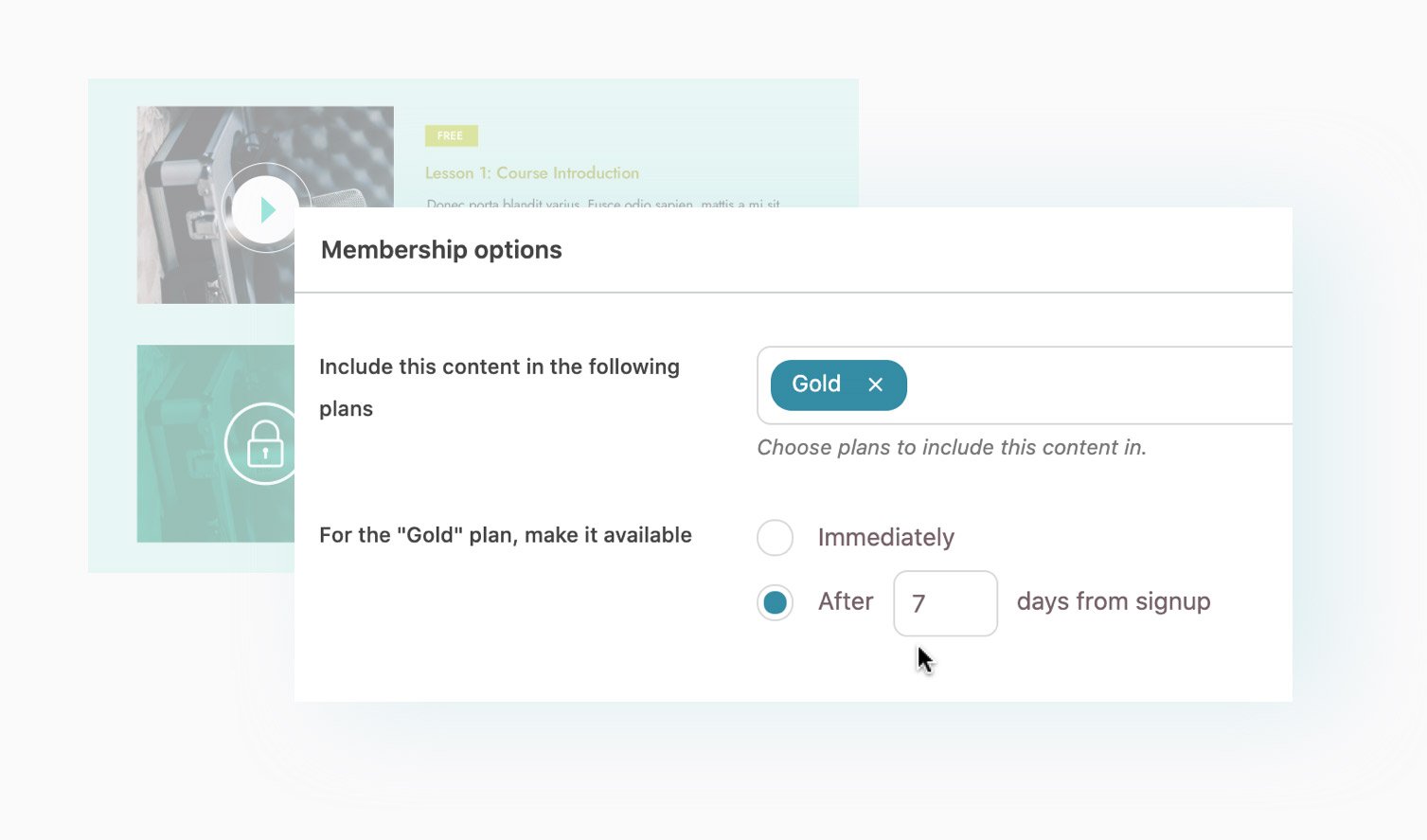
For each piece of content in the plan, you can choose when it will be made available to your users, allowing you to gradually and steadily delay its release (for example, the first video will be available immediately, the second after a week, etc.).
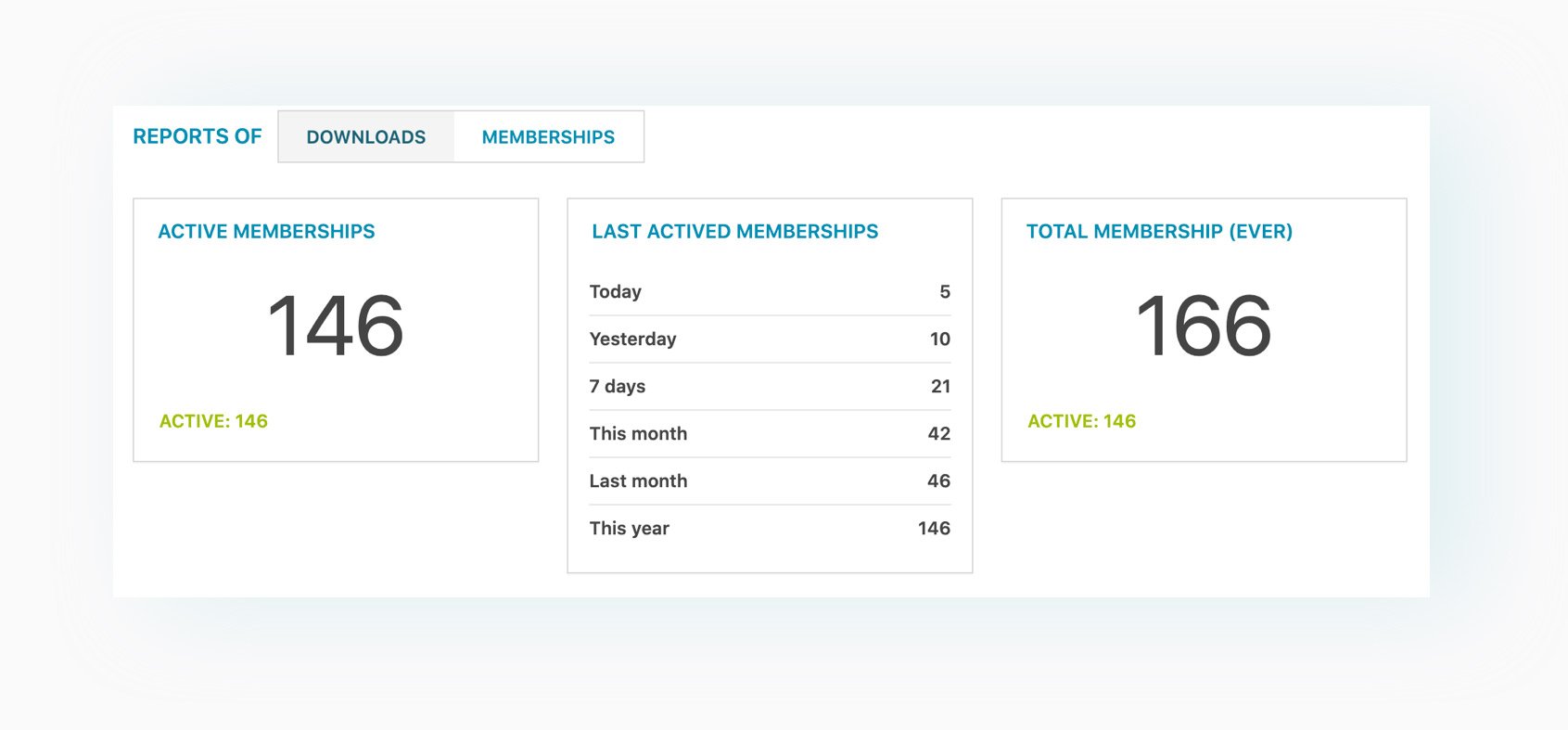
From the plugin's integrated dashboard, you can easily monitor all created subscriptions and downloads of resources included in each plan.
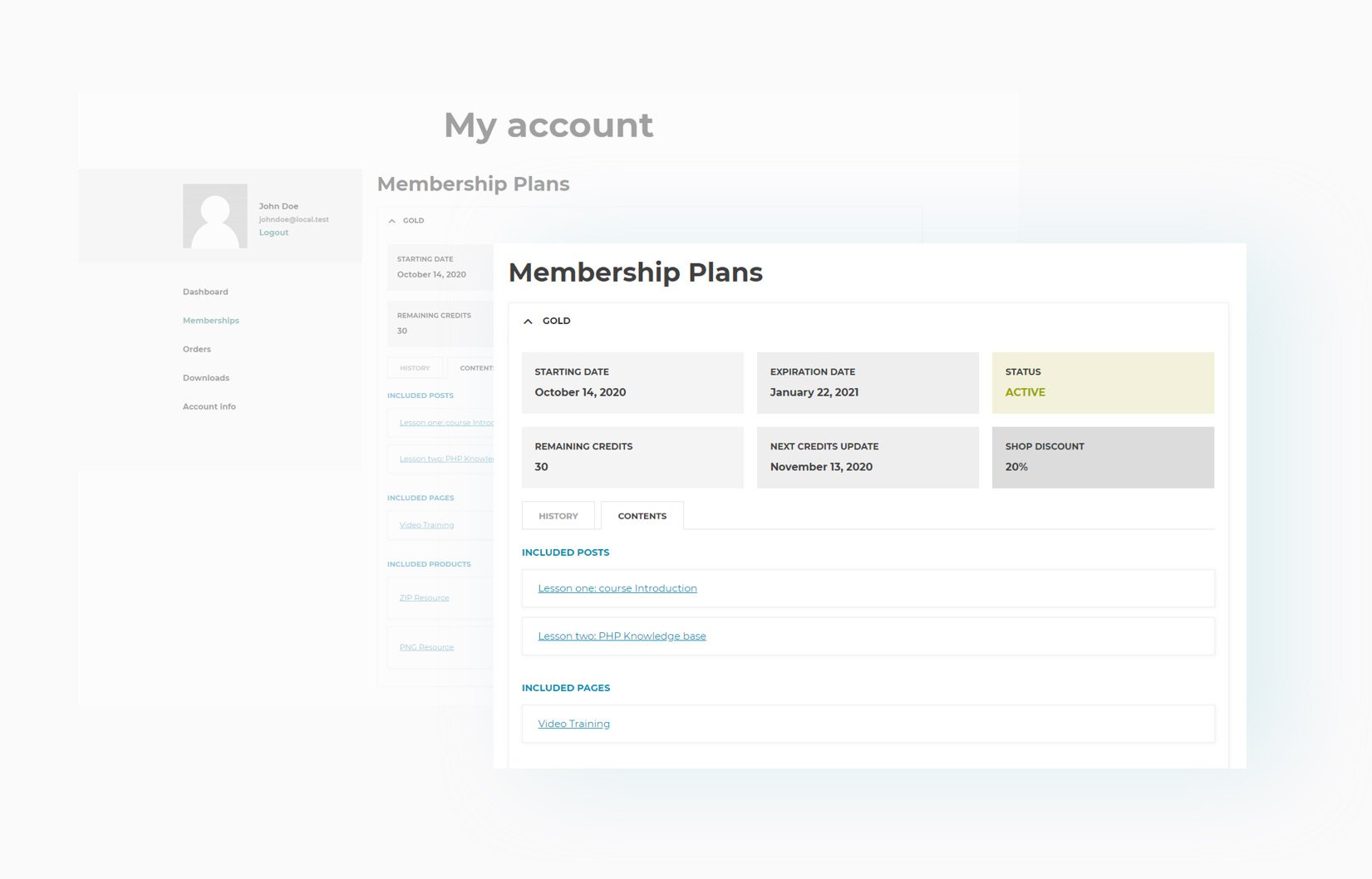
All users who have access to a specific membership plan will be able to see all the details in their reserved area in My Account, where they can also access reserved content and download the resources they have paid for.
Send a notification email to your users whenever a new membership is created, 10 days before it expires, when the membership expires, and when it is canceled.


 English (UK)
  Português do Brasil
  Español